






Visual Search — Evolving search for a new modality
Senior Design Lead, Microsoft ・ 2018
Given that the world is predominantly visual, search experiences should mirror this visual nature. Visual Search turned the camera into a way to find information when words fall short. I led design and strategy for the effort — building the foundation, envisioning the experiences, and partnering with teams across Microsoft to take it from a hypothesis to a platform of skills used across the search ecosystem.
Top user problems from UXR
It was difficult to find similar things on the web, and unintuitive to find certain things by searching with text — the gap was widest exactly where people wanted to know more about the world around them.
Goals
A search experience which enables users to find information when words fall short — going beyond the search box. Educate users about a new way to search, and make it top of mind.
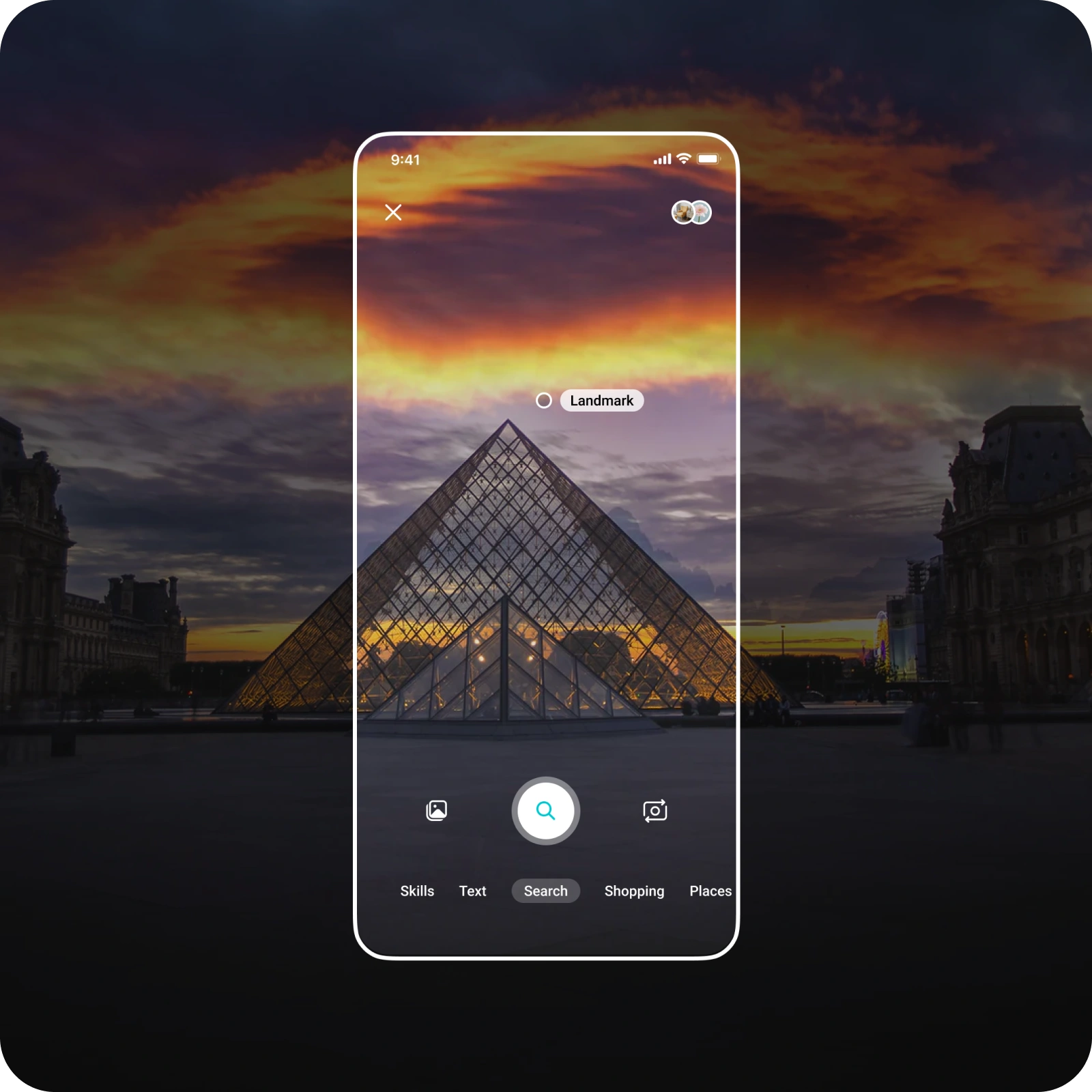
Abstracting the experience — how do we go from image to knowledge
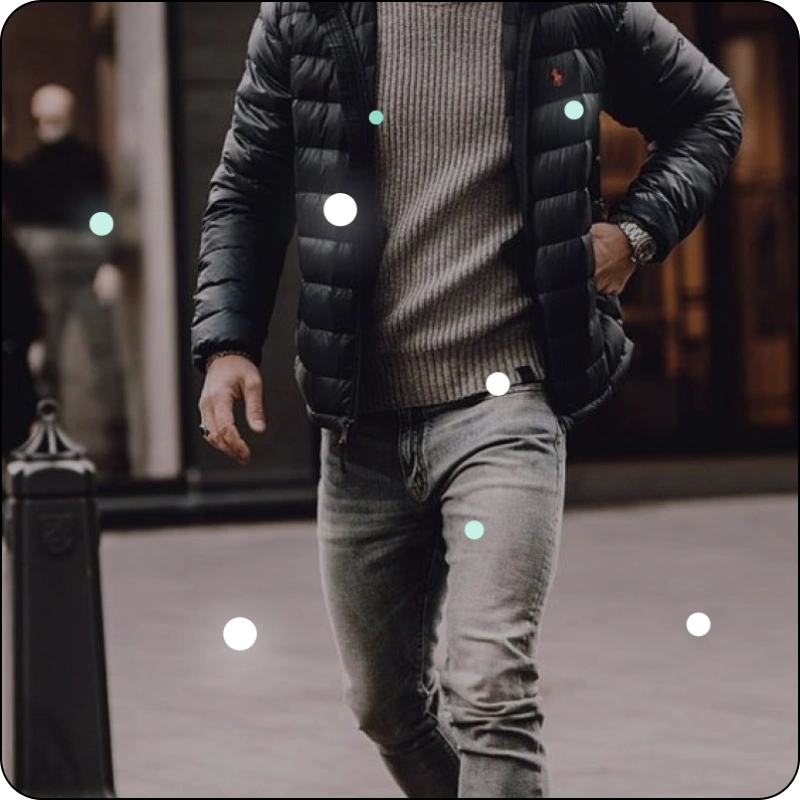
Looking
- User opens the visual search feature
- App begins looking for objects to identify
- Image acquisition, live or static
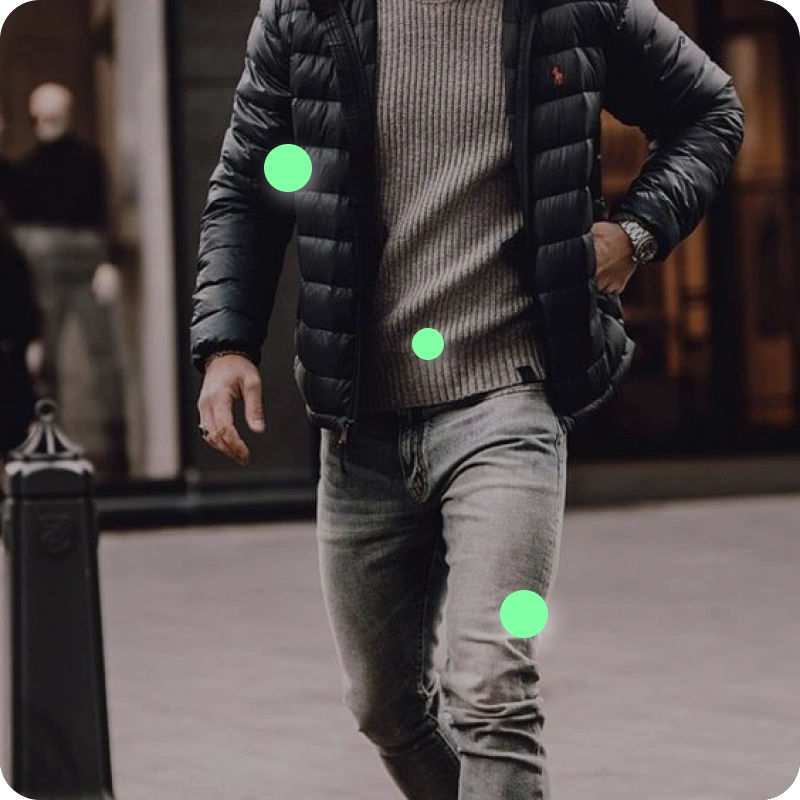
Recognizing
- User finds an object to search for
- App identifies objects and begins visual search
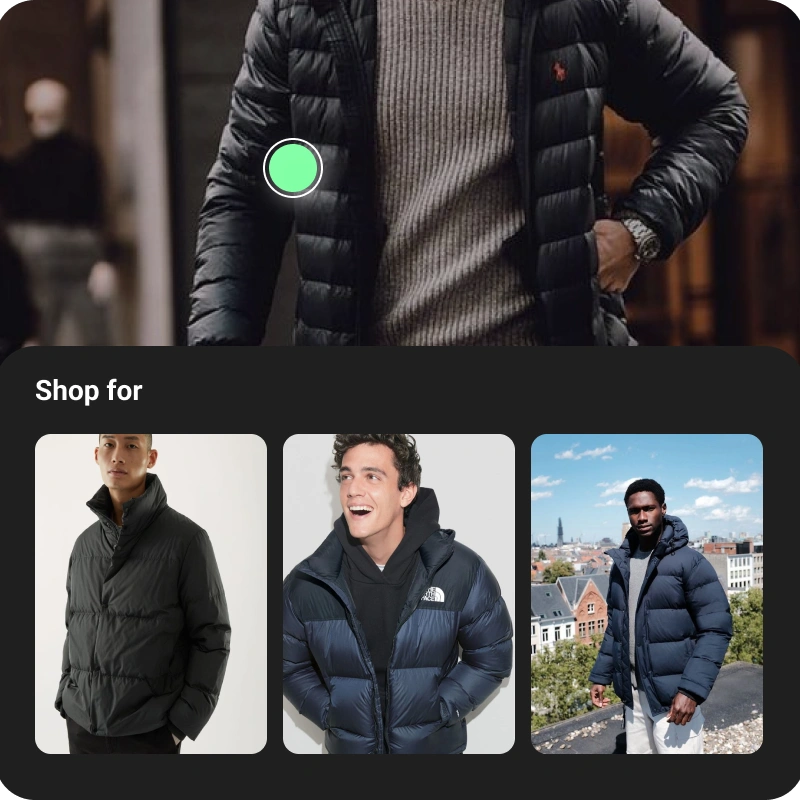
Communicating
Information reveal — based upon recognised information in the image, bounding boxes, hotspots, available modes and flyouts used to reveal top level info and actions.
Key UX principles
Digestibility
Show content needed to satisfy user intent and not overwhelming the experience with everything we could possibly show
Trust & confidence
Let the user know when we know for sure versus when we are less confident to build trust in our product
Recourse
The user should have option to recourse if the results aren't satisfactory. Minimize failure states — guide the user along a path to successful and relevant results
Inform the click
The user should know what each click or tap will lead to in a consistent manner
Visual search invoking flow
The camera had to feel like a natural extension of search — reachable from the feed, and recognizing an object simply by hovering over it.
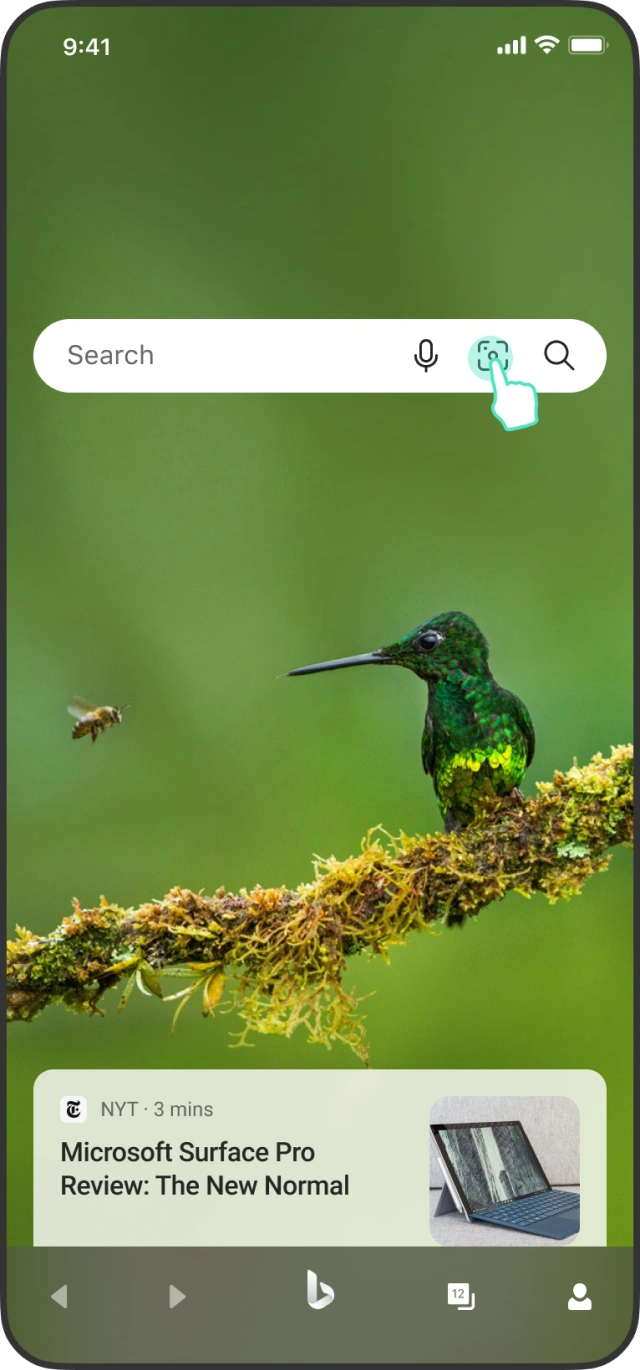
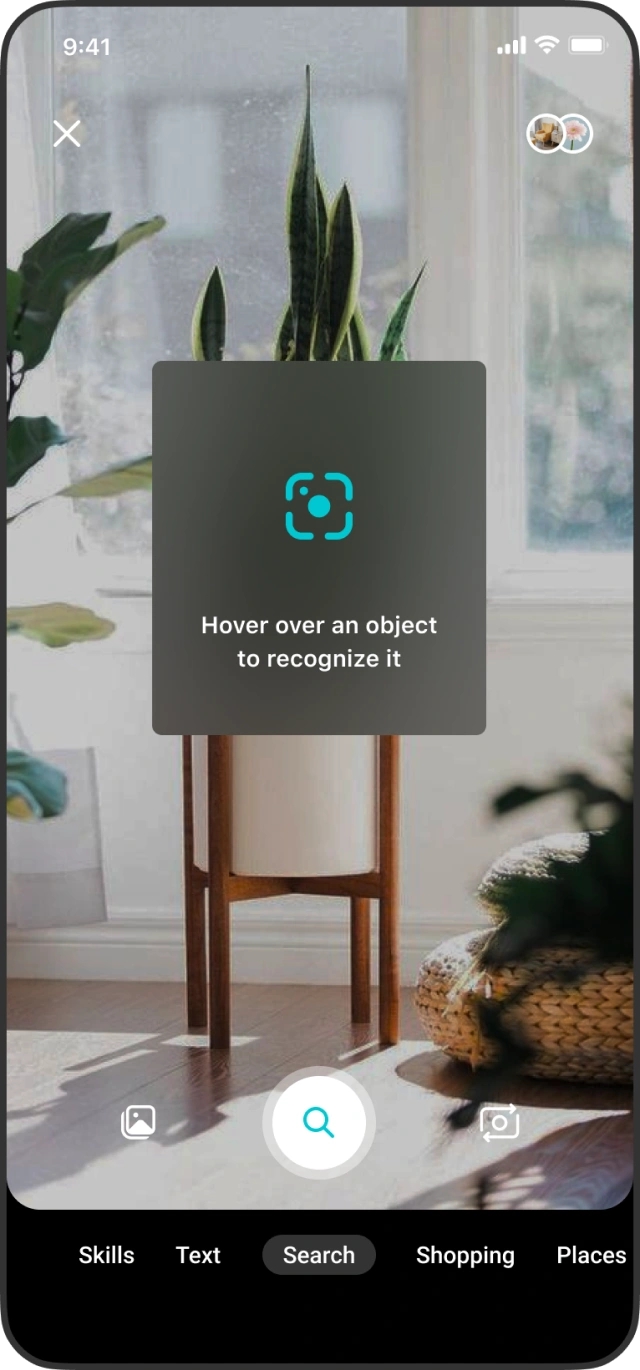
Camera UI
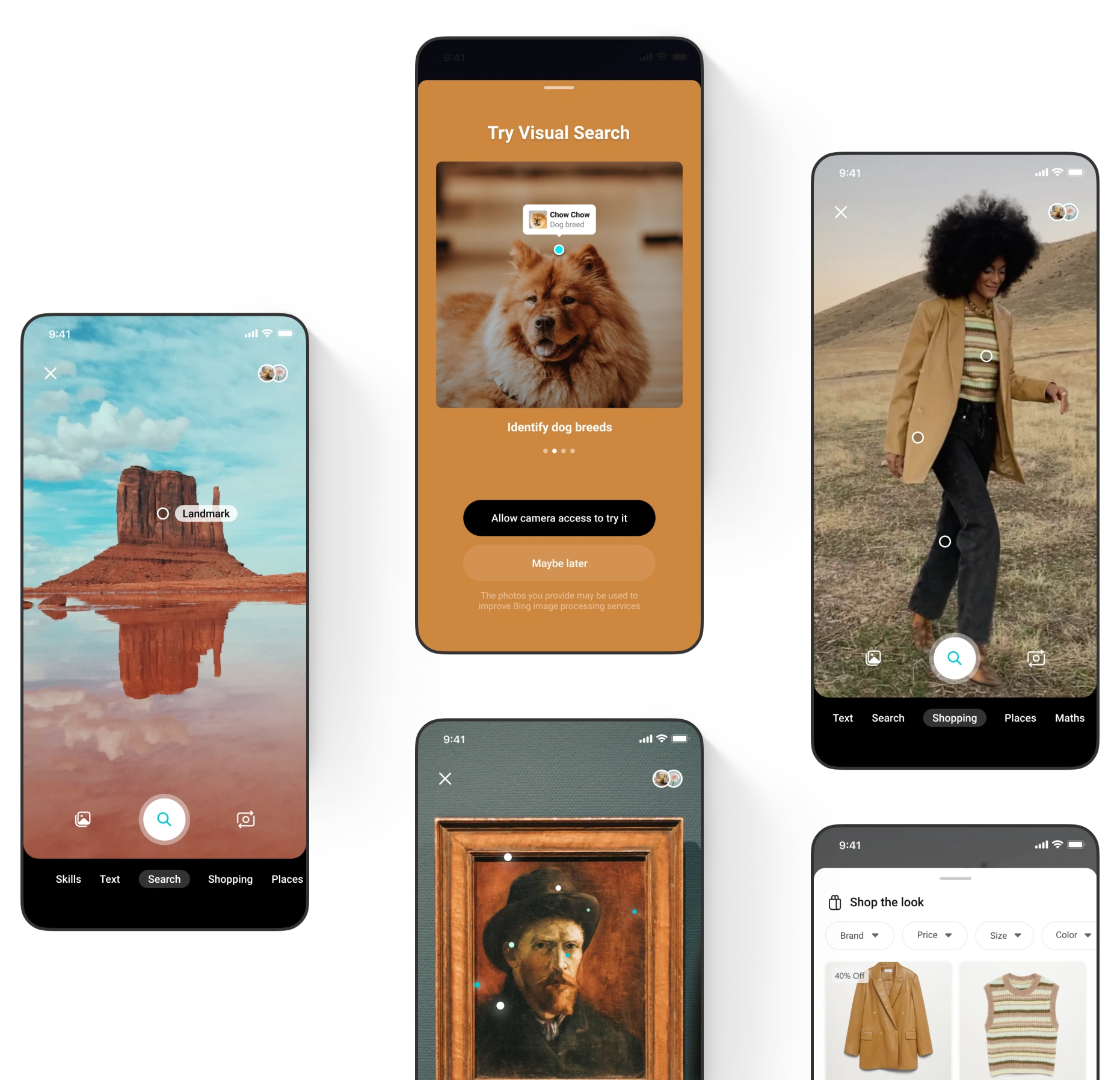
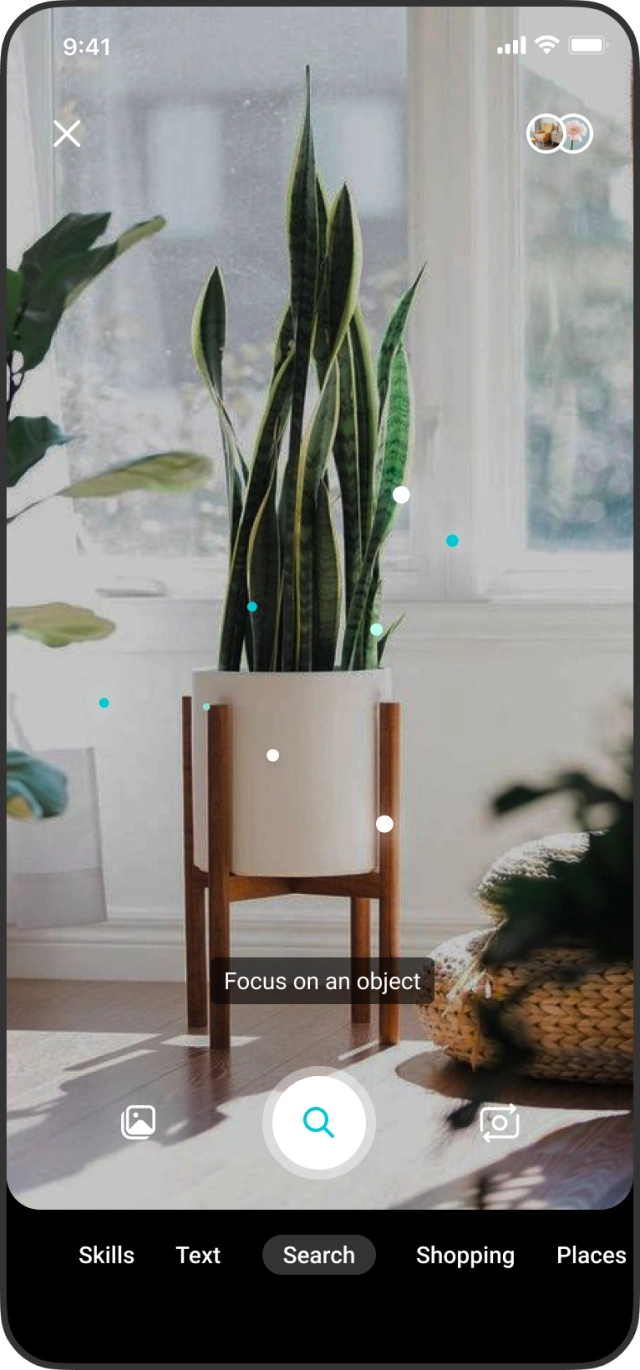
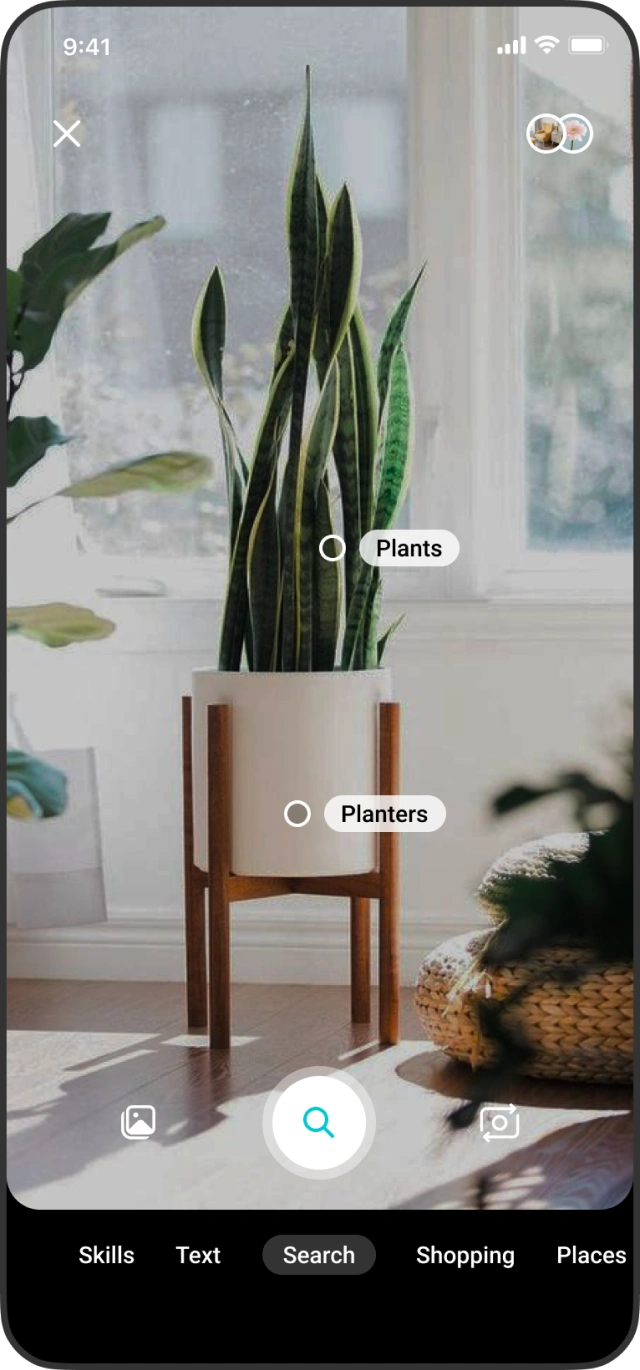
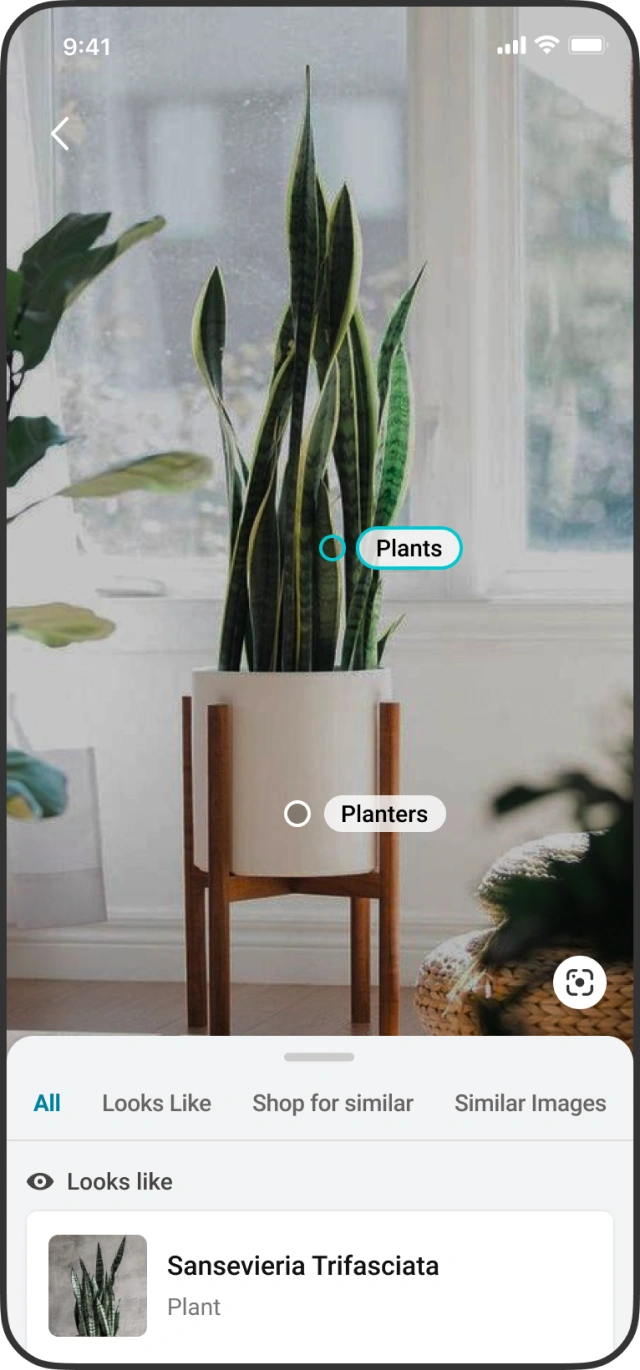
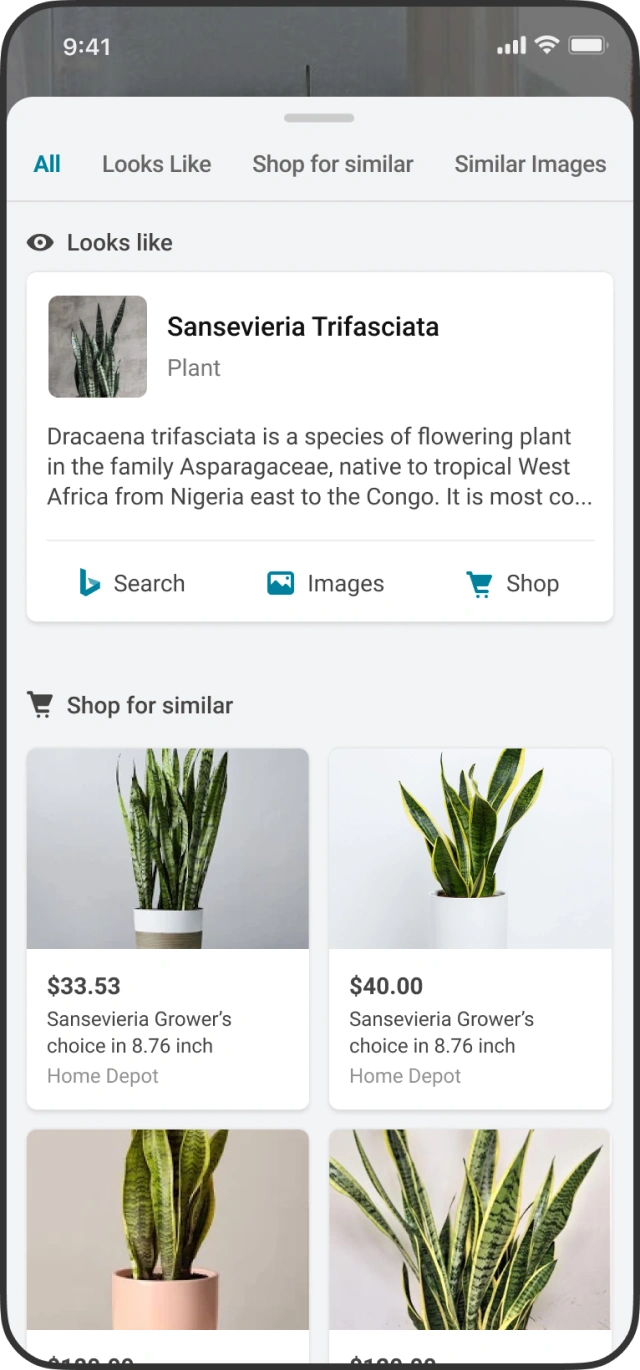
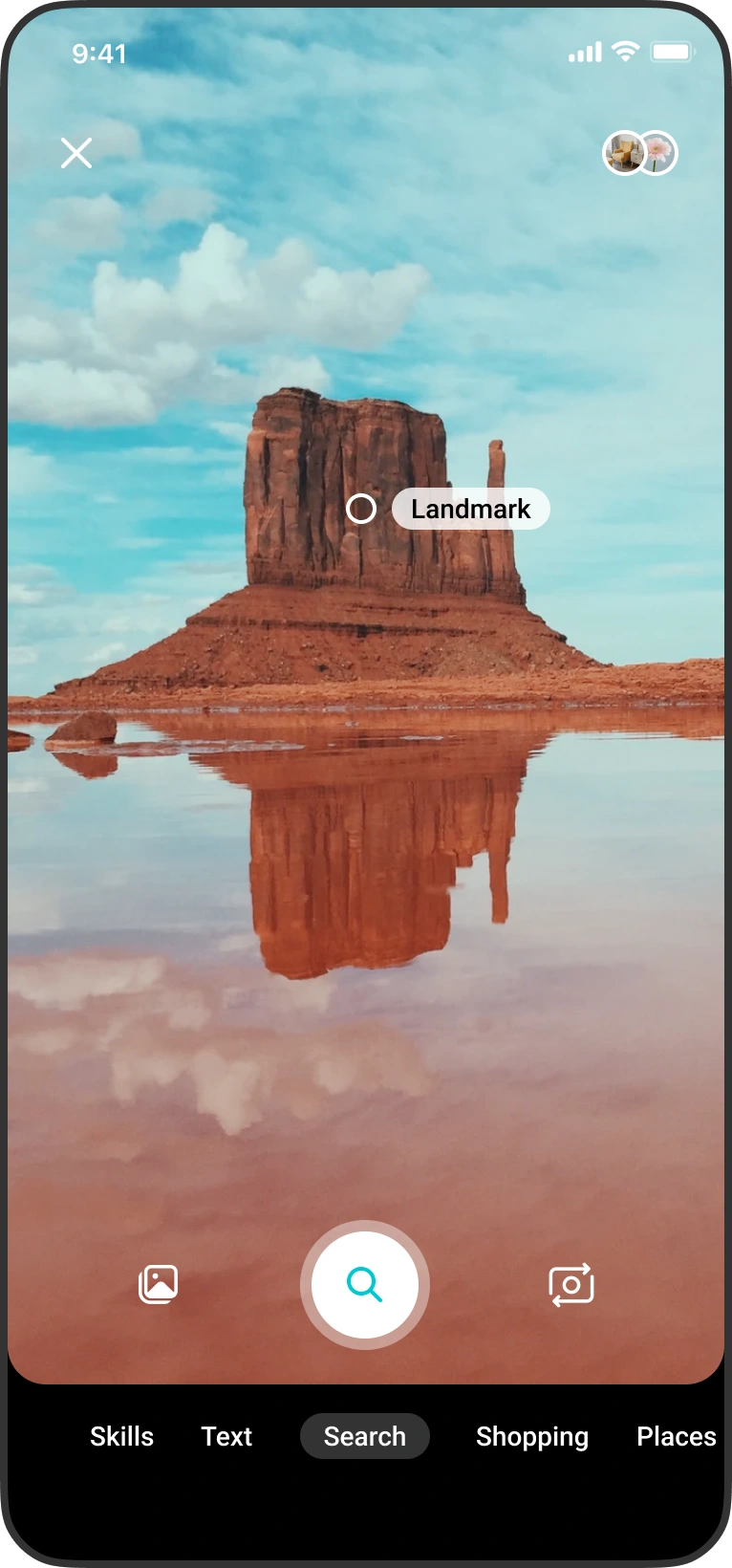
Focus on an object, and the interface reveals what it is alongside the actions worth taking — look alikes, similar images, and places to shop.
Landing the core interaction model
We compared the camera with mode labels, without mode labels, and a universal model with no modes at all — trading discoverability against a cleaner, more automatic experience.
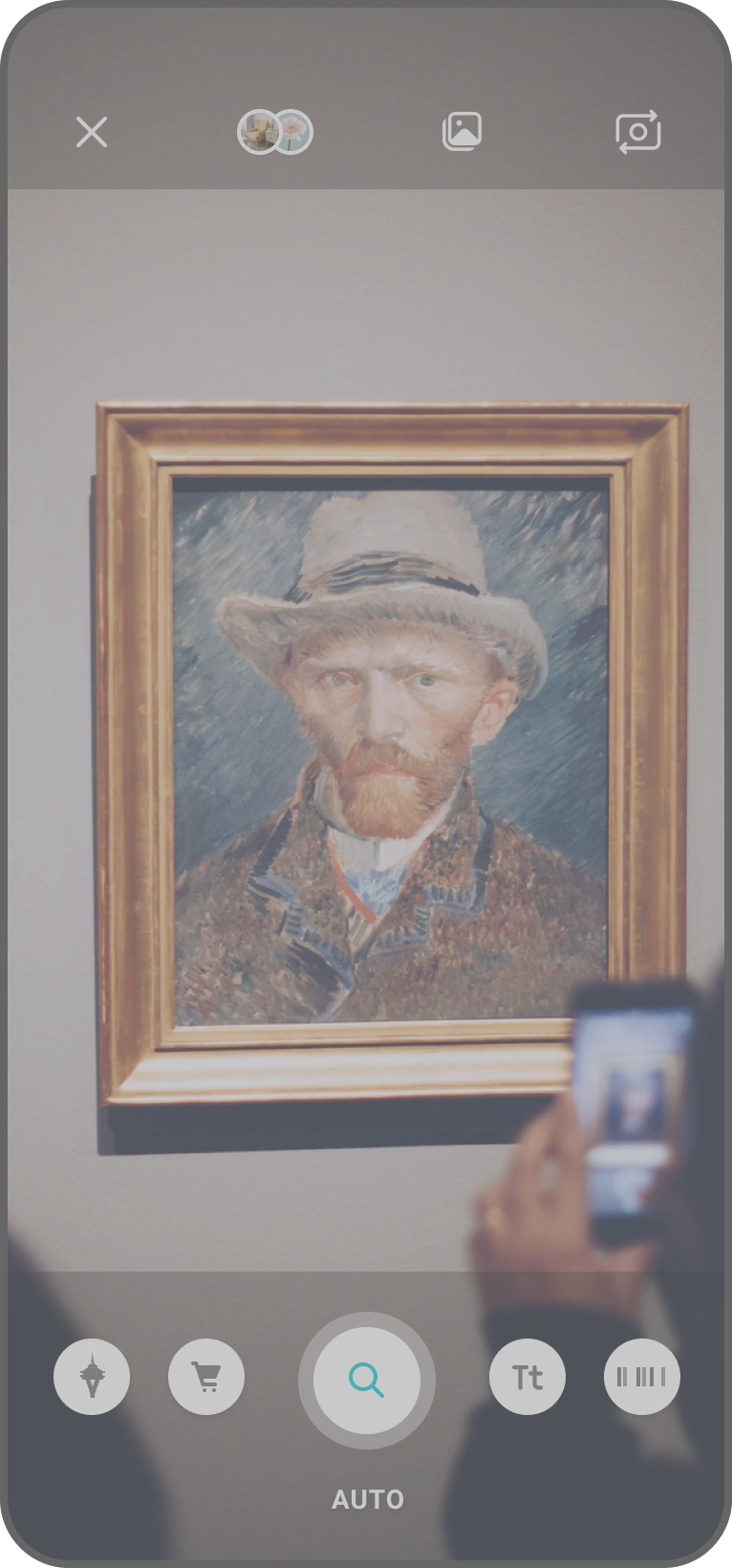
Without mode labels
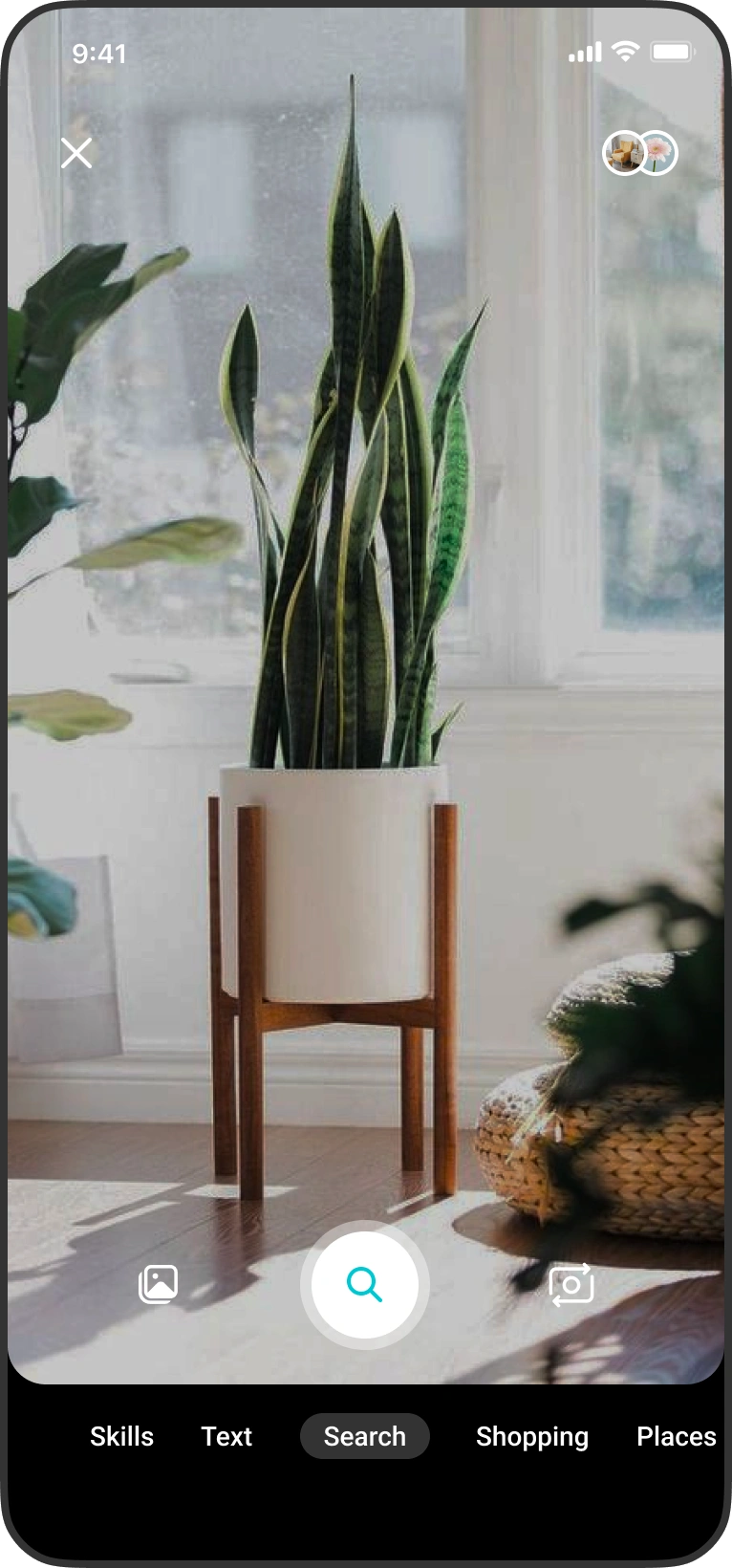
With mode labels
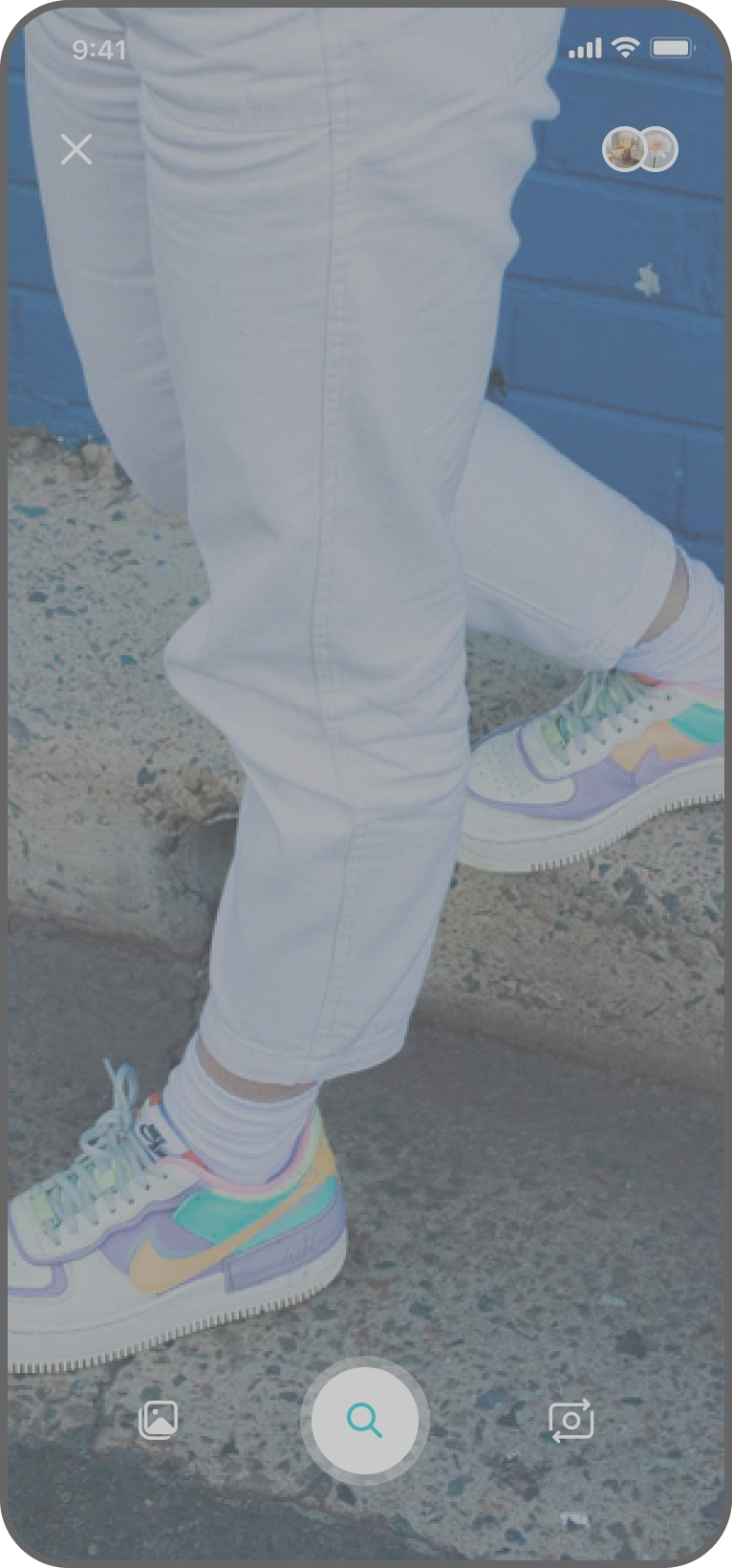
Universal, without modes
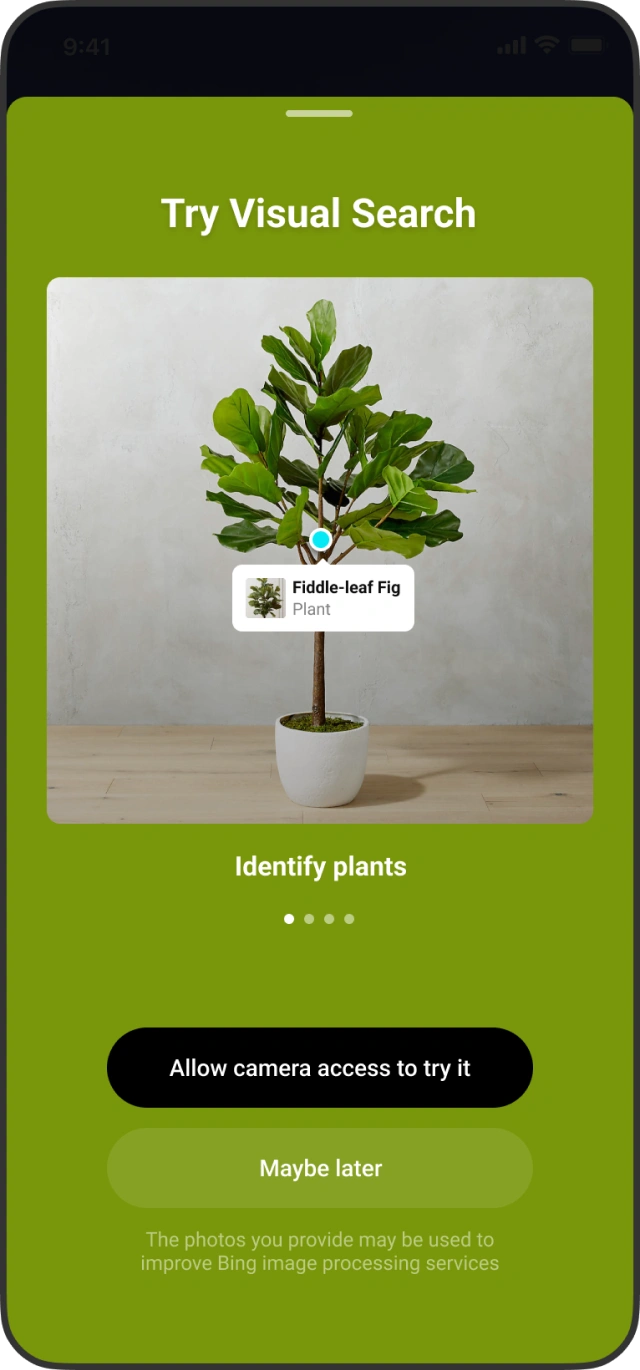
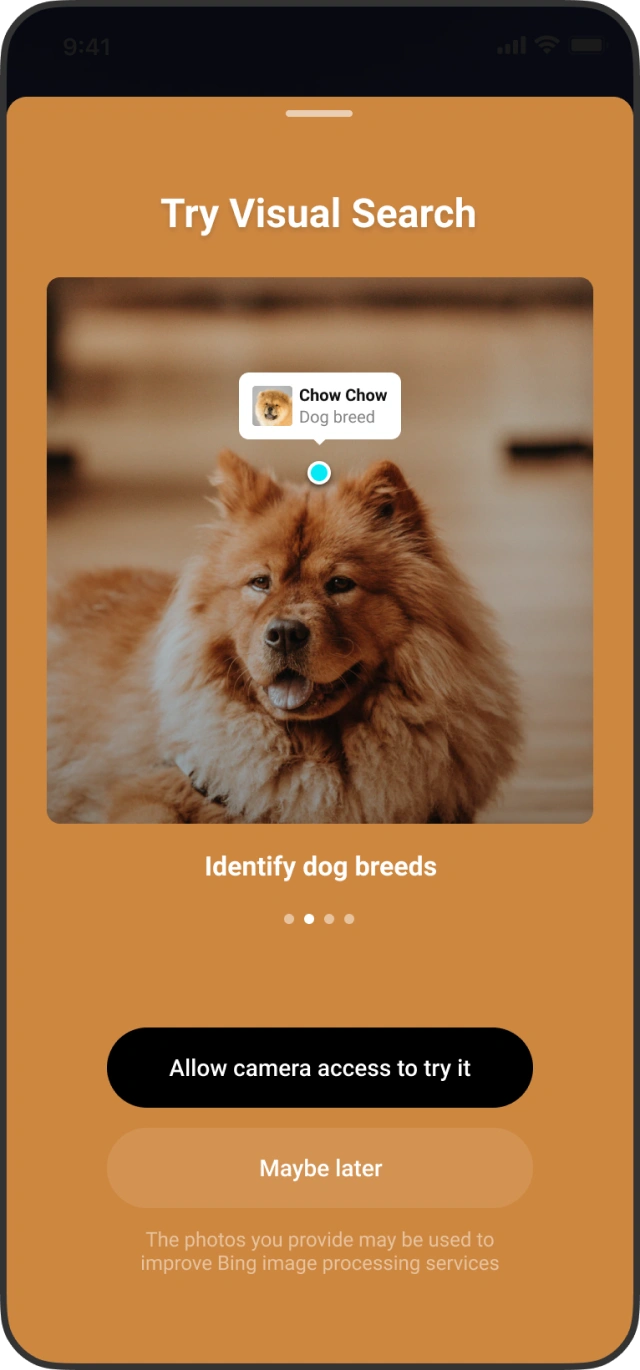
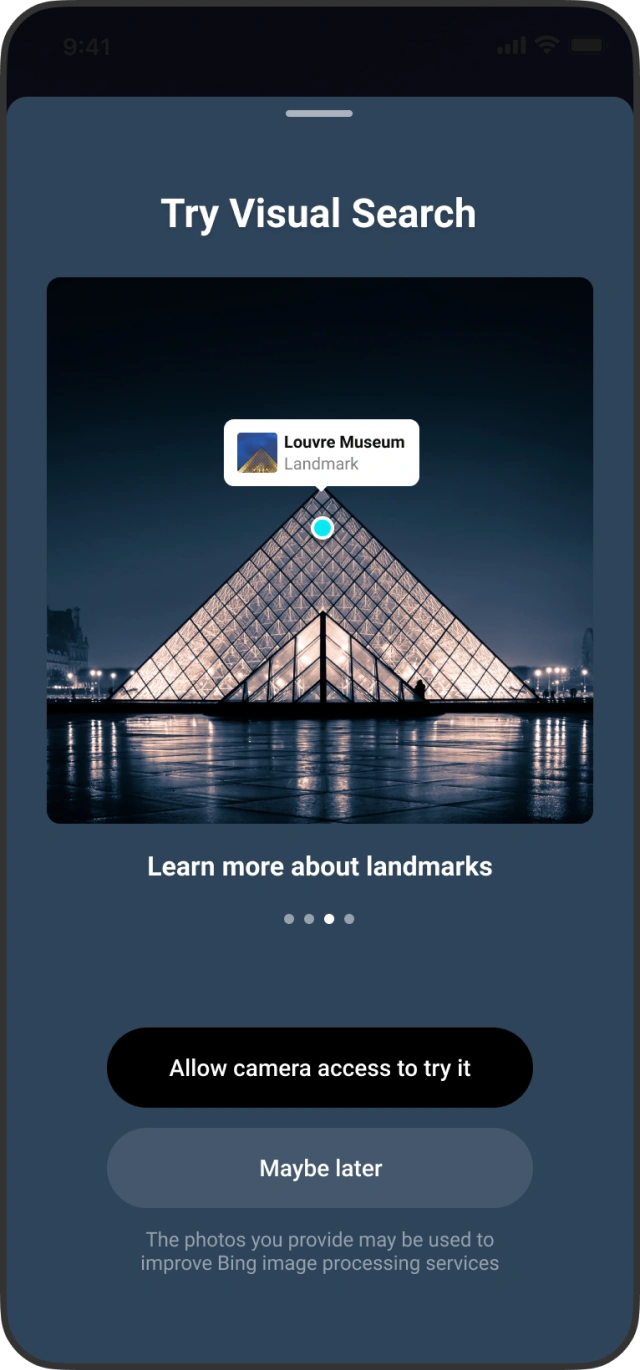
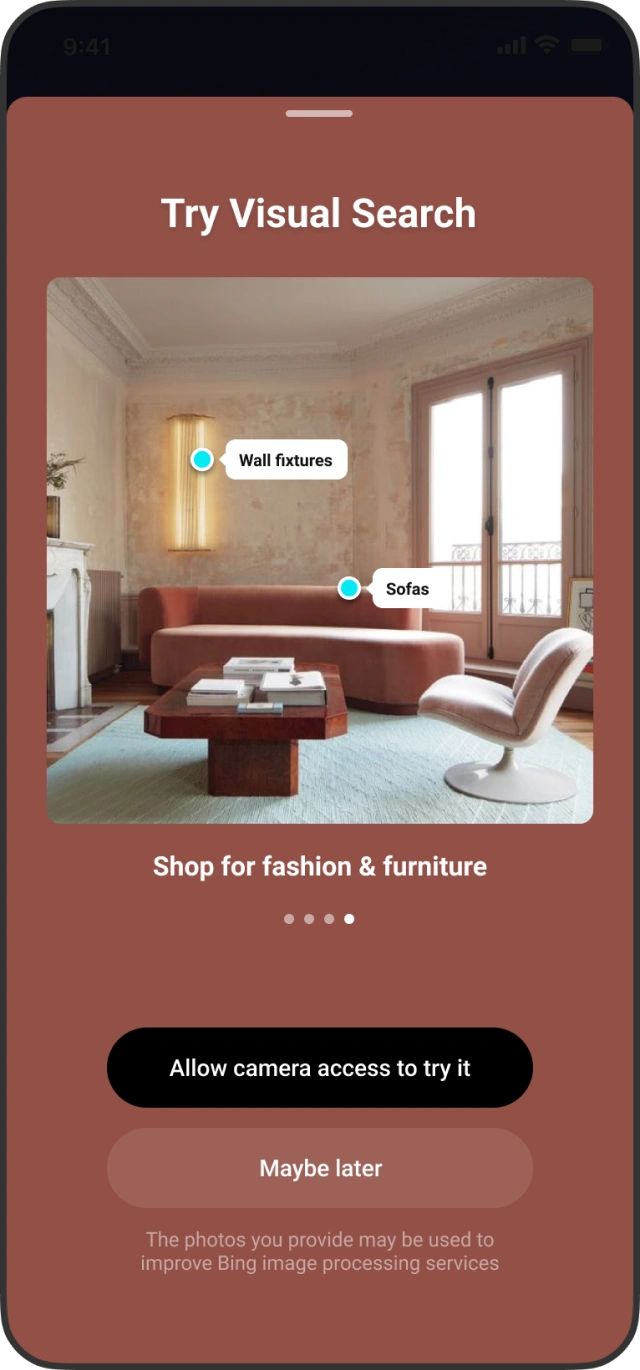
First run experience
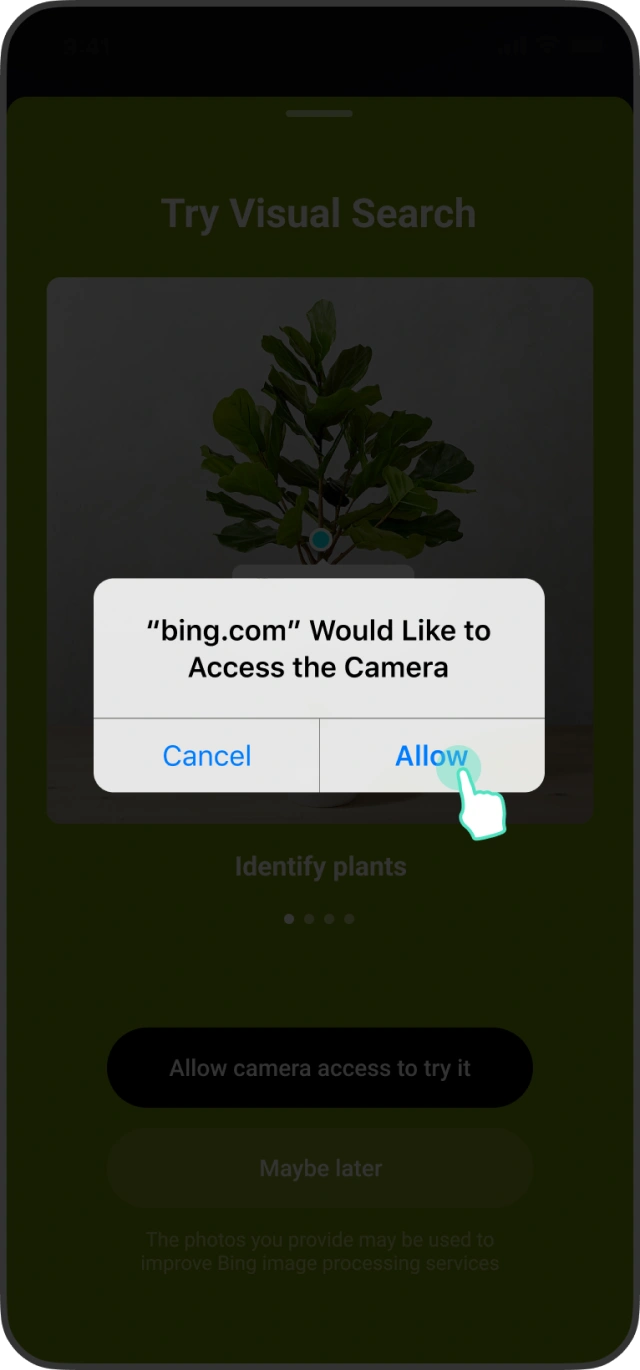
Because the camera was not a familiar entry point to search, the first run had to educate users about a new way to search and earn camera access in the same breath.
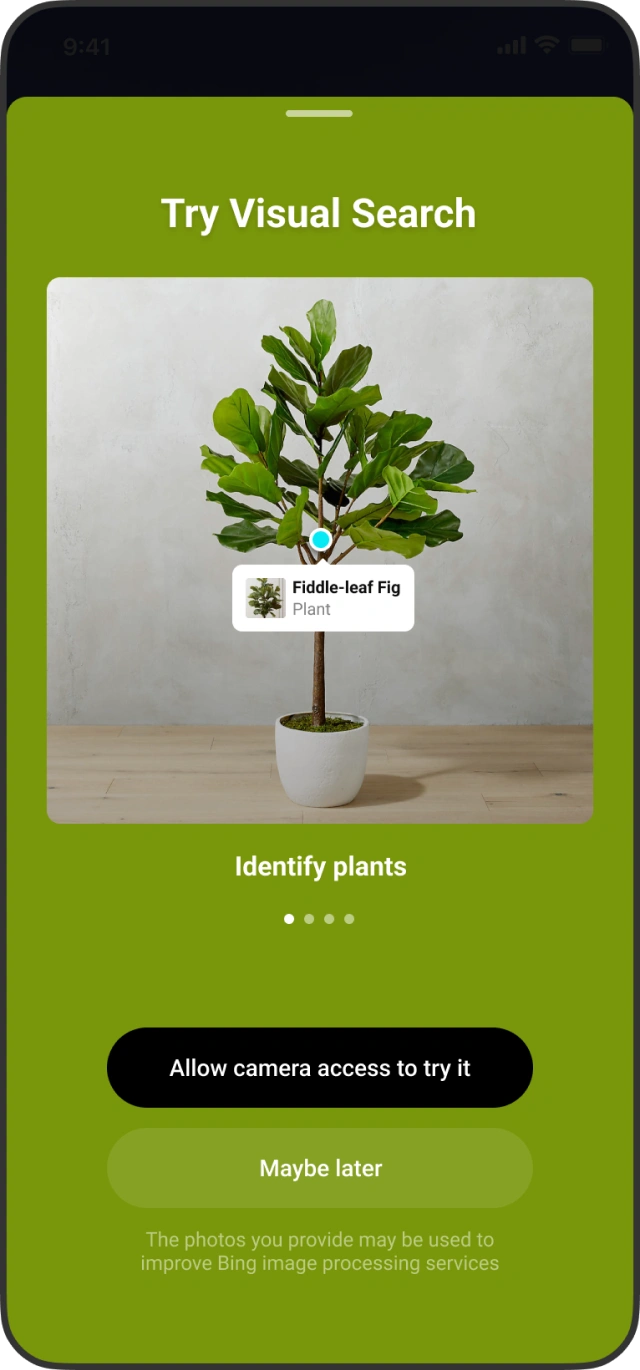
Dogfood feedback and challenges at this step
- Early ML models gave highly inaccurate and poor results.
- Mismatch in user expectations versus the results.
- Lack of finesse in the image capturing implementation.
Continuous iterations and improvements — in the UI, in the flow and at the backend — led to a solution where we as a team felt confident to release. Sensing, hold still, move closer and error states each told the user what the camera needed.
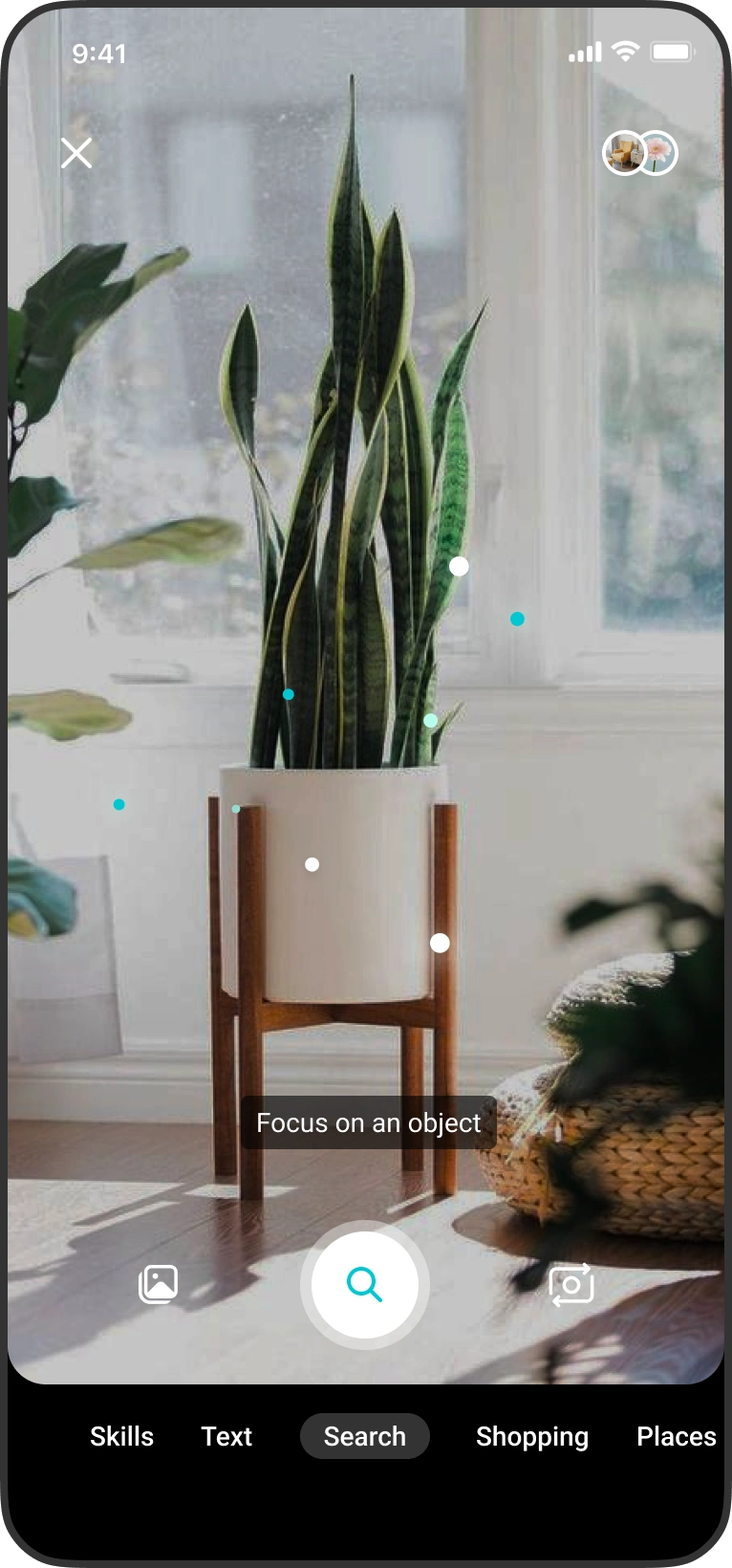

- Sensing

- Keep camera still for a moment

- Move closer

- Error
Evolved live detection UI in V2
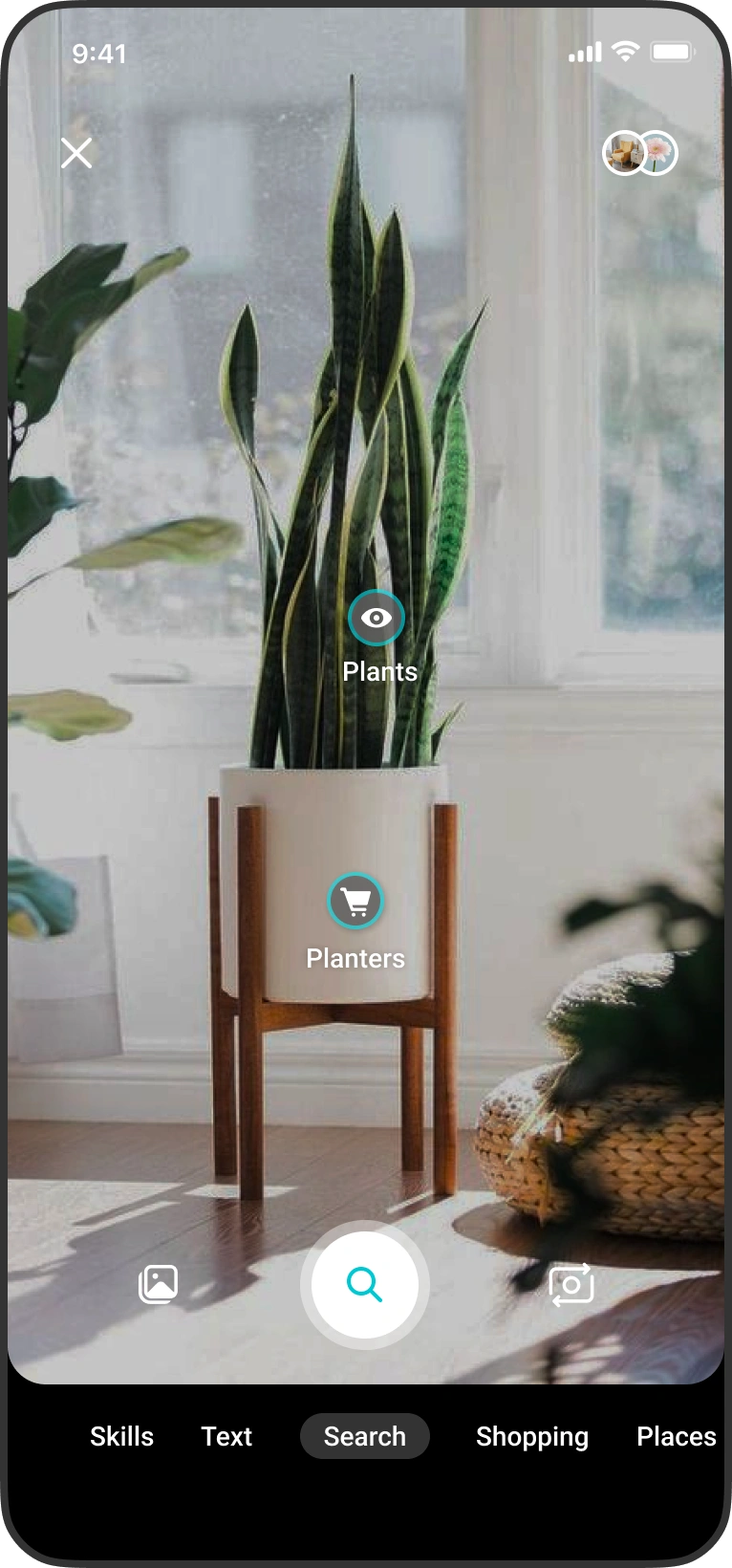
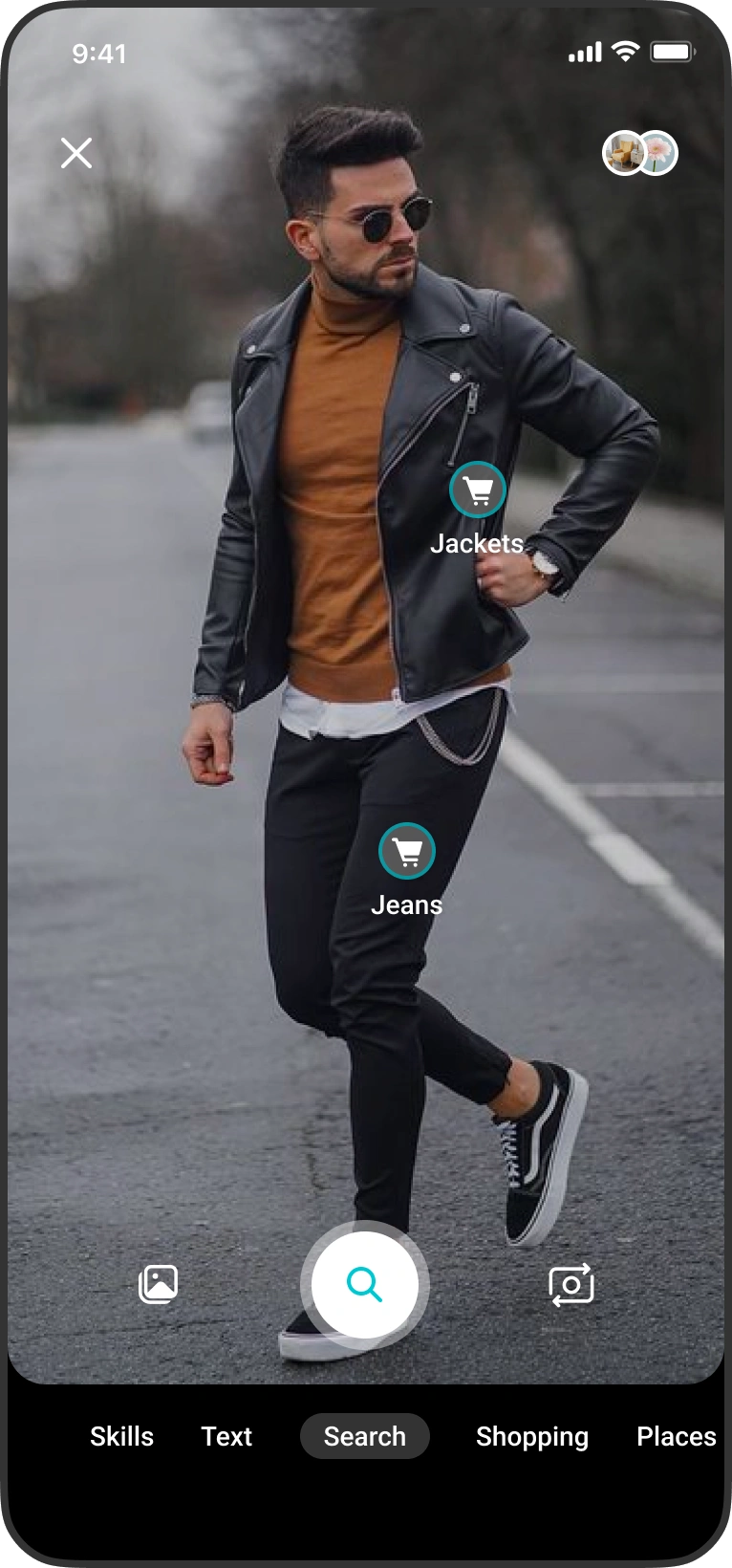
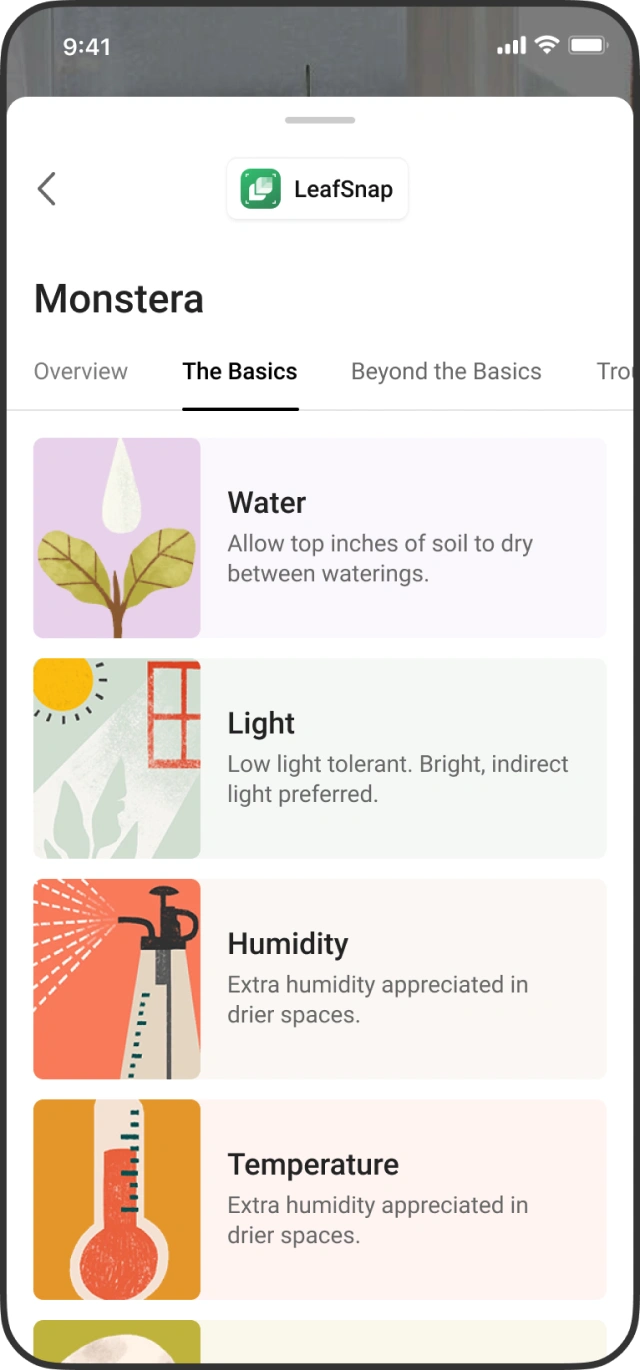
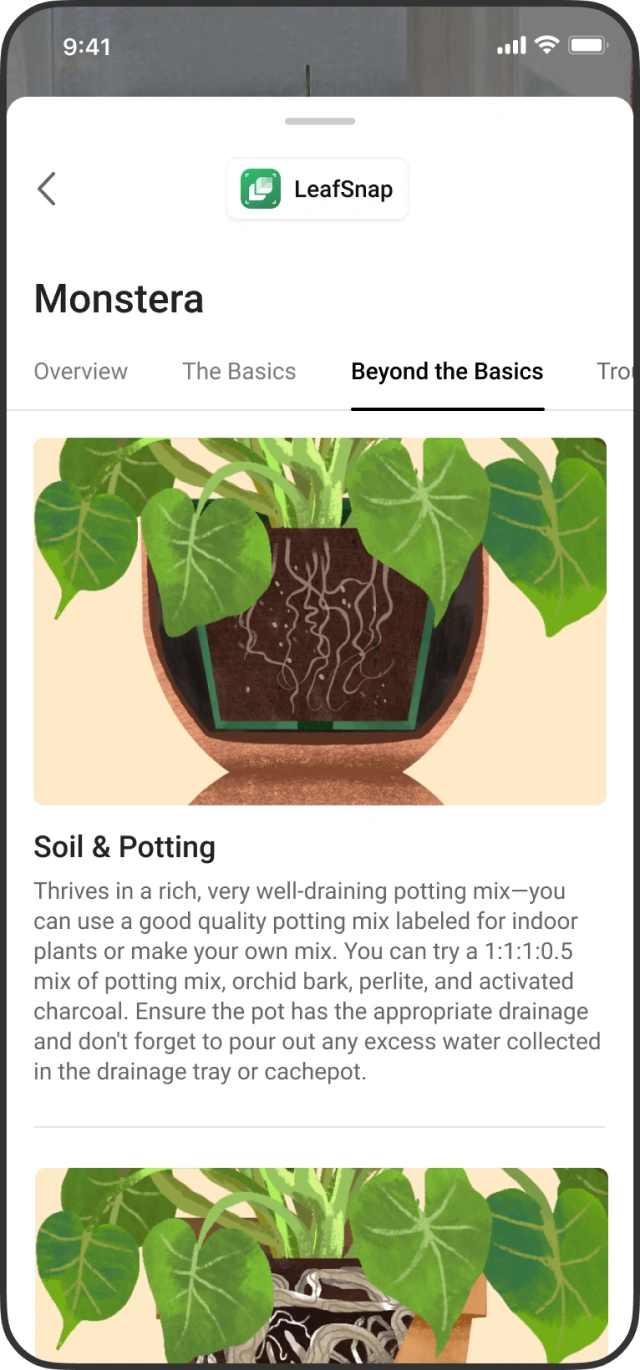
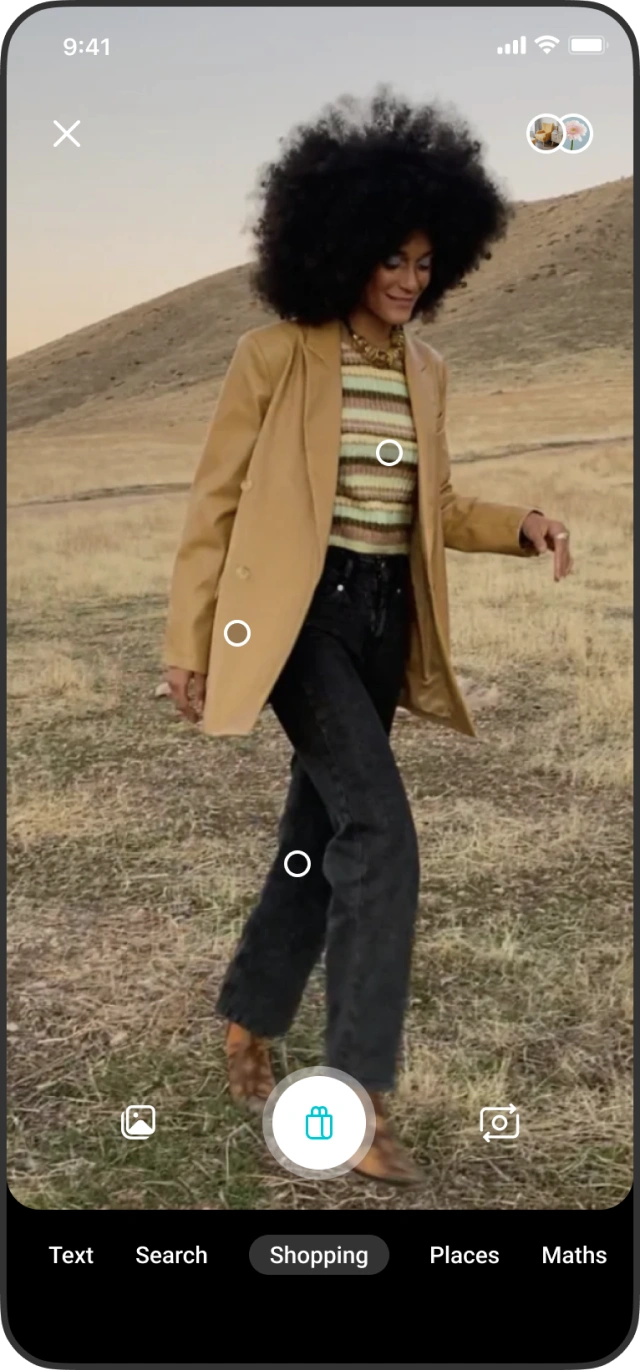
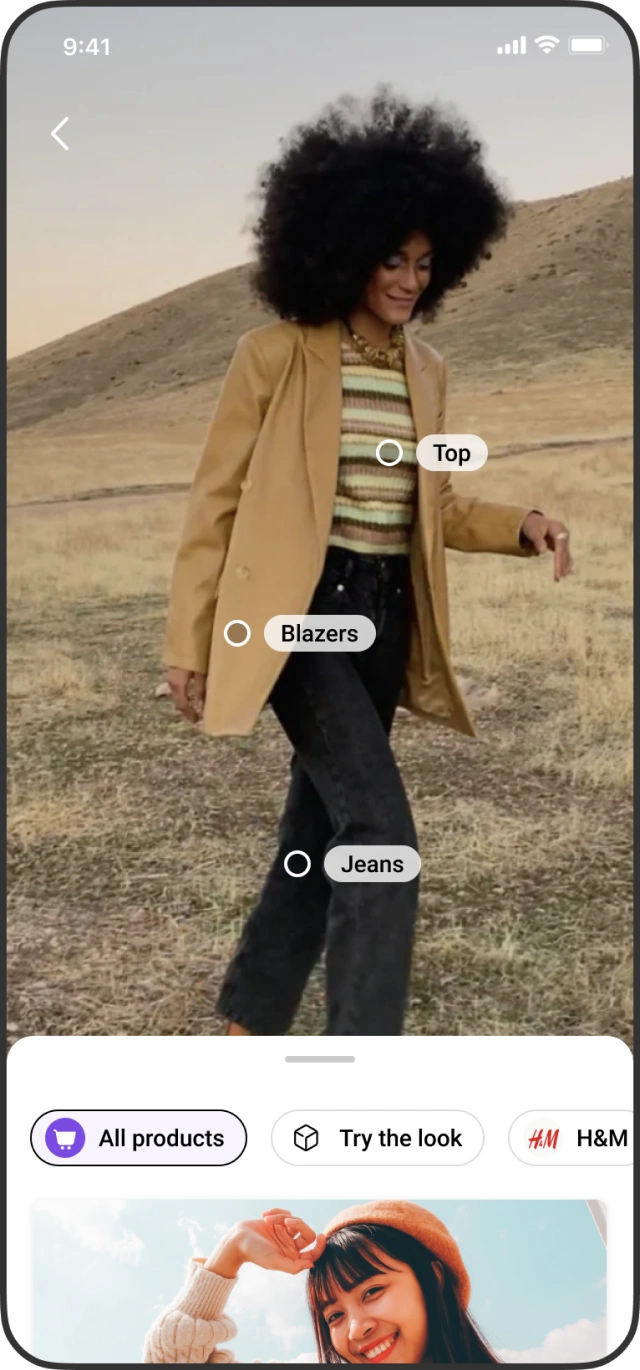
Intent cues appear as the camera scans the scene and objects, naming what it sees — plants, planters, jeans, jackets — before the user commits to a search.
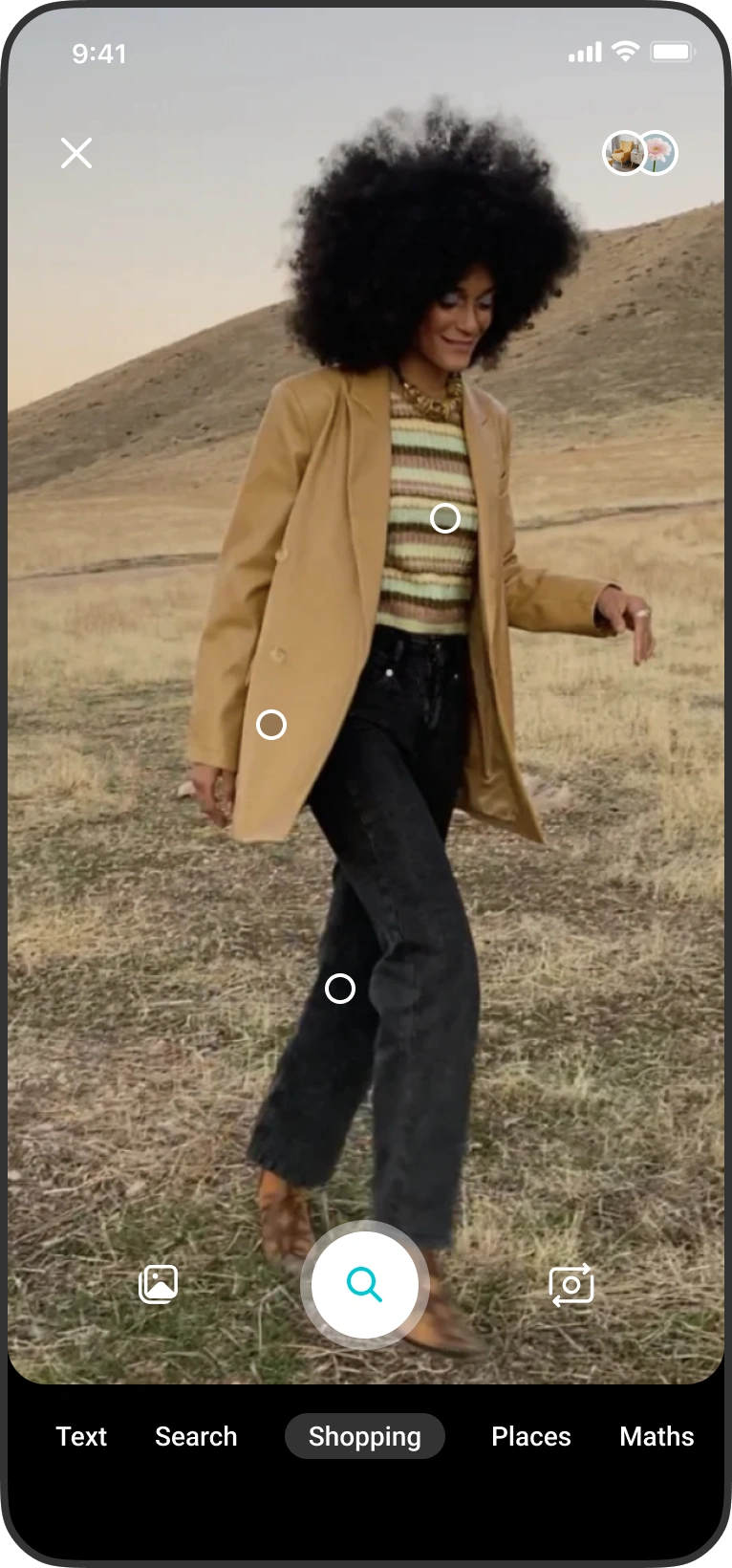
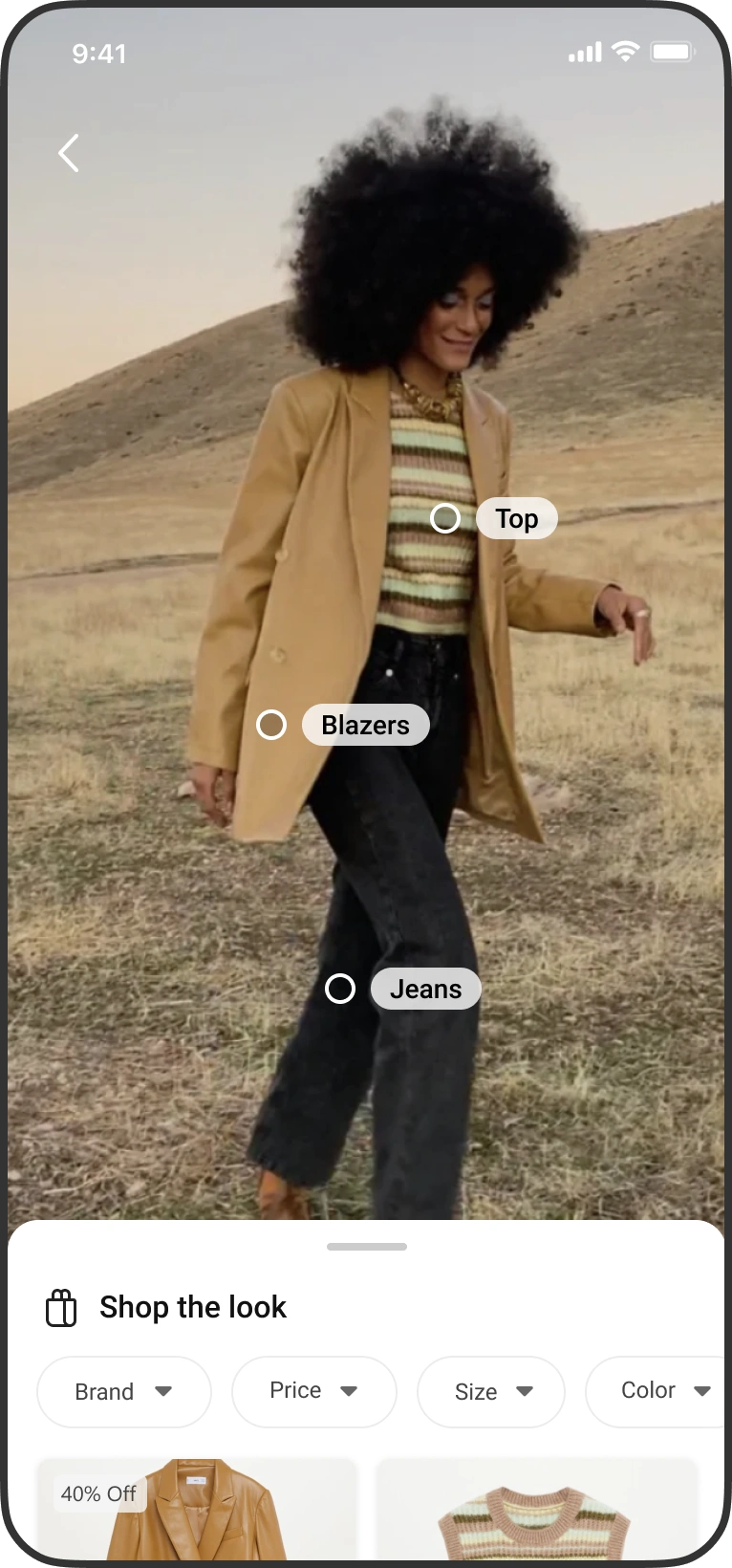
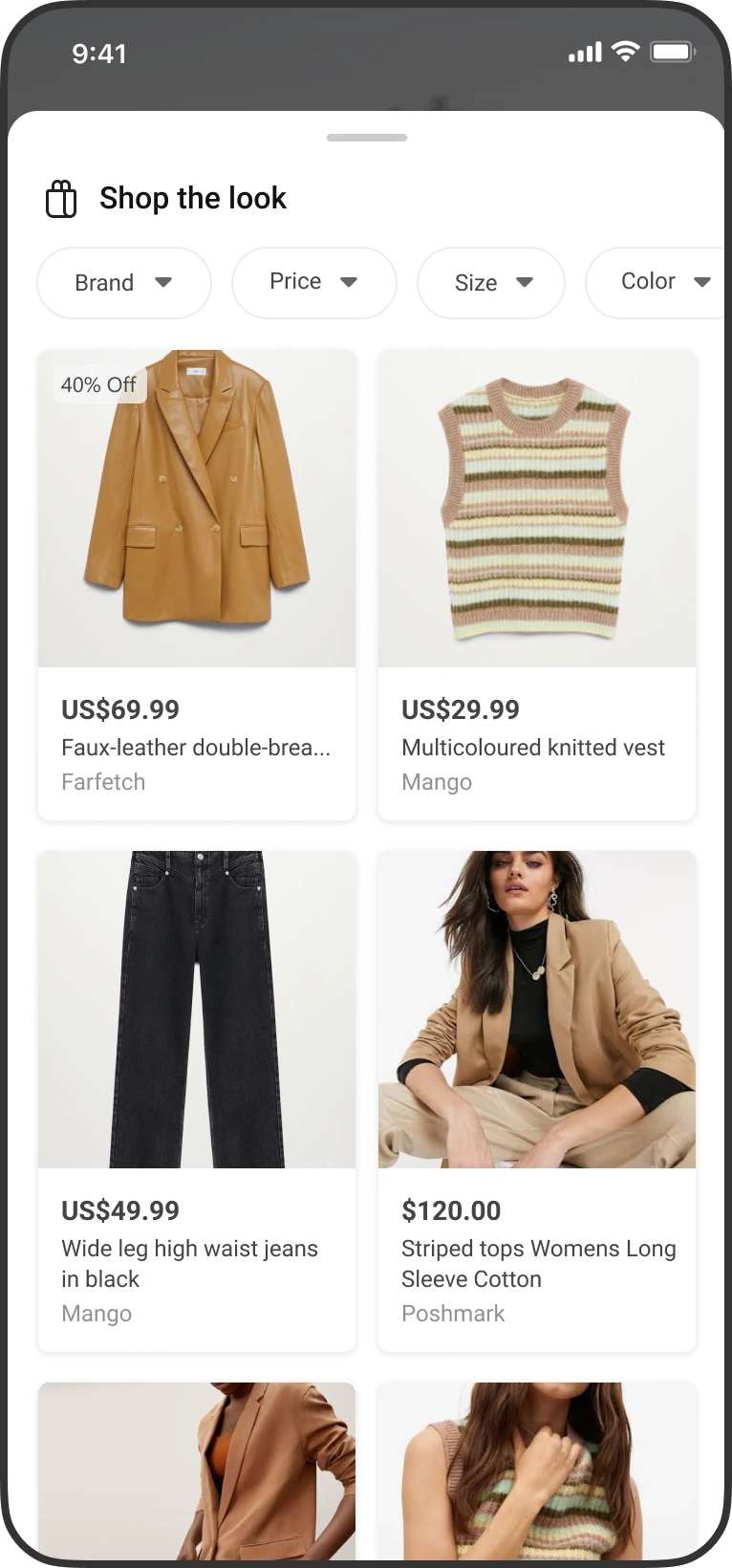
Shop the look
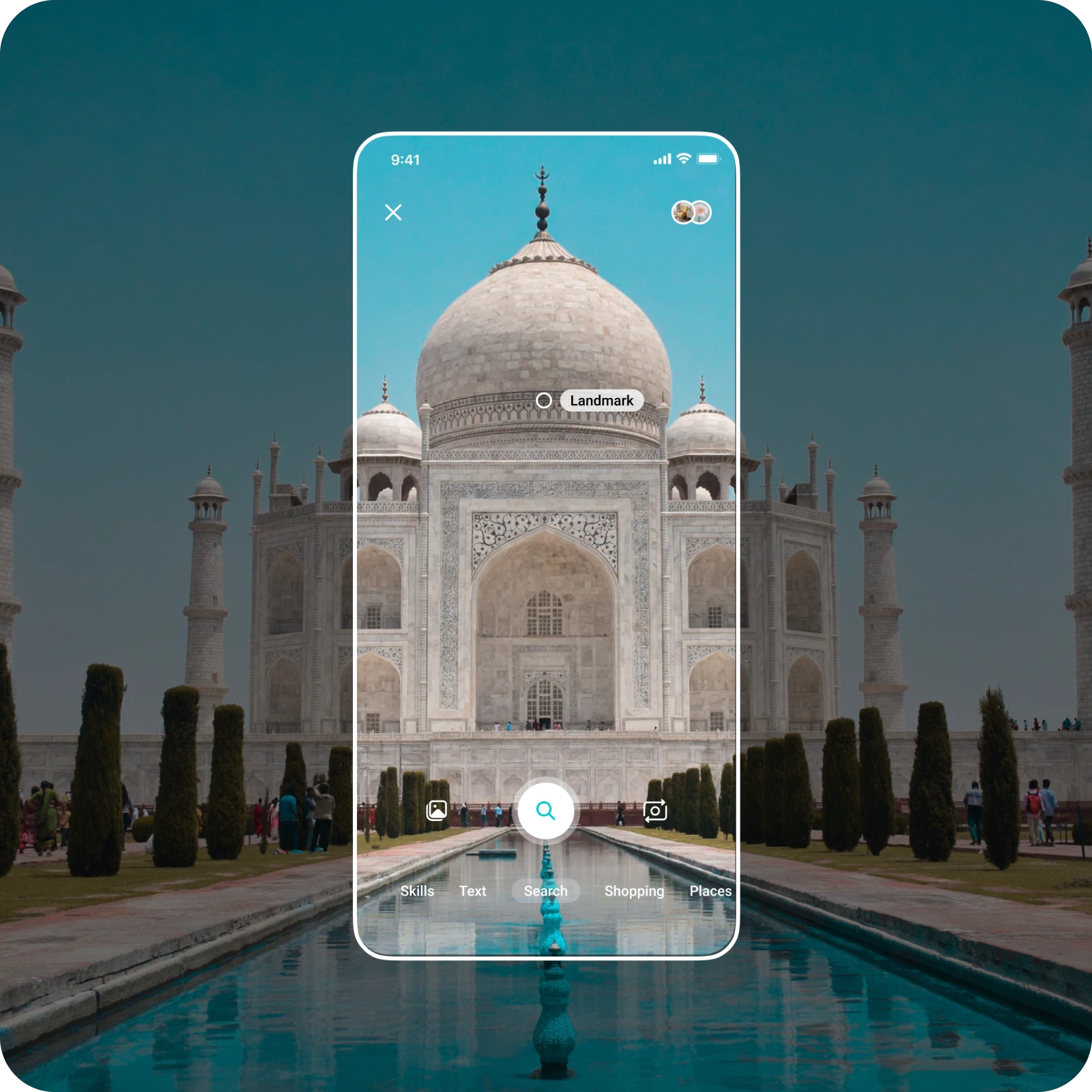
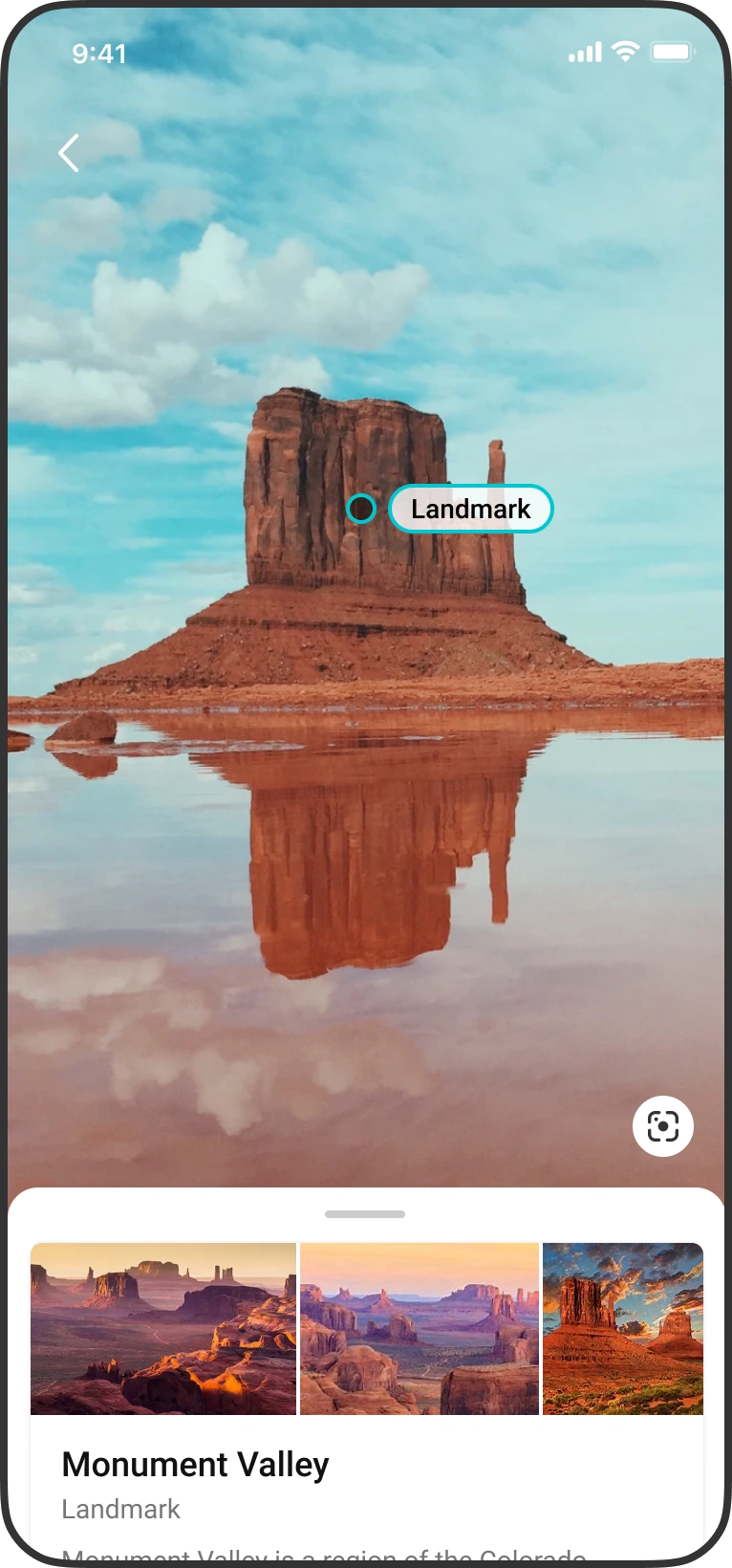
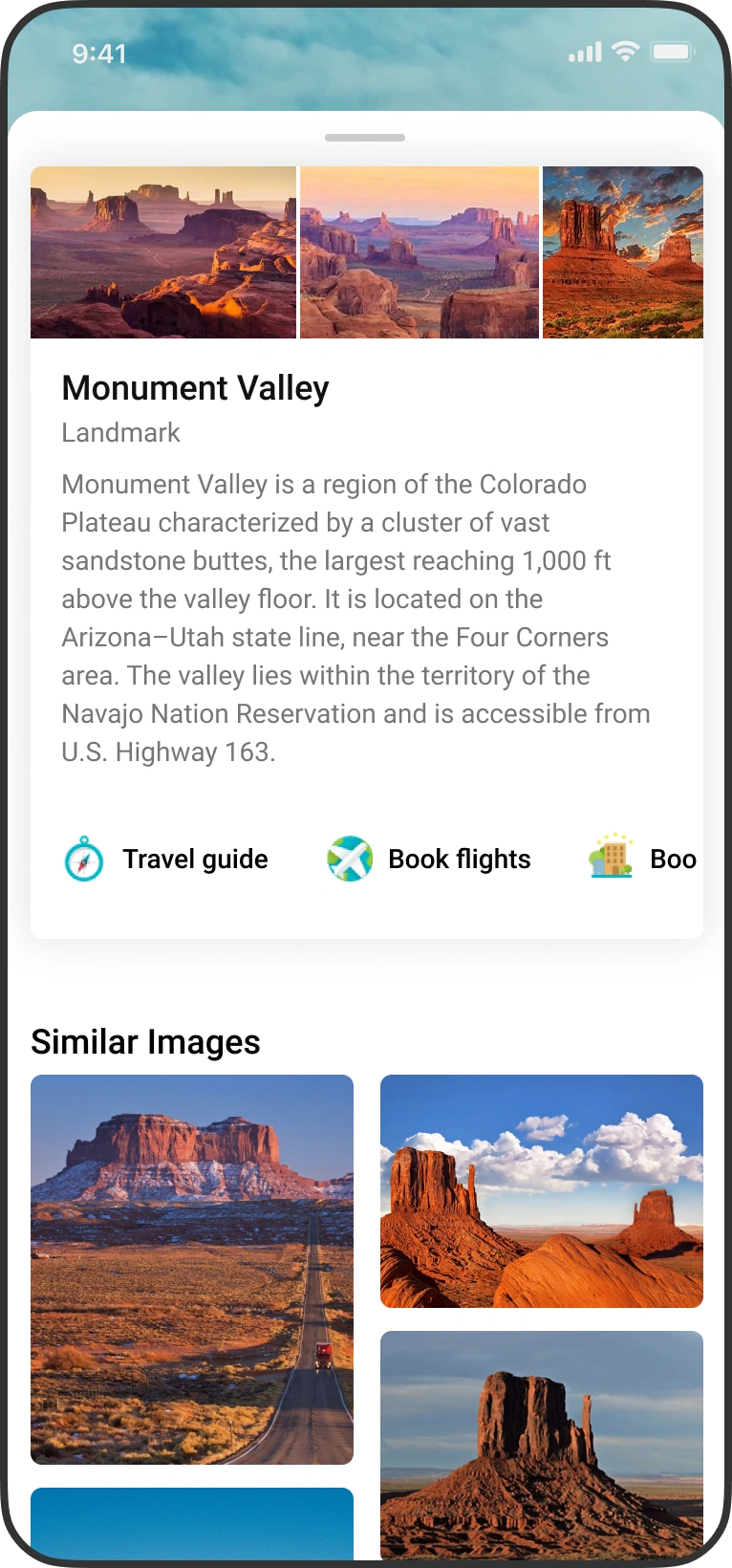
Identify landmarks
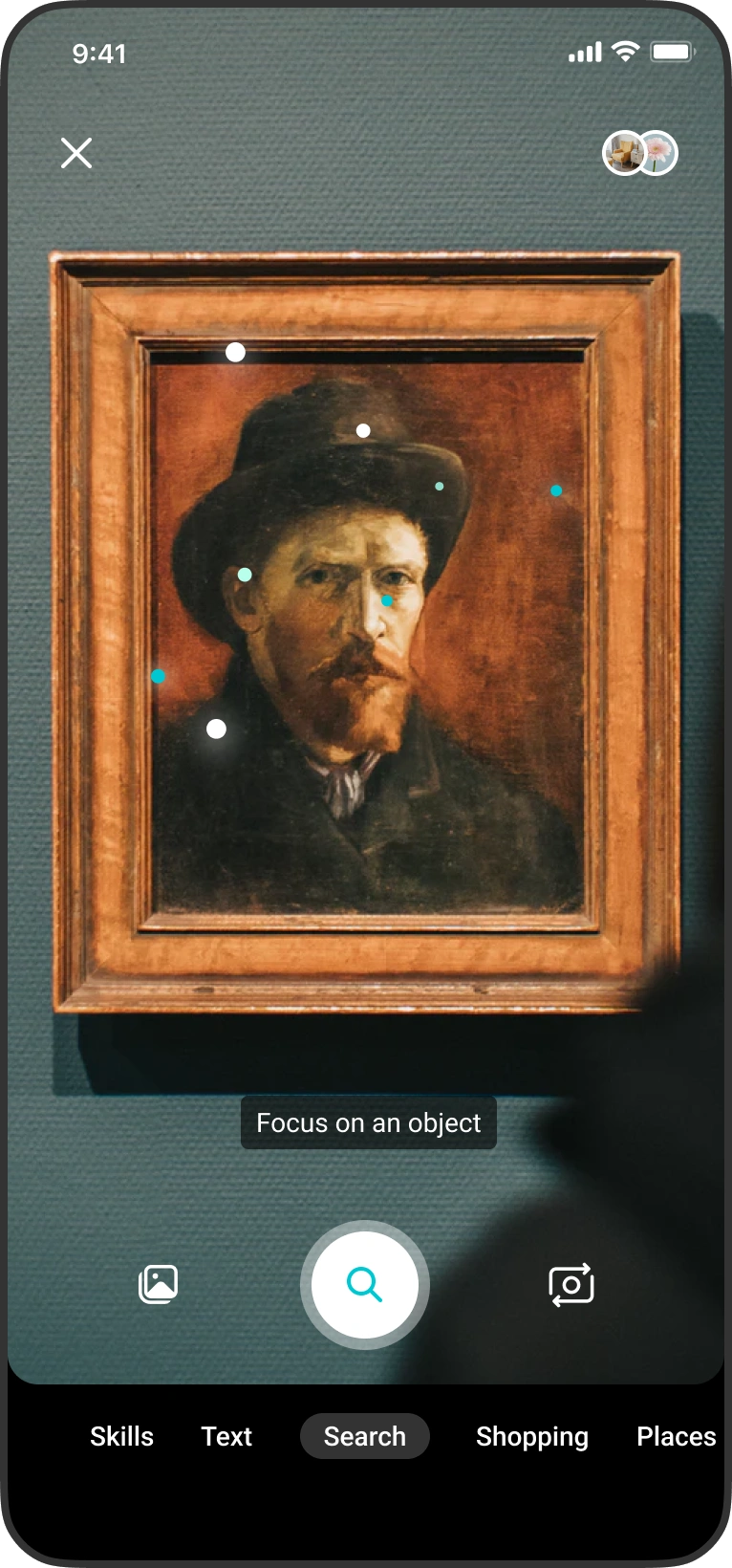
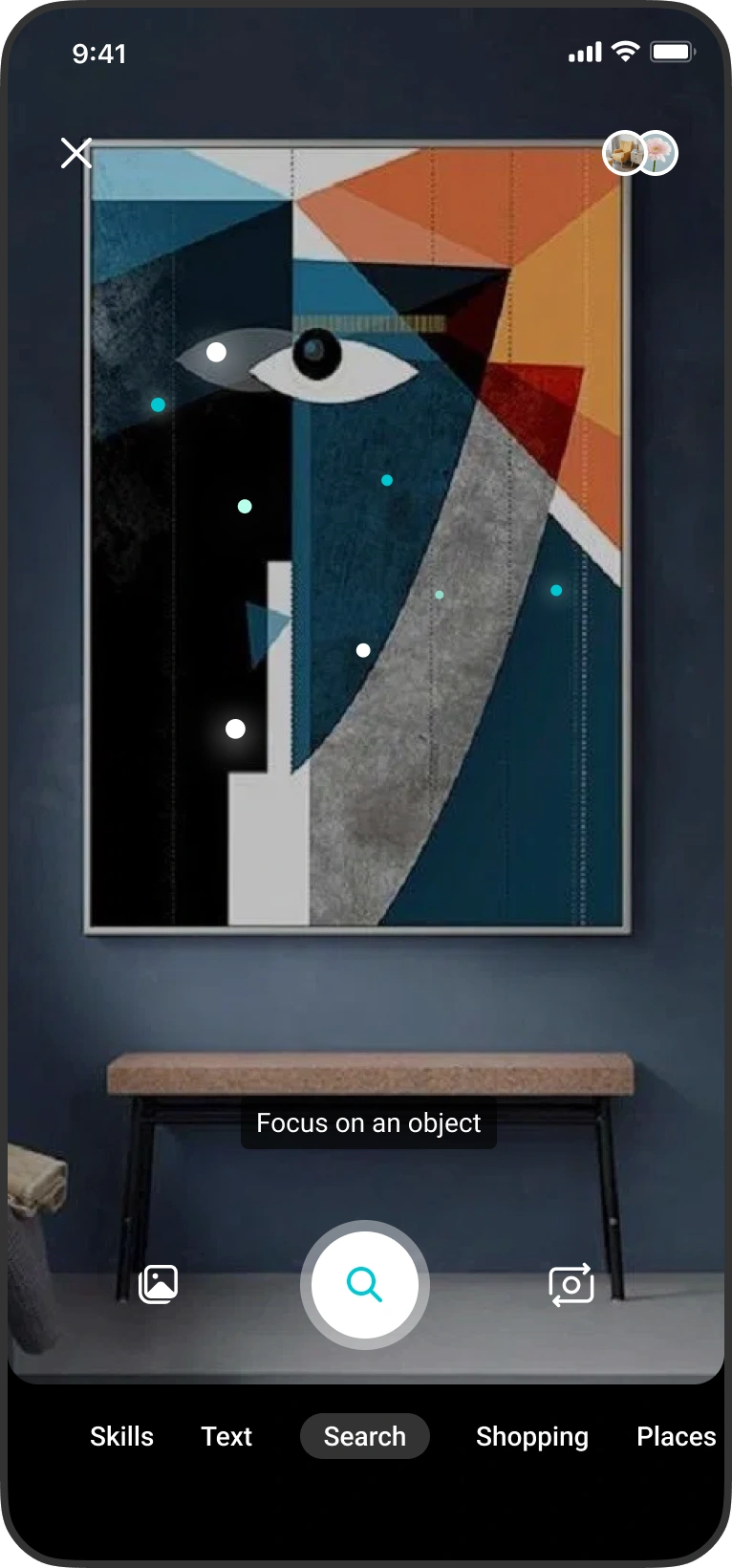
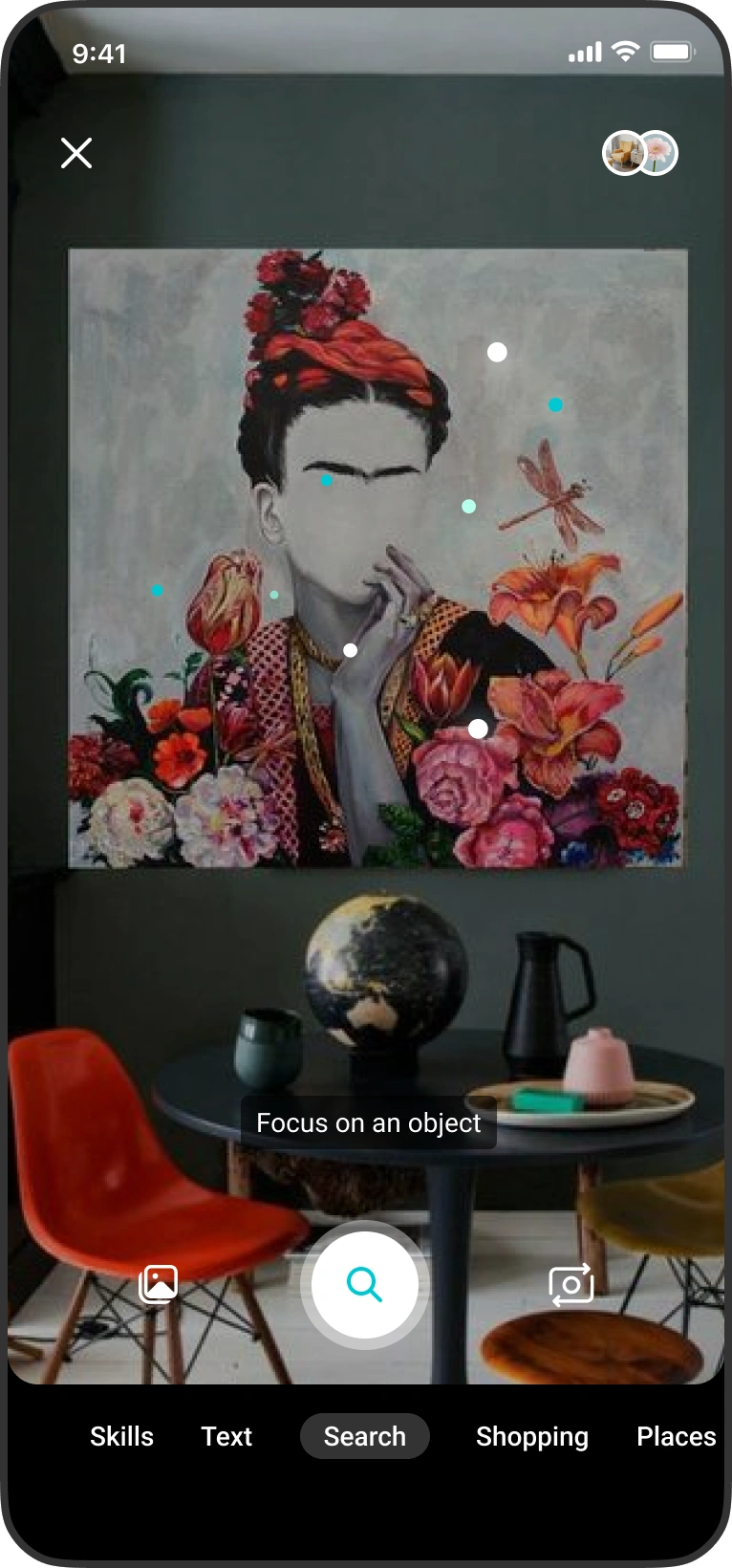
Identify paintings
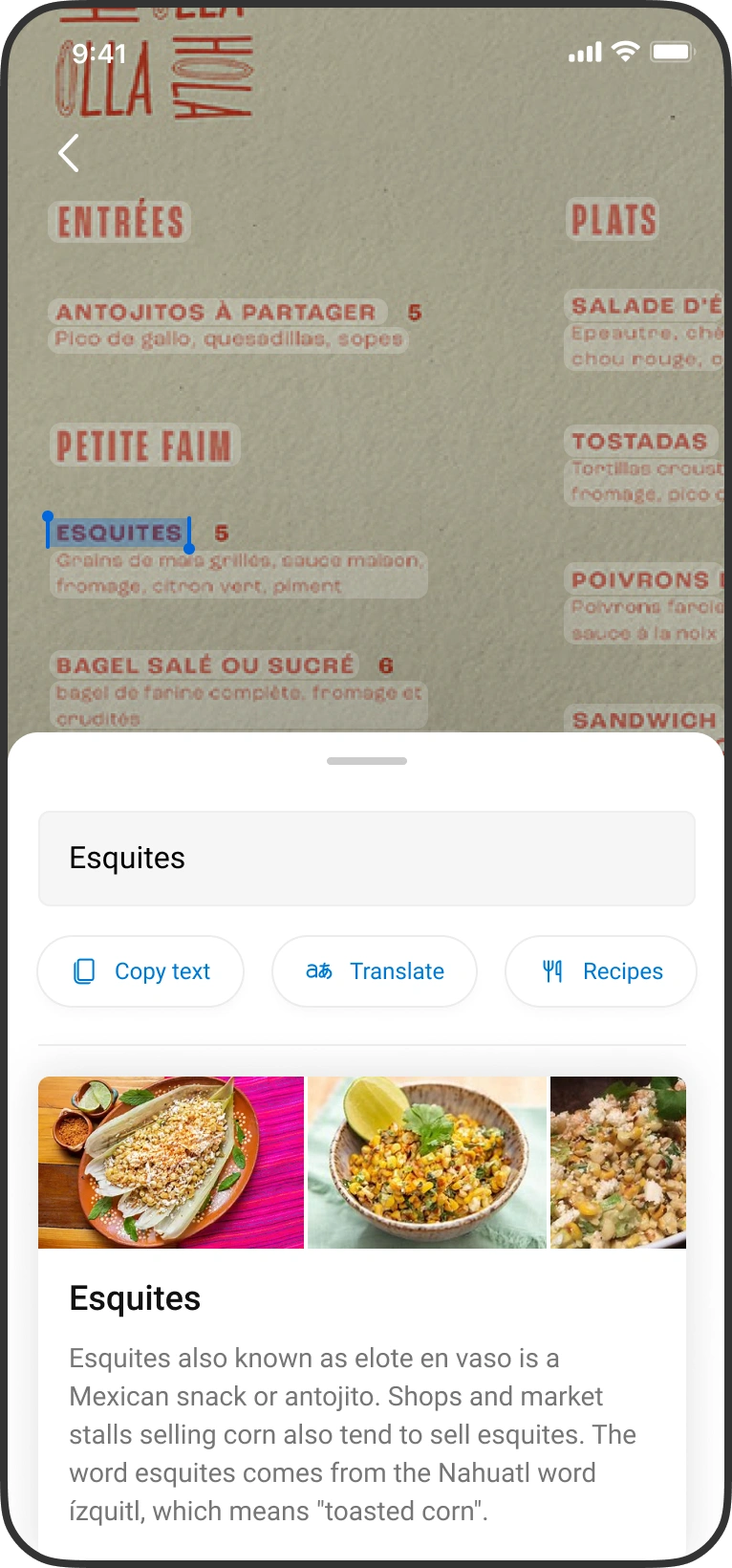
Identify text and translation
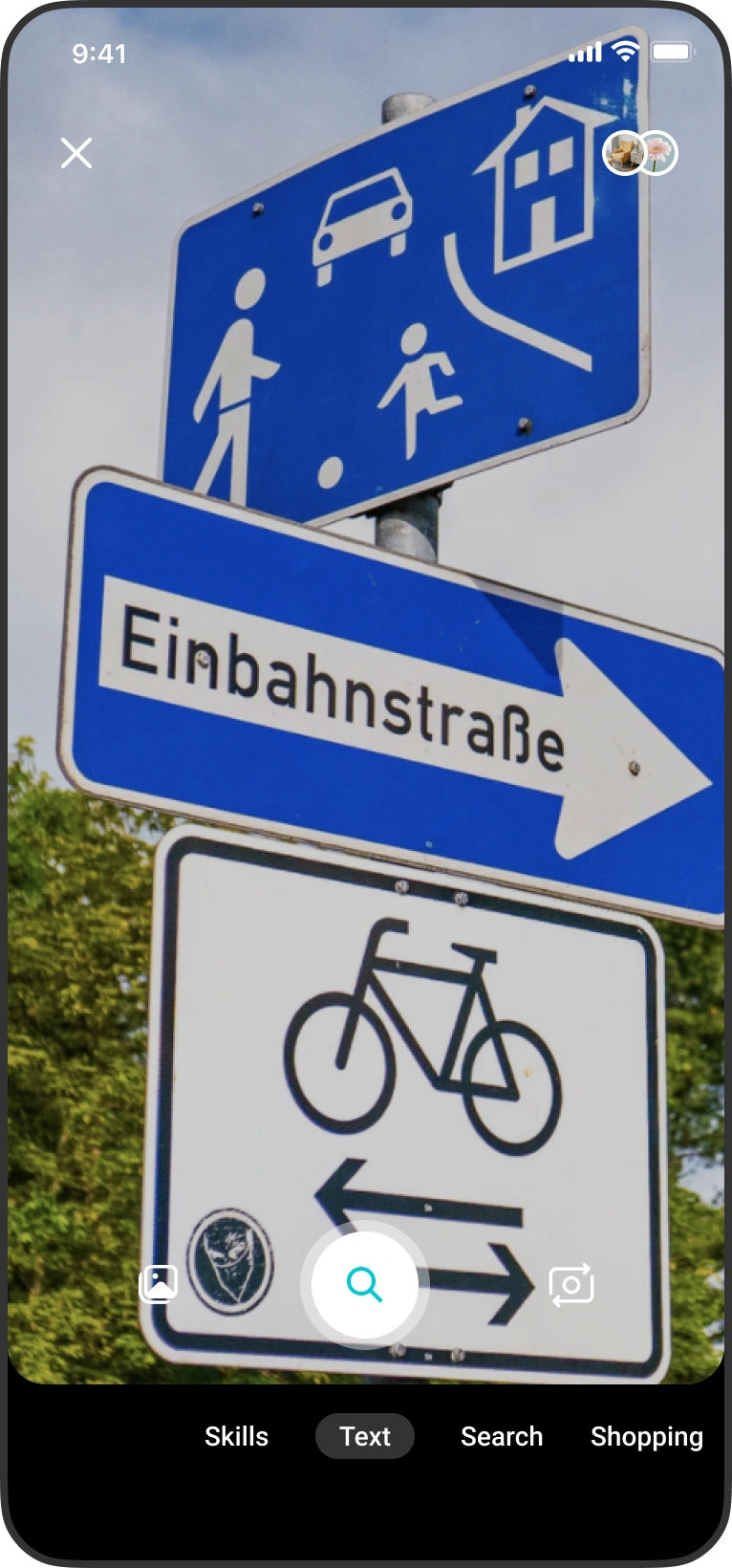
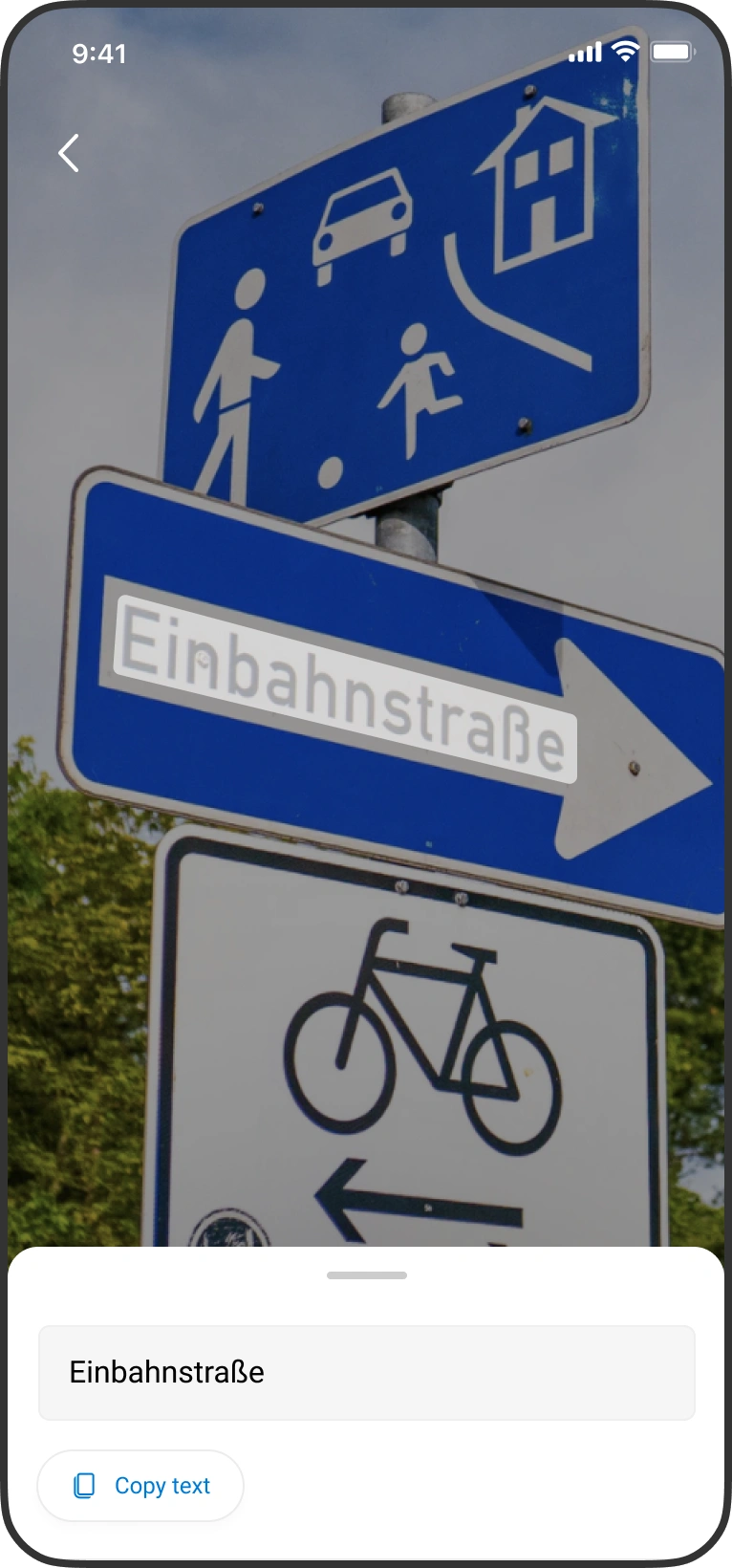
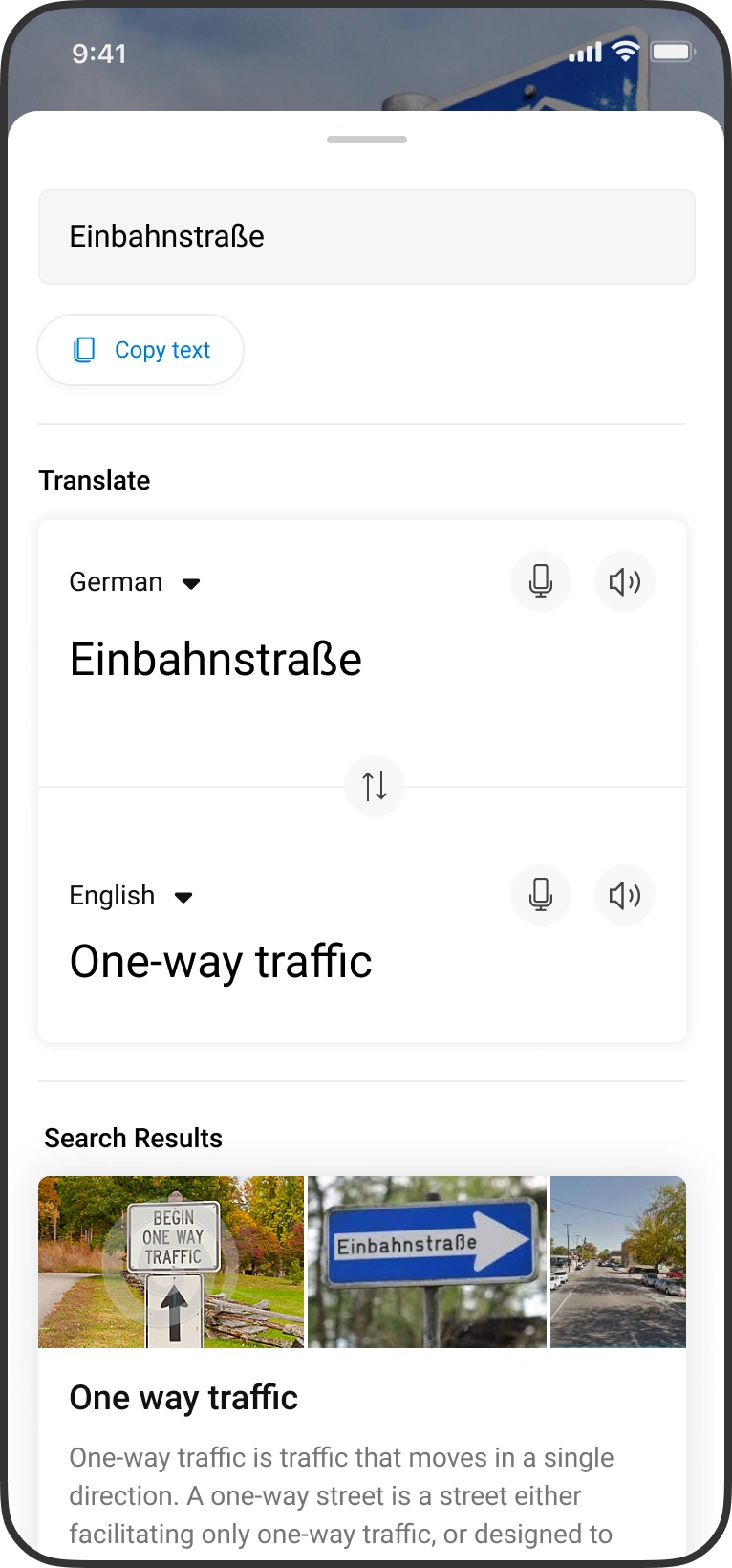
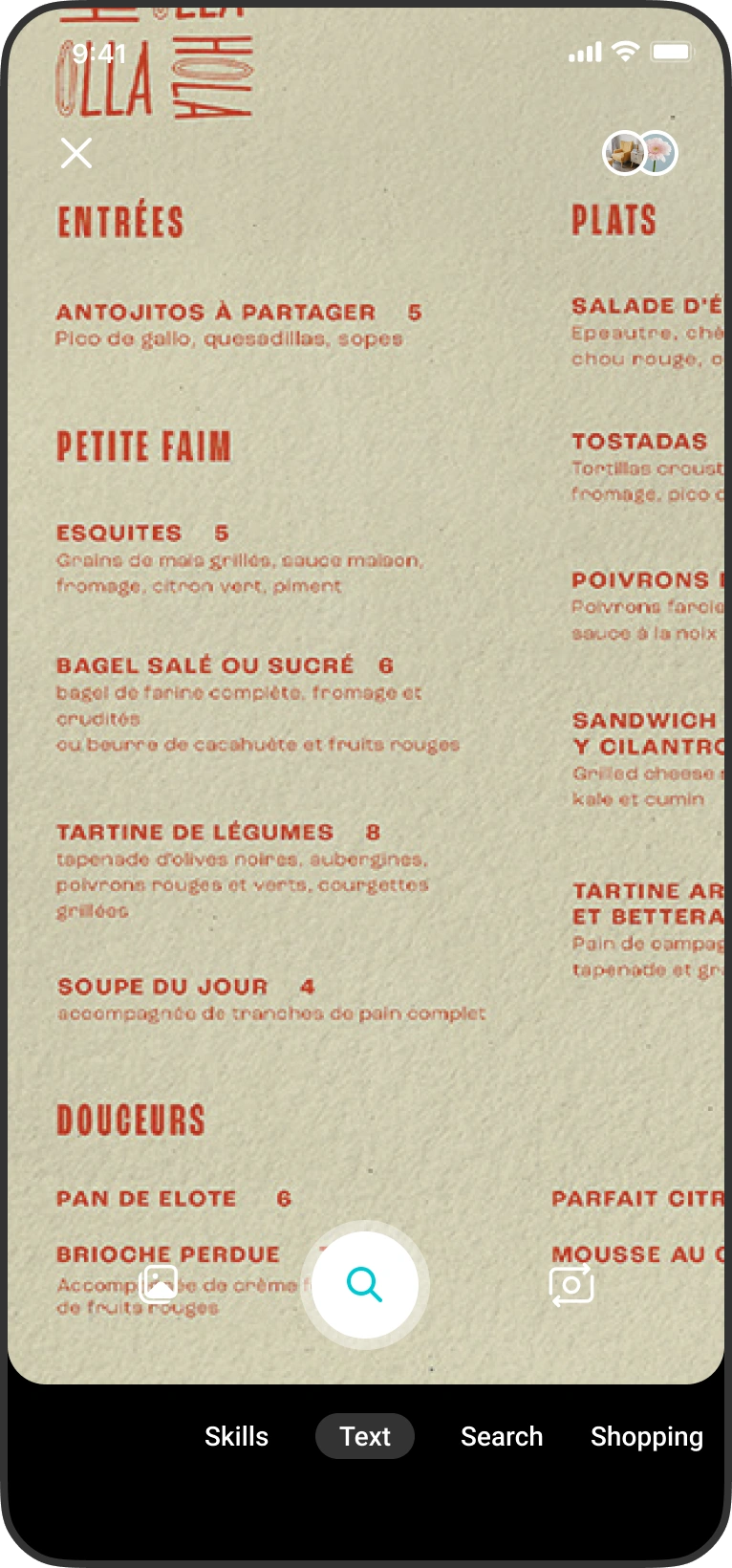
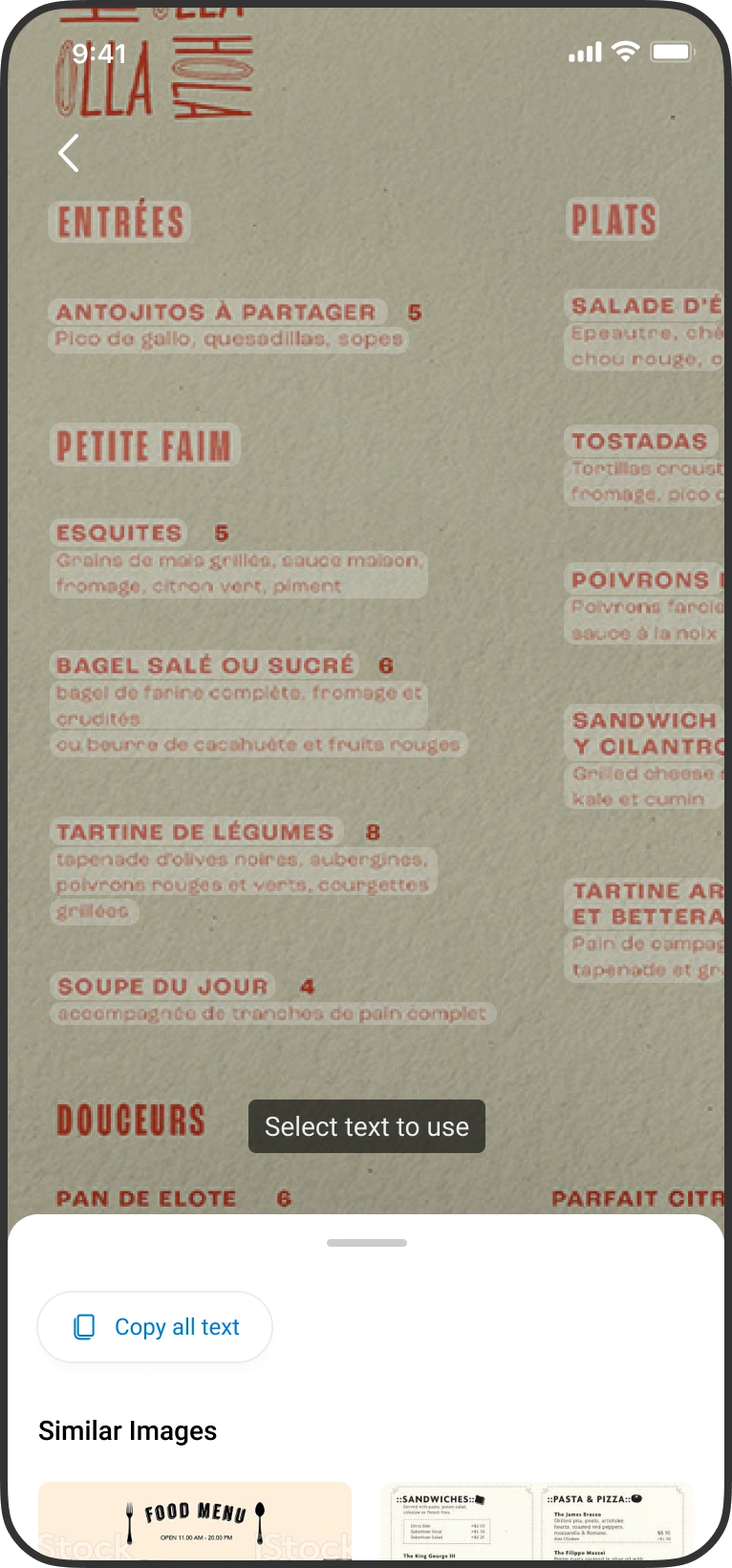
Live Text
Scaling the experience to Microsoft products
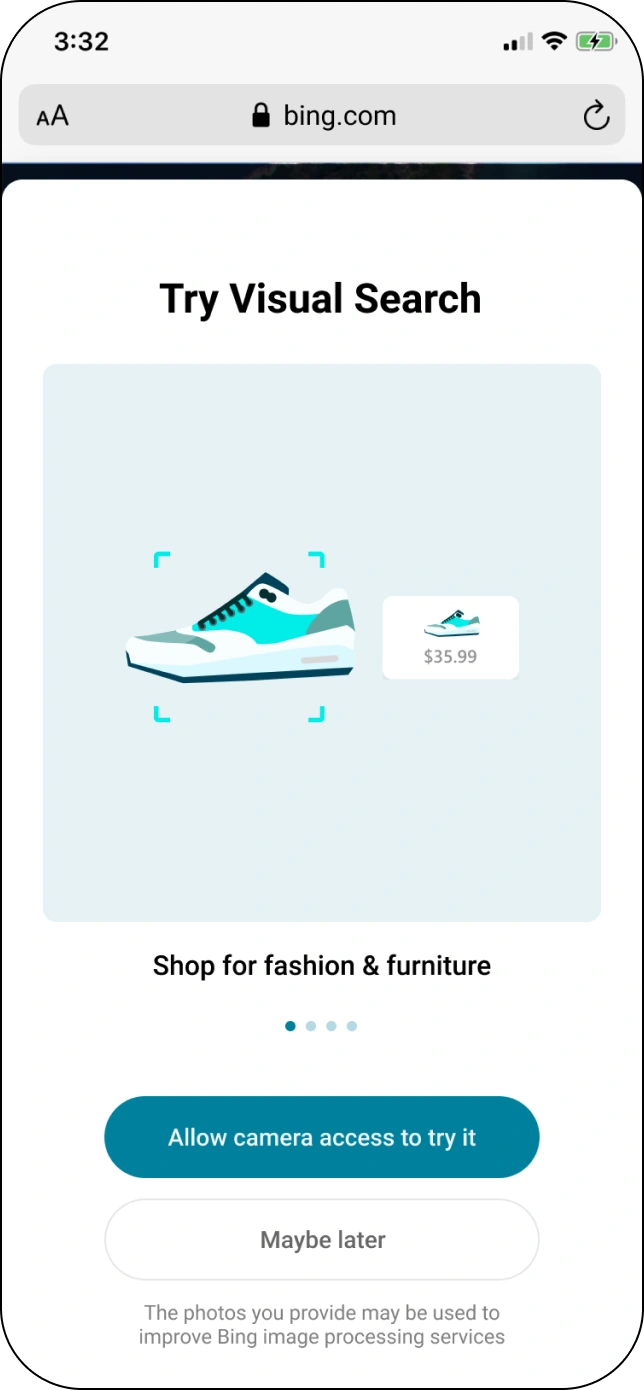
 Bing Search
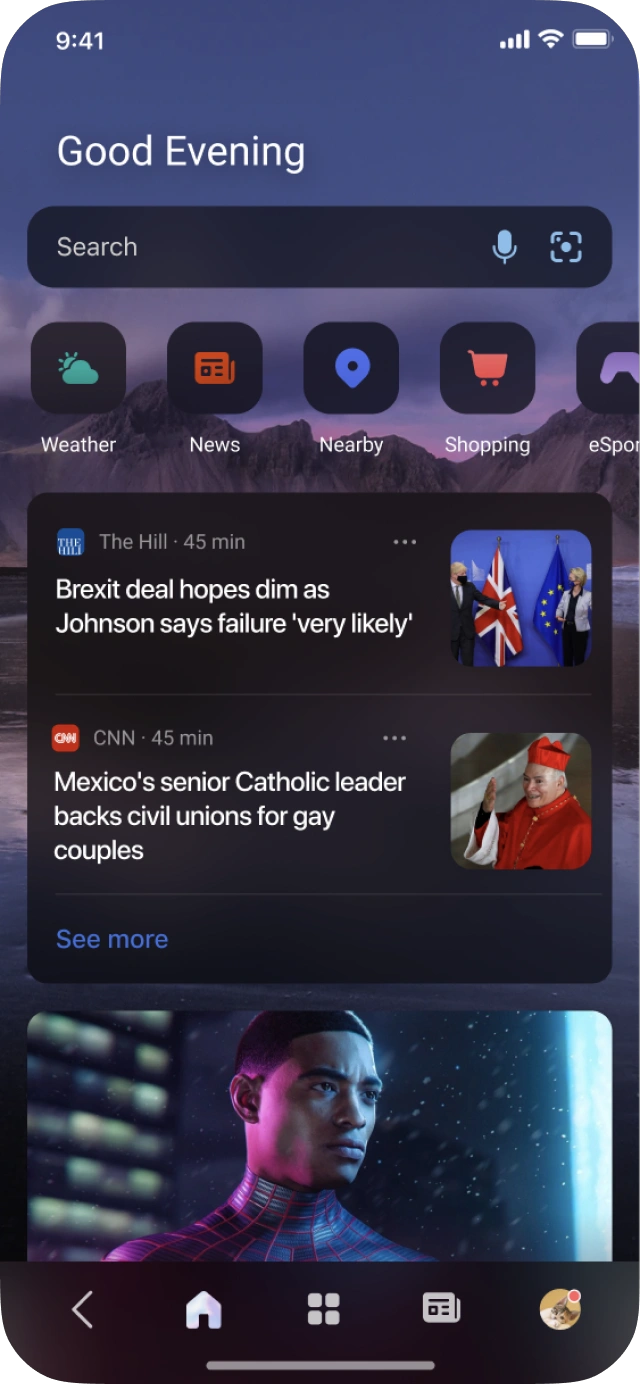
 Microsoft Start
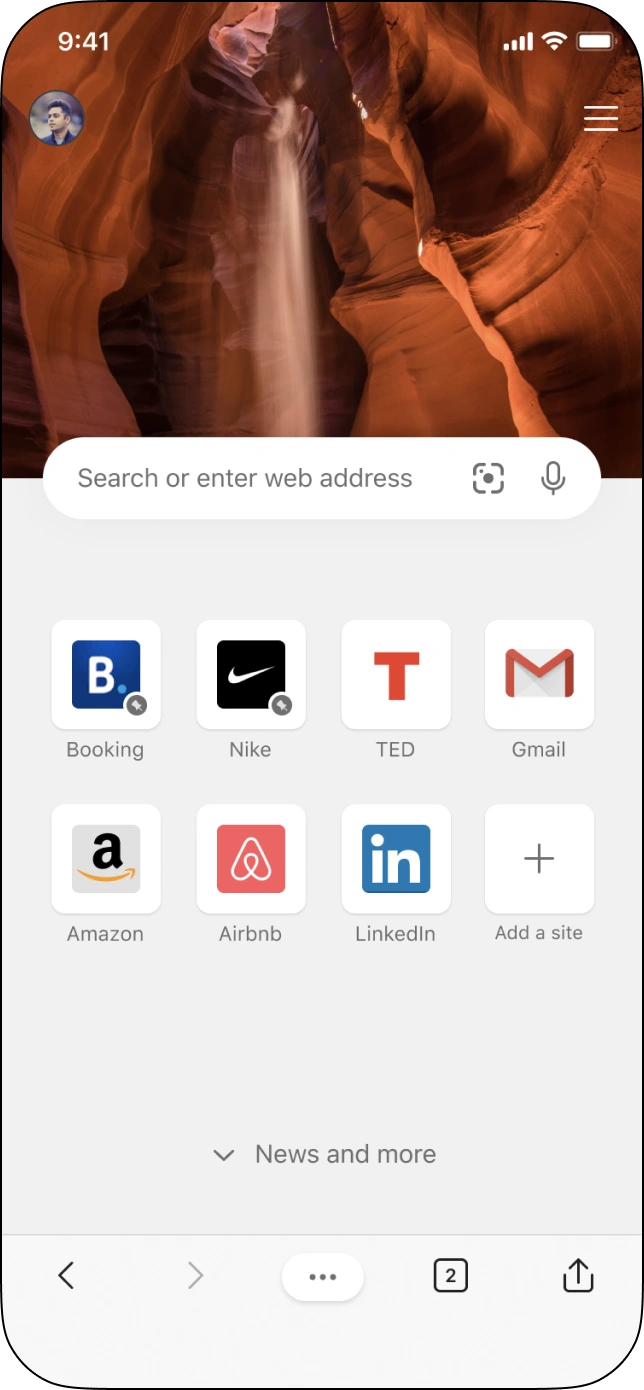
 Microsoft Edge
Skill platform — 1st party skills developed by team
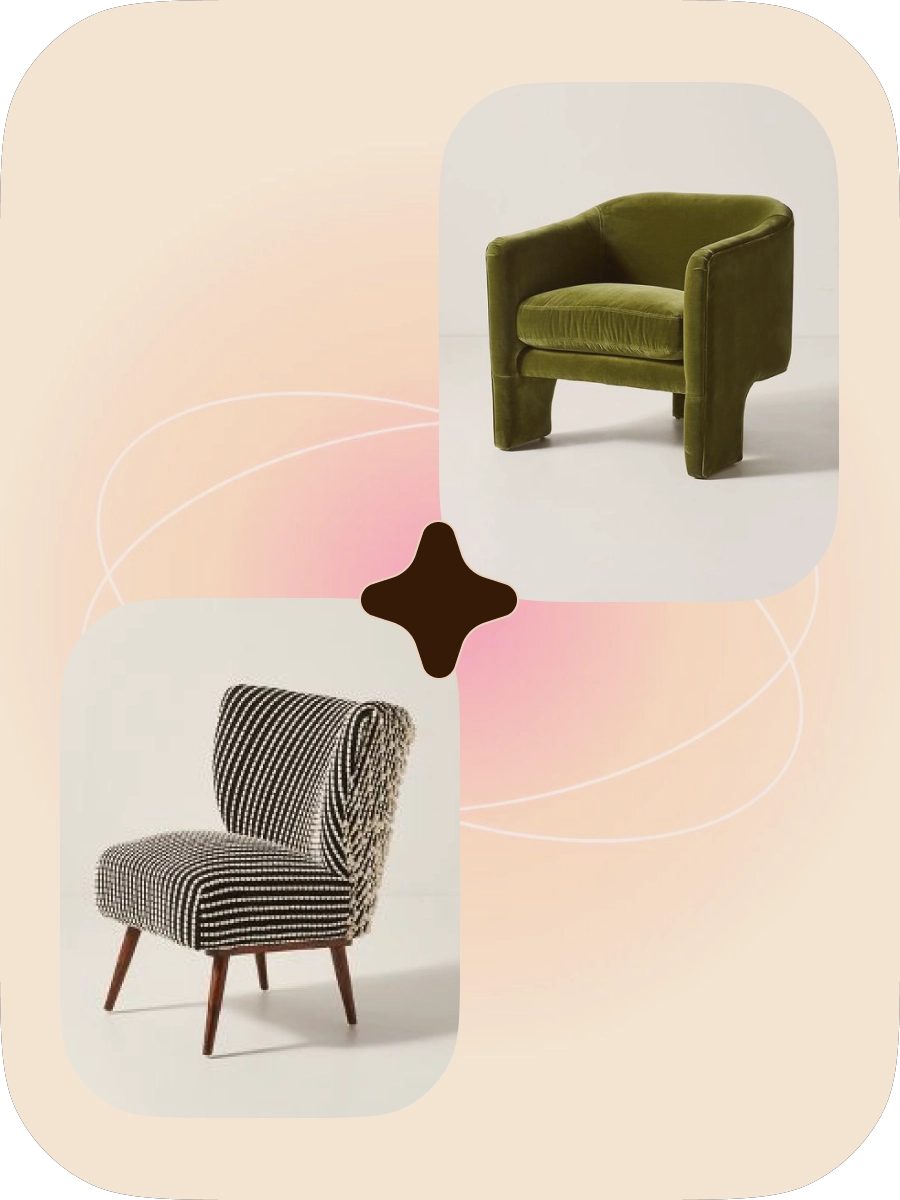
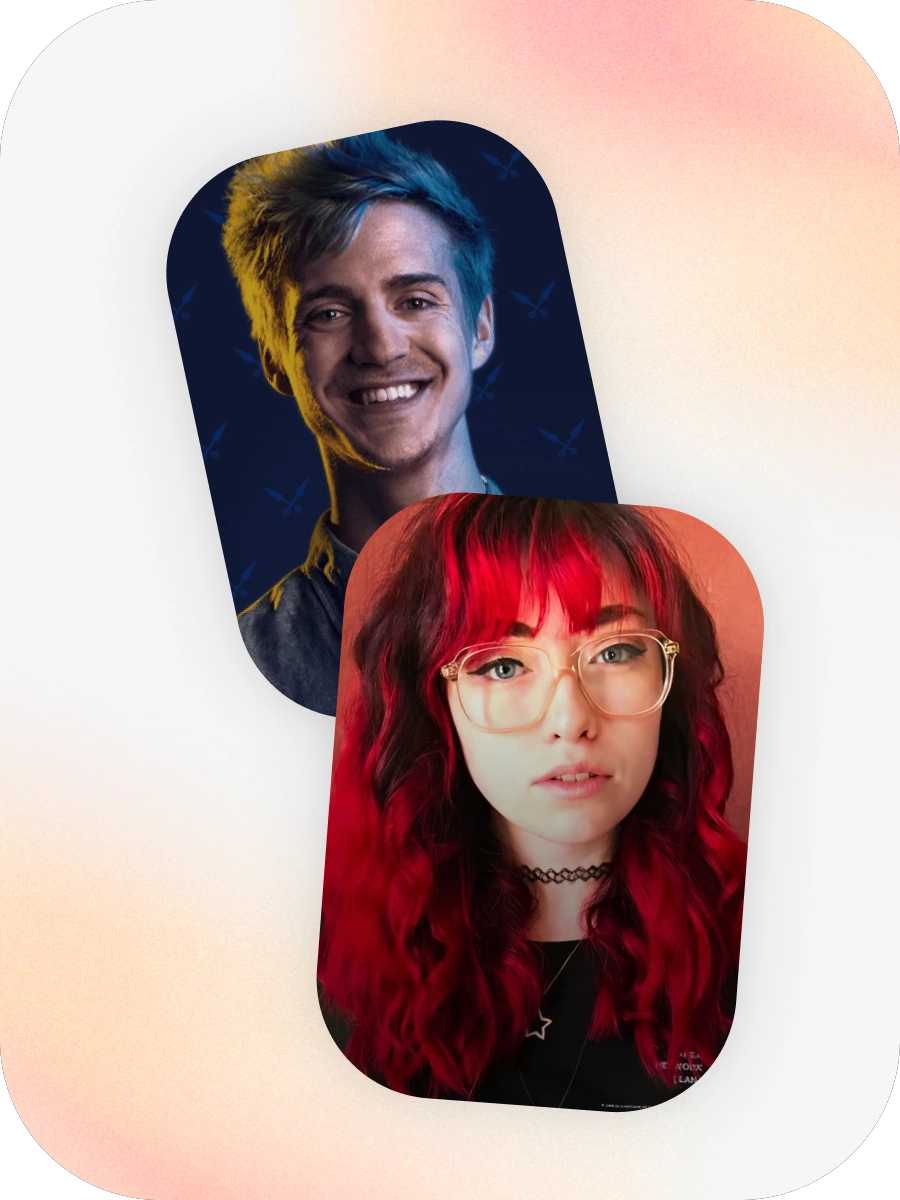
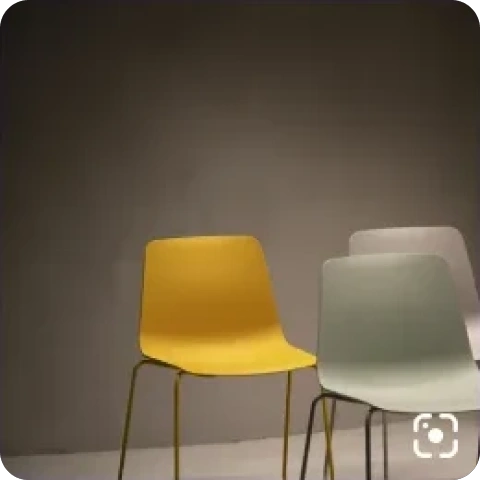
Find chairs like these. Find similar heels. Which tulips are these? Know about landmarks. Identify dog breeds. What painting is that? What's that dish? Celeb lookalike? Identified a lot of use cases with research.
















DIY fix — “I want to know how to repair this section of concrete.” Today: go to Home Depot and ask, or search YouTube videos.
Fix devices — where do I get printer ink, where can I buy a new printer, how do I fix my printer?
Wines — “I want to easily find out about the wines when looking for a new one.” Today: manually search each one, which is tedious, or ask the store rep.
Food, recipes and nutrition — where can I find recipes like this, how many calories, how do I record them for my diet?
Cosmetics — “I want to easily find out about the cosmetics.” Today: manually search or ask the store rep.
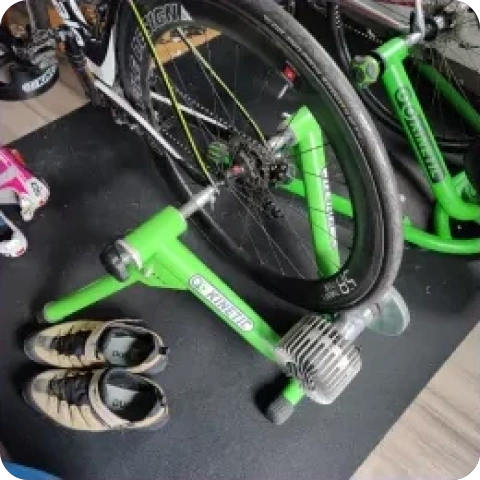
Health — where can I find bike workouts for my trainer, will the weather be good enough to ride outdoors, where can I get tubes to repair a flat tire?
Objects — “I admired the coffee cup I was served and wondered where I might get something similar.”
Receipts — help me call this business about my purchase, save this for a business expense, find the closest store, and see what rebates I can get.
Antiques — “I admired an antique sculpture in a park and wondered what the history behind it is.”
Colour — help me find objects that go well with this colour, and capture the exact hue of an object.
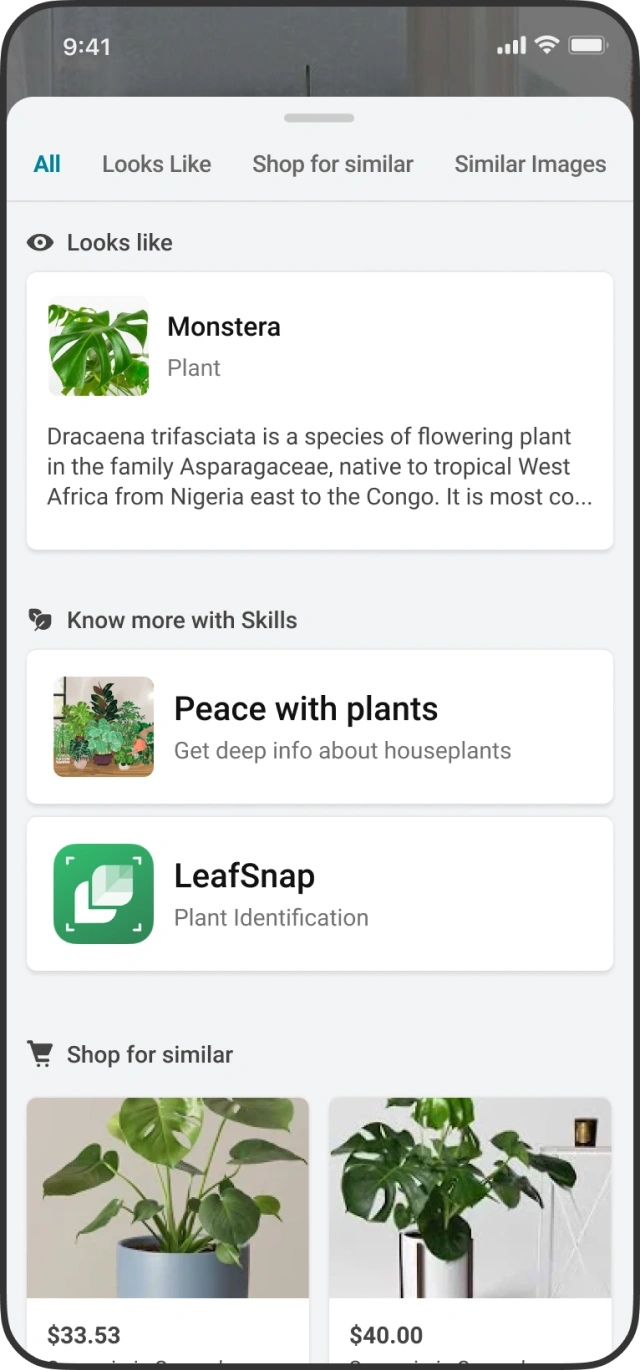
Version 2. Taking visual search to the next level with scene intelligence and more comprehensive skills
- Understanding an image at a scene level, not just specific objects.
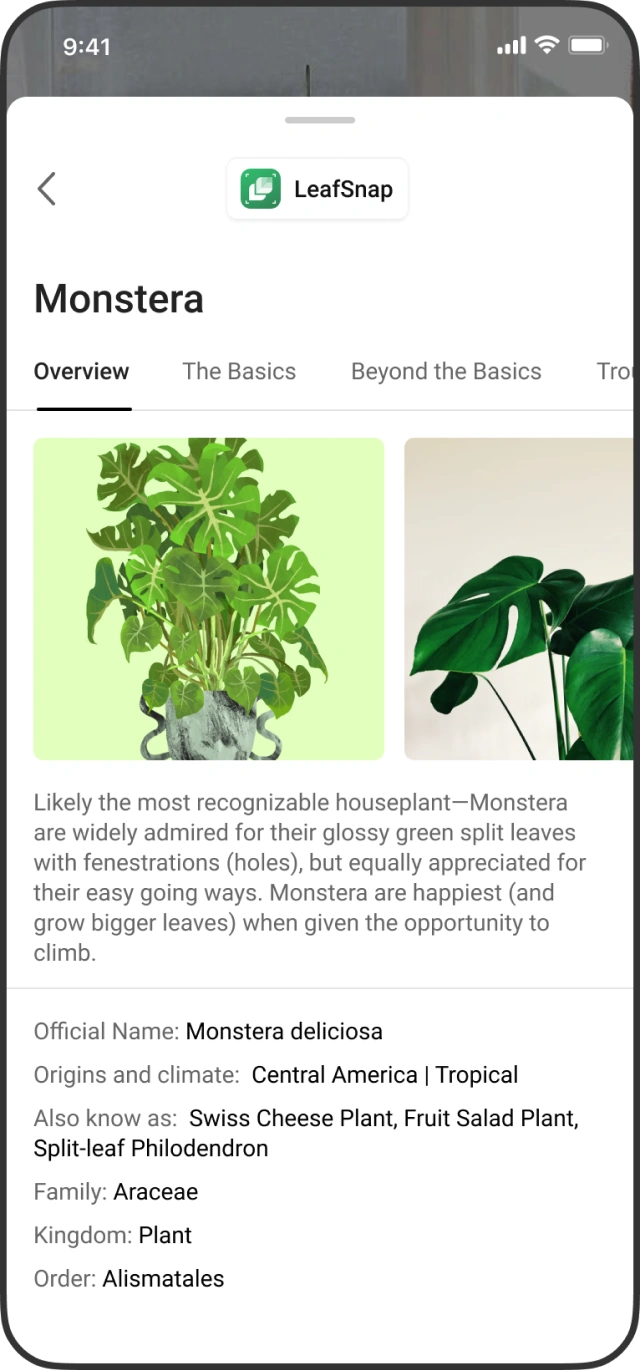
- Providing the ability to hand off to supporting apps that could complete the task at hand.
- Third party skills integration.
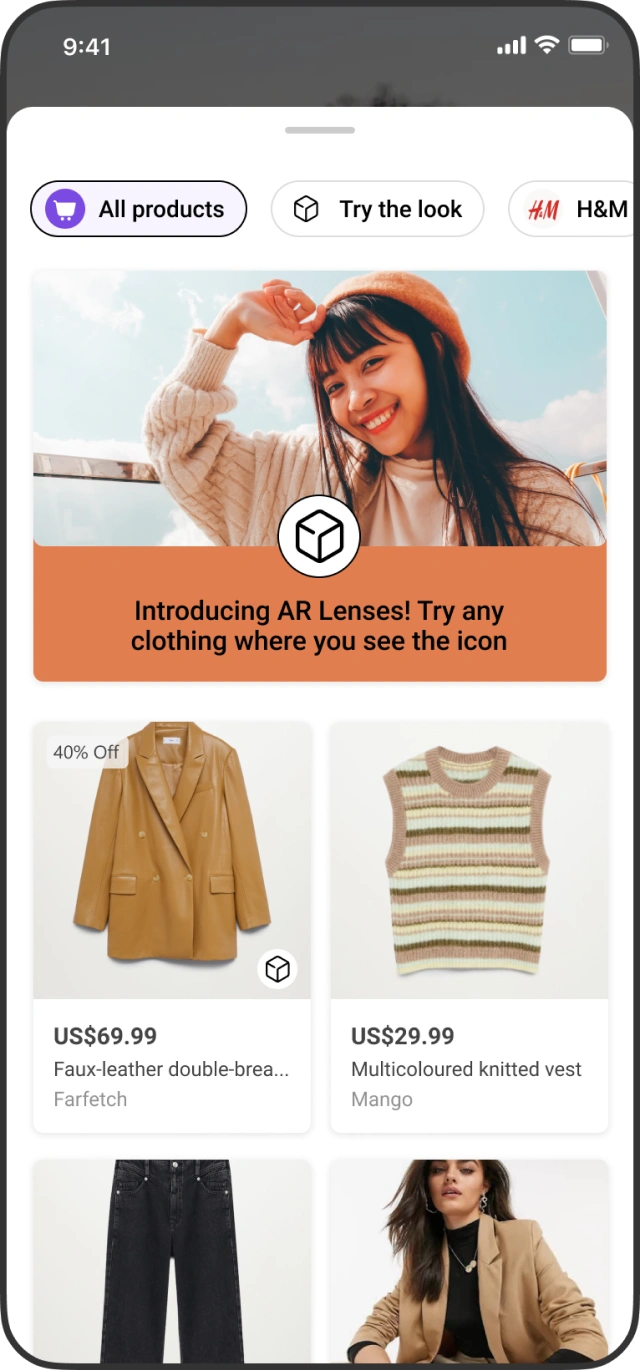

- Outcome & impact
Positive movement in app retention.
20M monthly active users (MAU).
Over time built comprehensive skills which were utilized elsewhere in the search ecosystem.
- Challenges and limitations
The camera is not typically considered an entry point to search scenarios. How do we reduce friction in going from image to knowledge?
How can we make visual search more top of mind, when Microsoft's presence on mobile was limited? This was more suited to being integrated into an OS.
Engineering push back and challenges were immense. The team wanted to focus more on image based search rather than live detection.
- Direction for the future
Make it reliable — elevate visual search as a more delightful and reliable search input.
Ensure clarity in UX — reduce clutter and look to simplify complex interaction patterns.
Stay grounded — an experience based on and tested with real world scenarios.
Continually improve object detection — get better at understanding the nuances of the object.