



Wordflow Keyboard — A new breed of mobile keyboard for blazing fast typing and effortless sharing
Founder and Product Design Lead, Microsoft ・ 2014 - 15
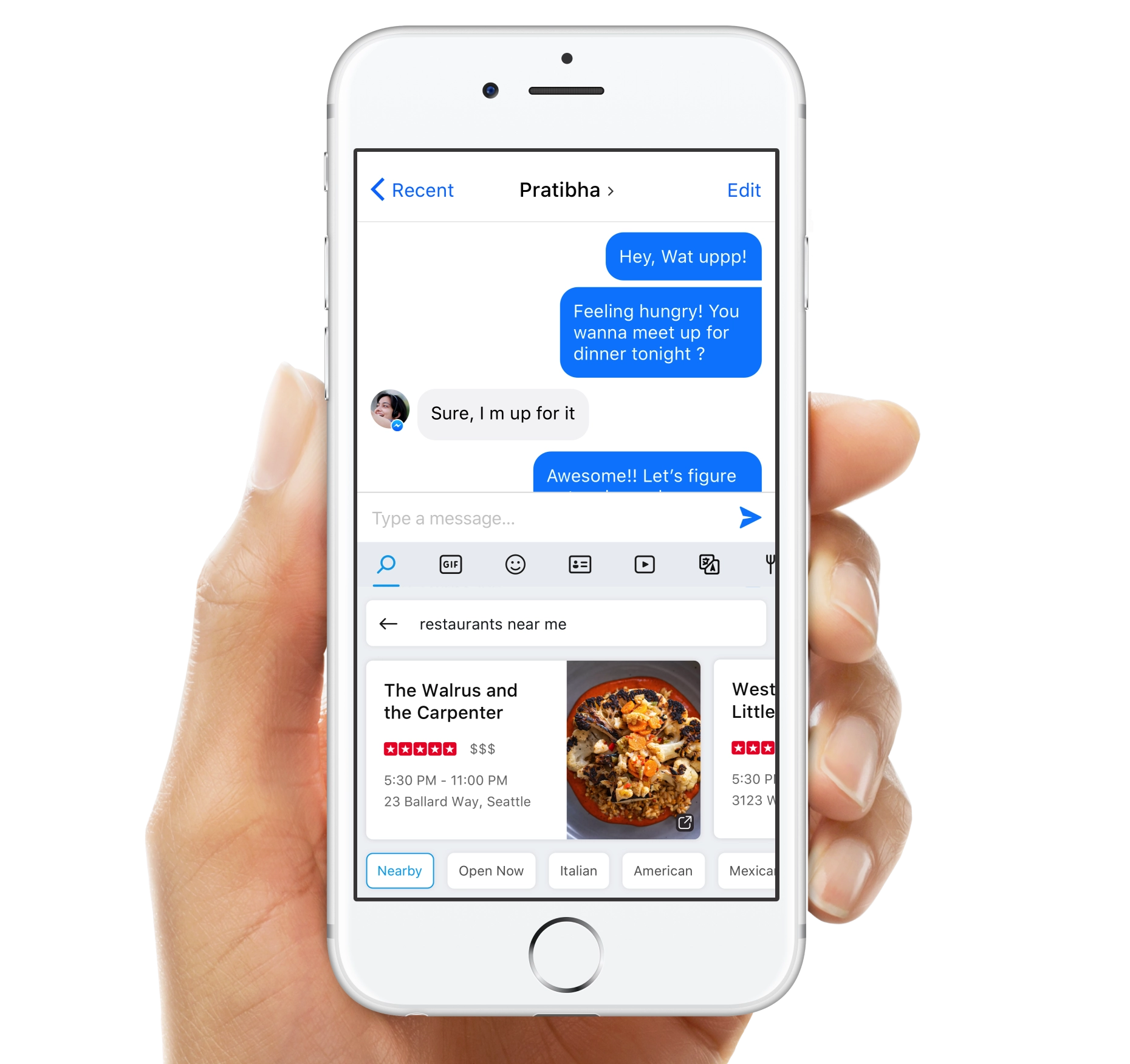
Wordflow Keyboard enables a blazing fast typing experience combined with in-built search to enable quick sharing and reduce context switching. The project started as a hackathon where I was trying to solve the problem of excessive context switching to achieve small tasks. I pitched the concept to leadership, the project got funded, and it ultimately became Wordflow Keyboard. As the creator I led the design and strategy of the product — designing the core experience, setting the foundation and creating a roadmap for a successful product.
Featured in

The problem
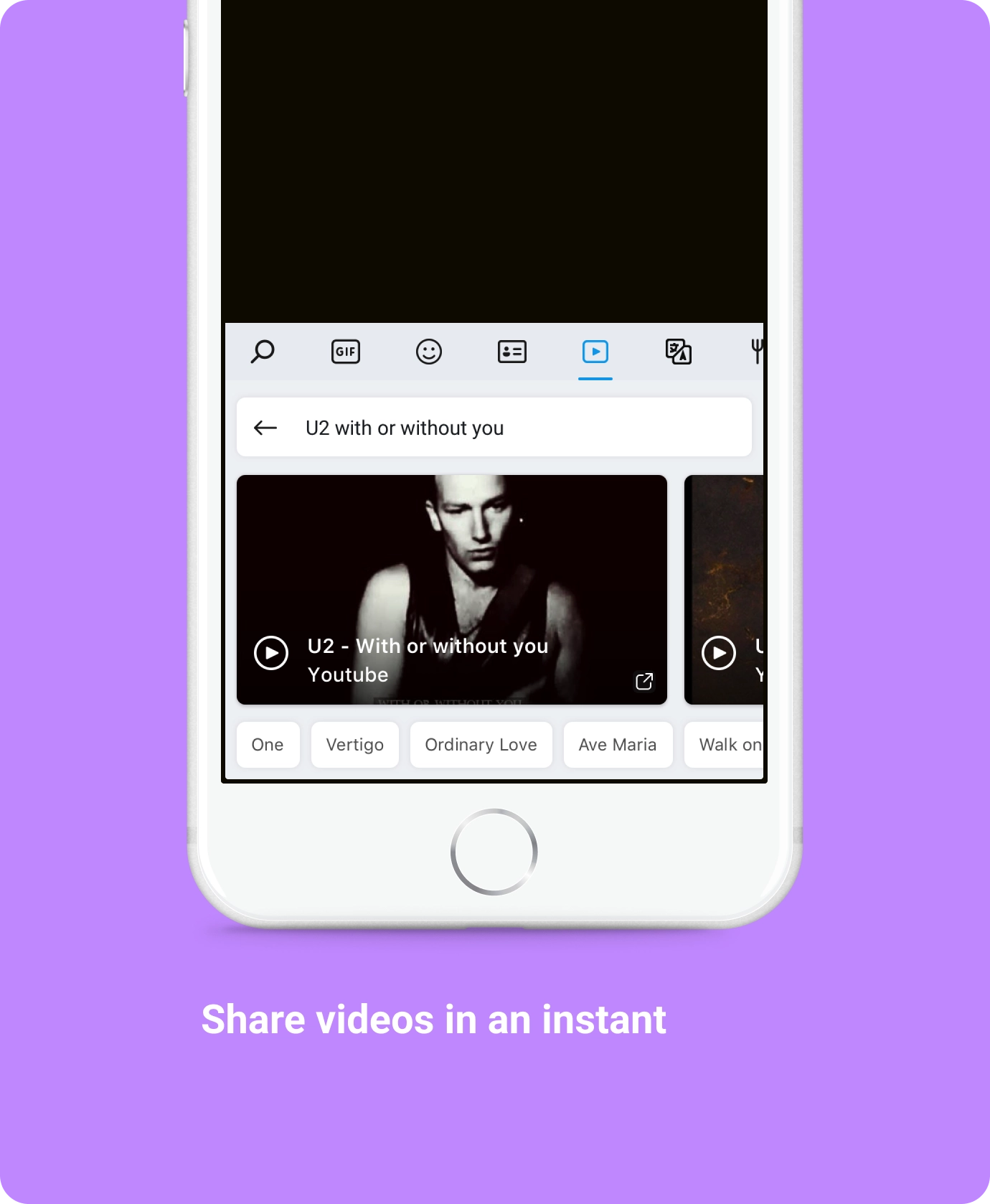
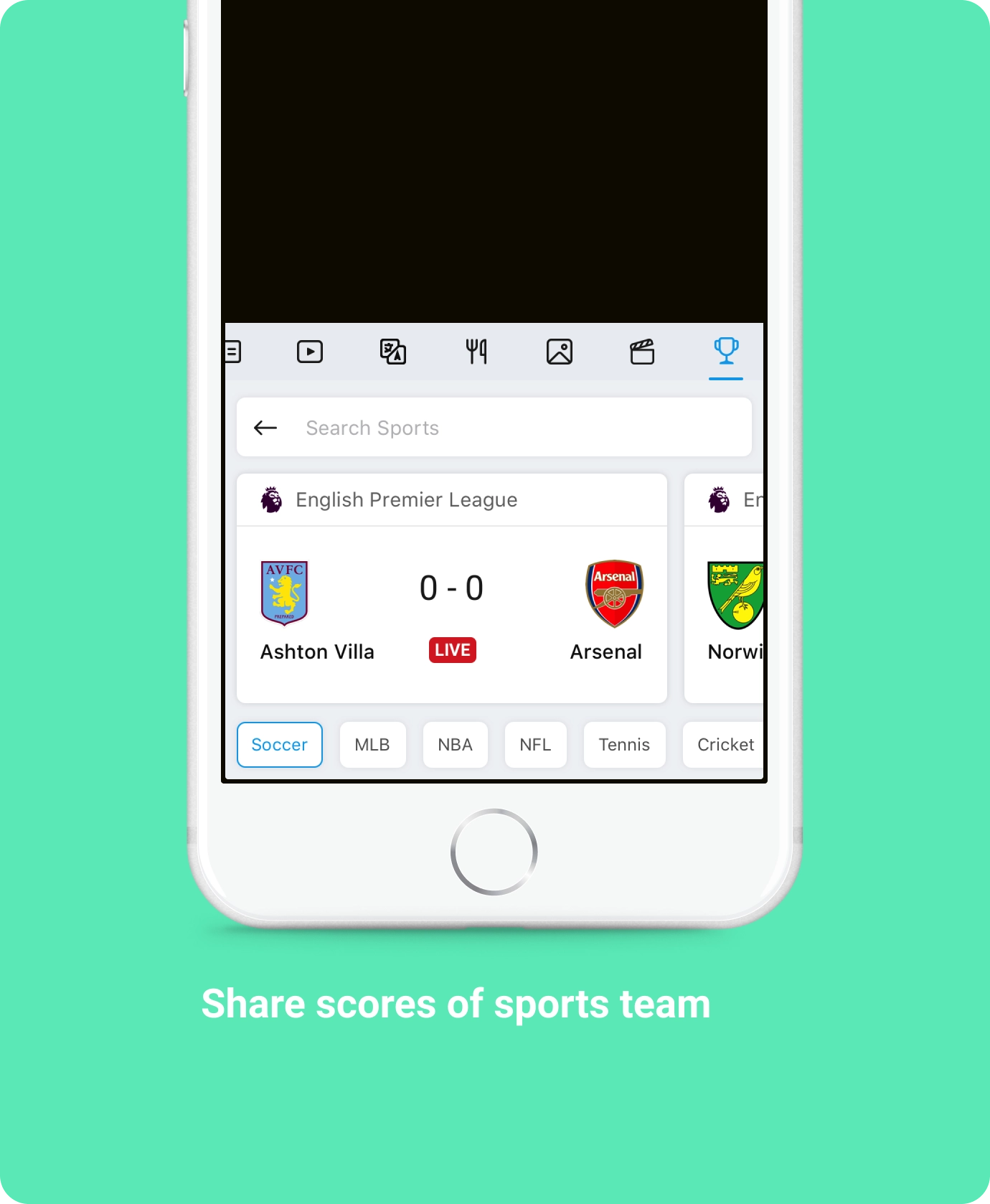
It was tedious to share while having text conversations. To share a video the user had recently come across, one would have to switch from the chat app, go to a search engine or the YouTube app, search for the video, go to the video and then share it. Similarly, sharing any entity information like a restaurant, sports scores or a contact was difficult.
This problem was something I personally experienced, so after brainstorming sessions I came up with the idea of integrating search within the keyboard. There was an initiative in the team to figure out possible search integrations in other products, and this aligned really well with that.
Evangelizing early explorations
I explored multiple scenarios and designed the experience of search within a keyboard. I was able to pitch the project to the leadership team and it got funded to be explored as a product offering from Microsoft.
Defining core value props
A team of devs, researchers and a PM was formed to work on the project. We dug deeper into this area and concluded that a great keyboard for typing should be the basis of our experience, and search would act as a differentiator in the market. We set the foundational principles of the product to be familiar, fast, delightful, intelligent and context-aware.
- 01Enable users to get information within the keyboard context to simplify sharing.
- 02Enable users to type faster than the native keyboard and be more accurate.
The business side
The project was compelling because it not only solved a major pain point for users, but also enabled us to deeply integrate our search experience while users were in Messenger, WhatsApp or Skype. It opened a lot of avenues to bring all the rich data from Bing to users.
Enable users to get information within the keyboard to simplify sharing
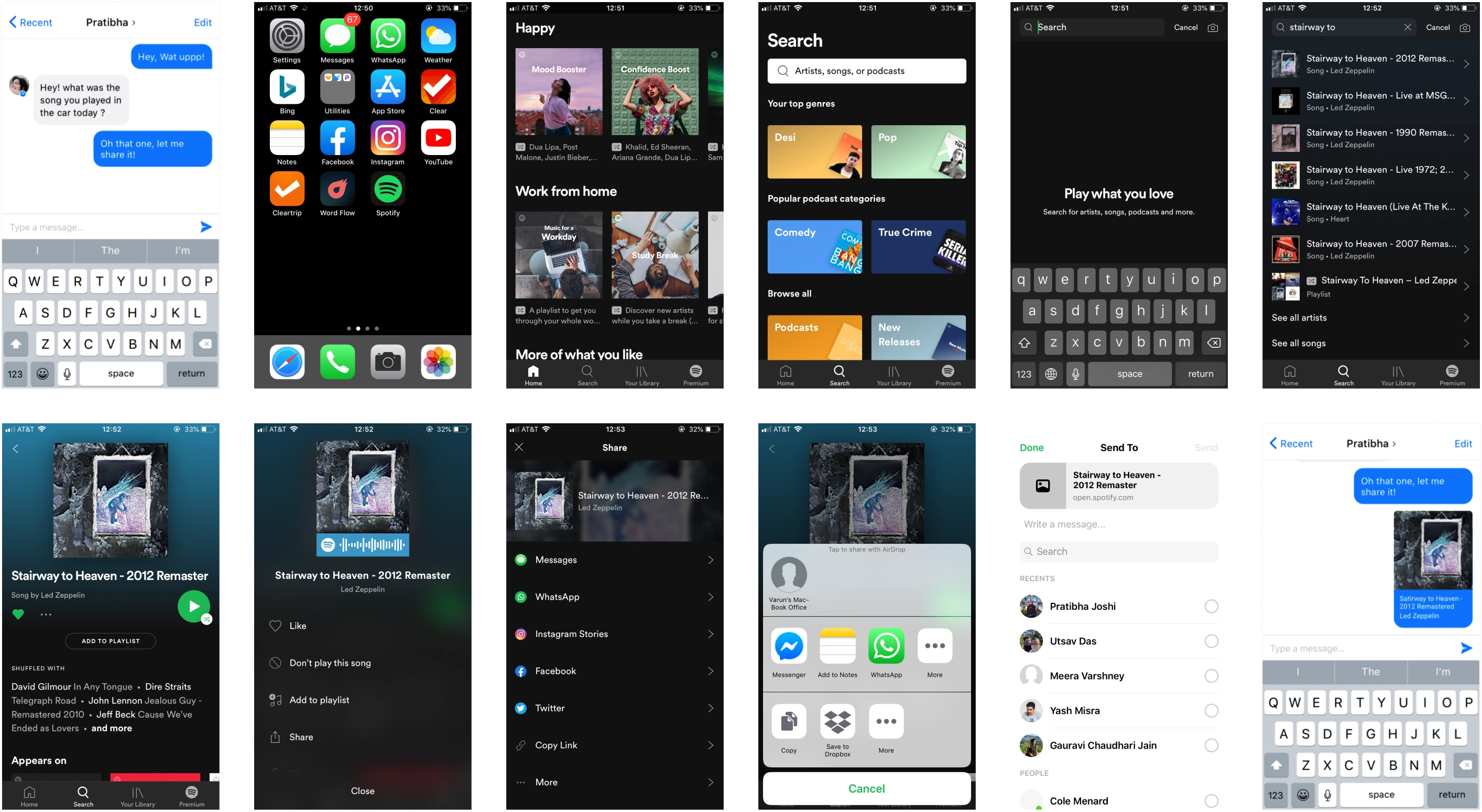
It took almost 12 steps to share information while chatting, which disrupted the flow of the chat and made sharing tedious. Below were the steps to share a song.
Exploring interaction models to integrate search in the keyboard
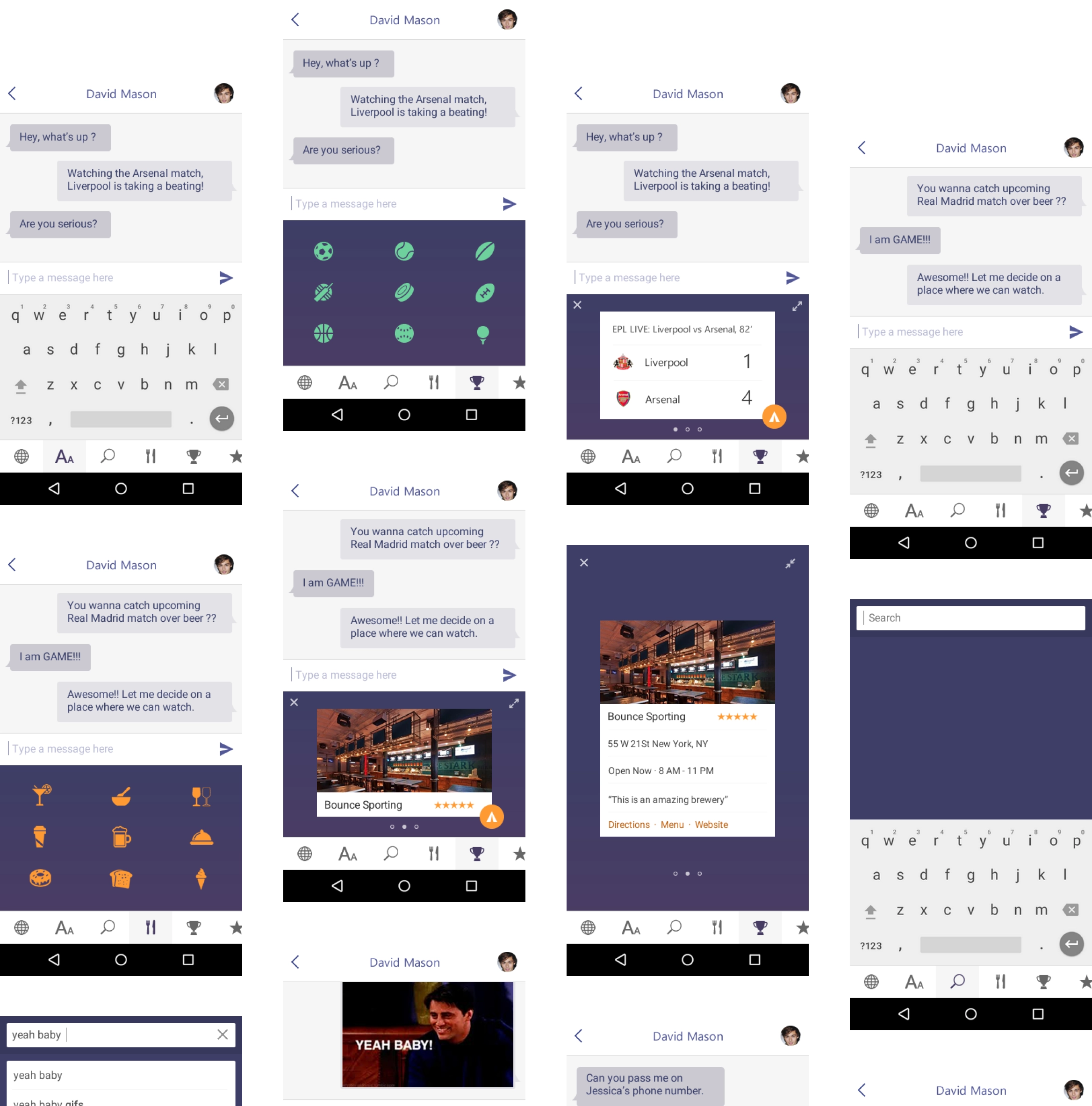
Once the project was funded I explored more interaction models. Our key principle was familiarity — we wanted the keyboard to feel familiar with the native iOS keyboard so the learning curve was as low as possible.
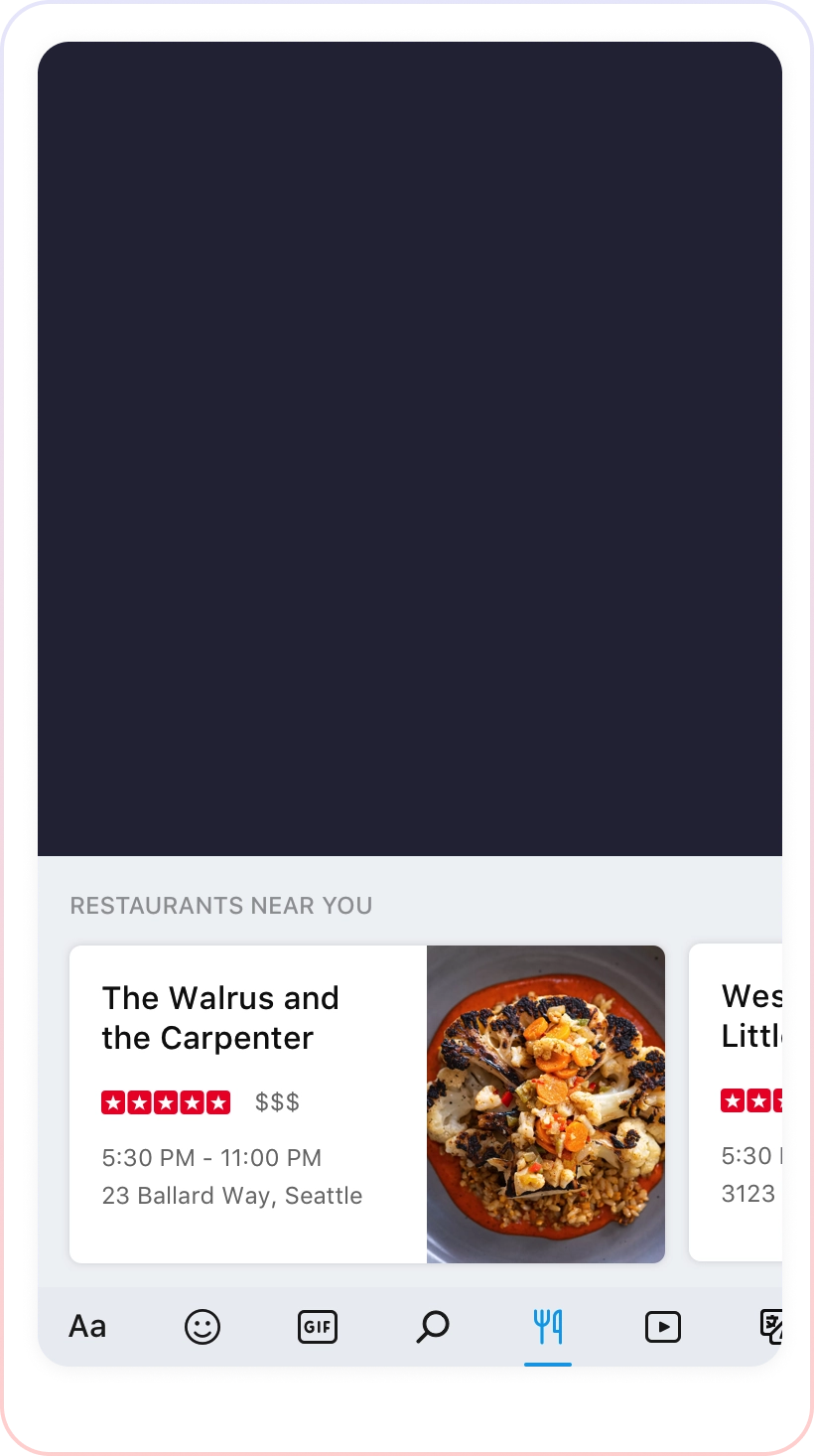
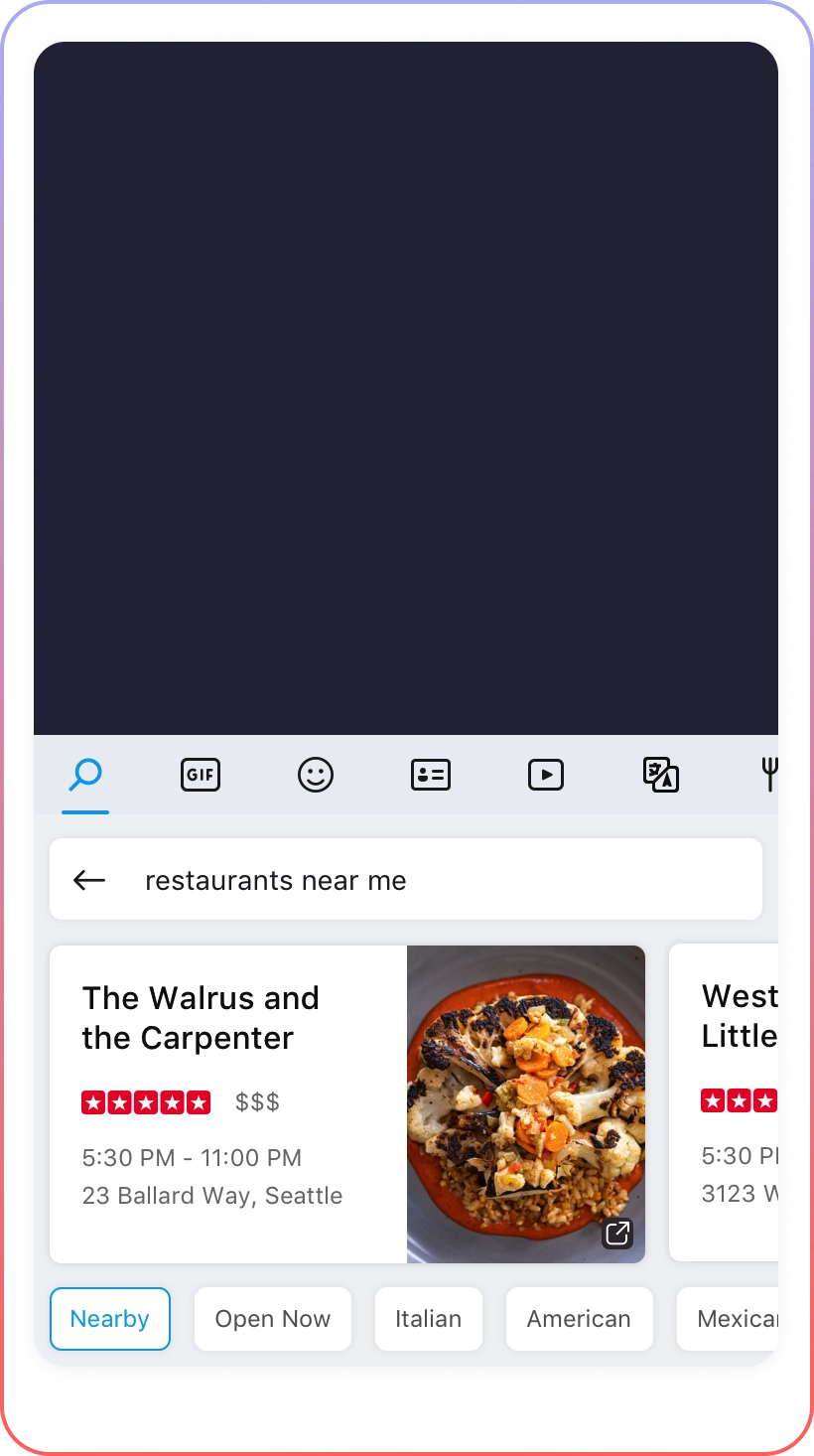
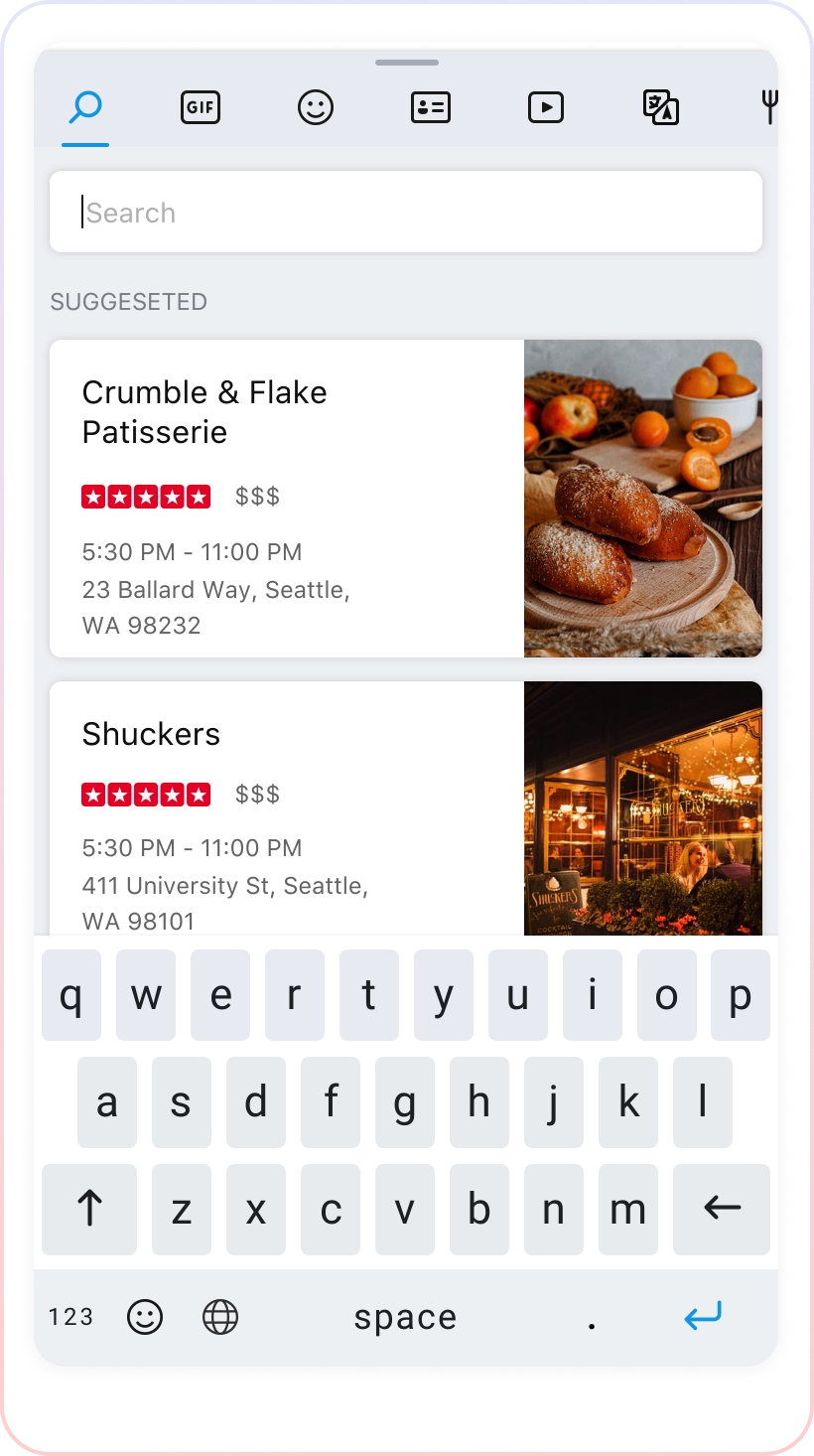
Bottom bar — the first model, from the hack. It worked well but meant shifting the keyboard up, which could be frustrating while typing as it would require users to recalibrate. Top bar — keeping the experience familiar with what users were already using, this came out the best candidate of all the models. Fullscreen — an extension of the top bar which could provide more area, but users could lose context while chatting.
Final solution
Search experience within the keyboard to make sharing anything easy and fast
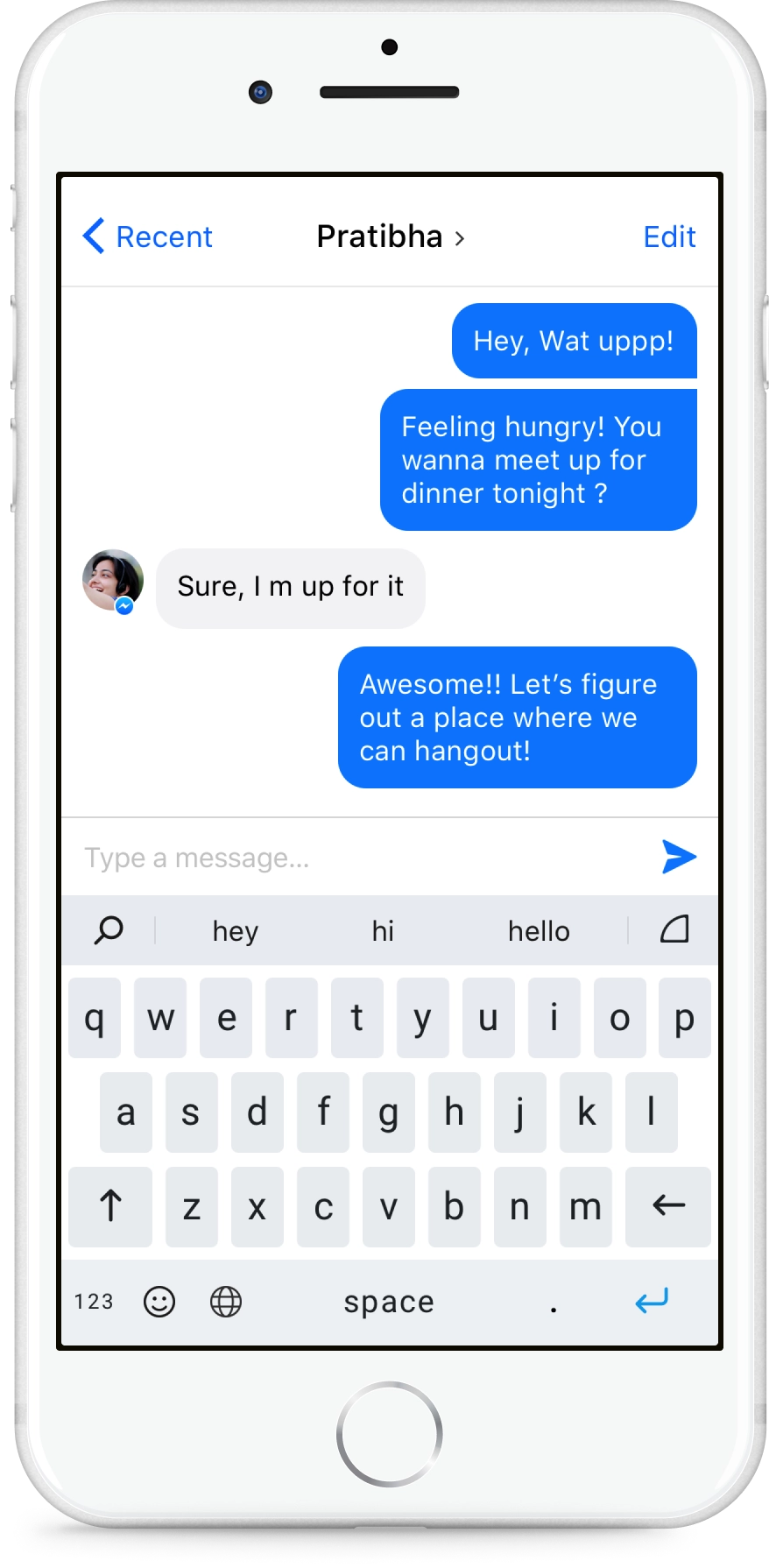
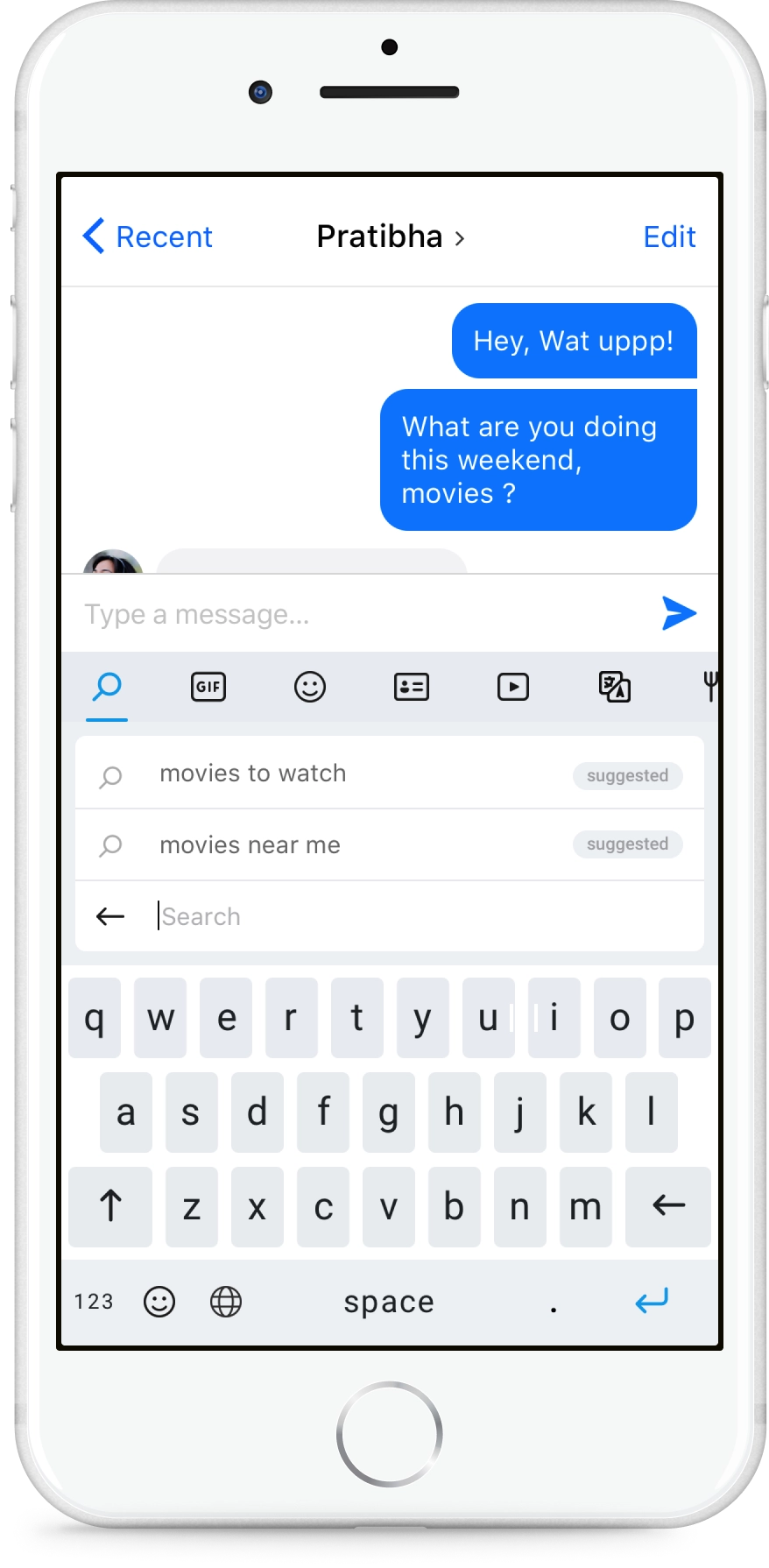
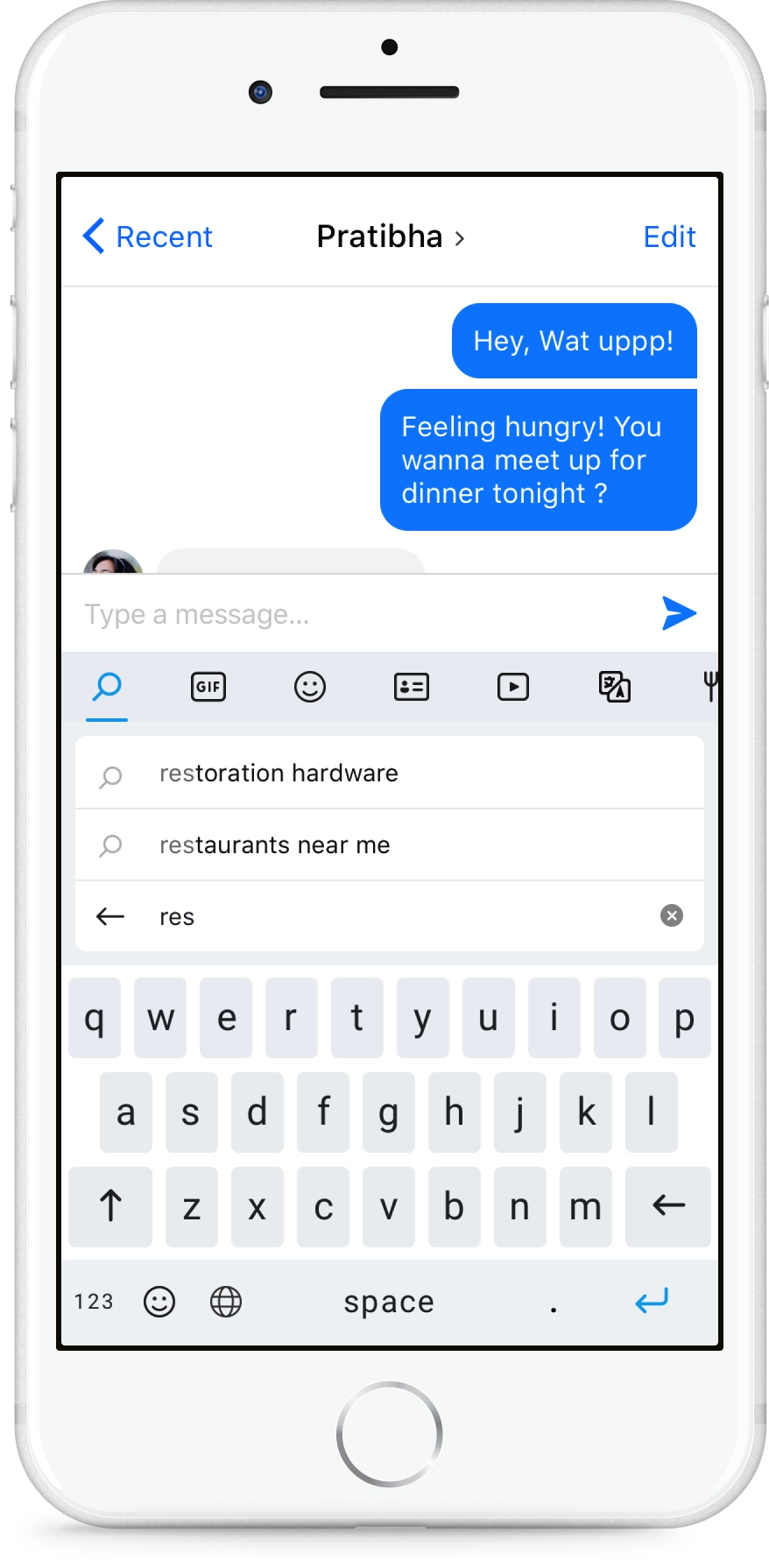
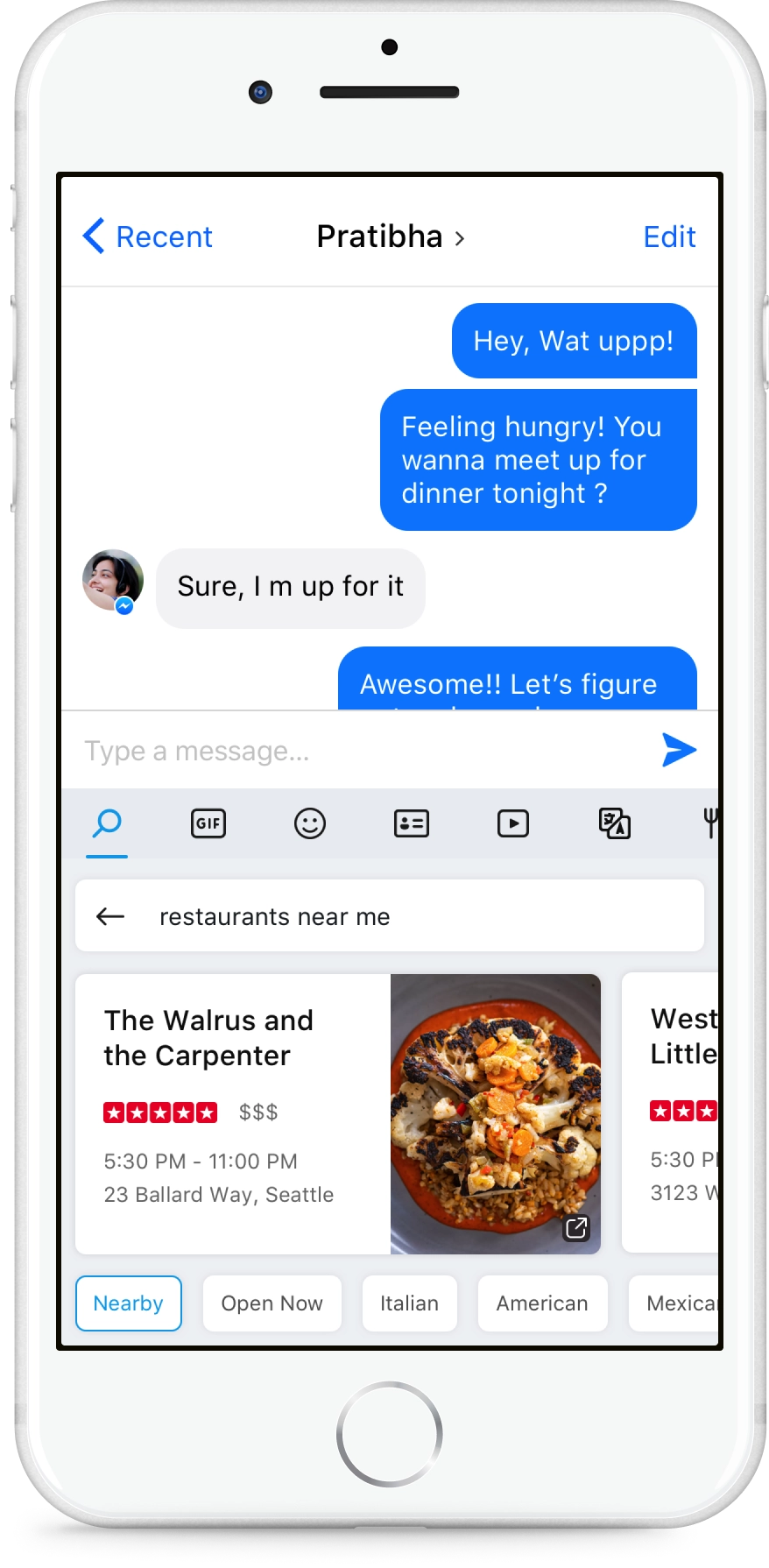
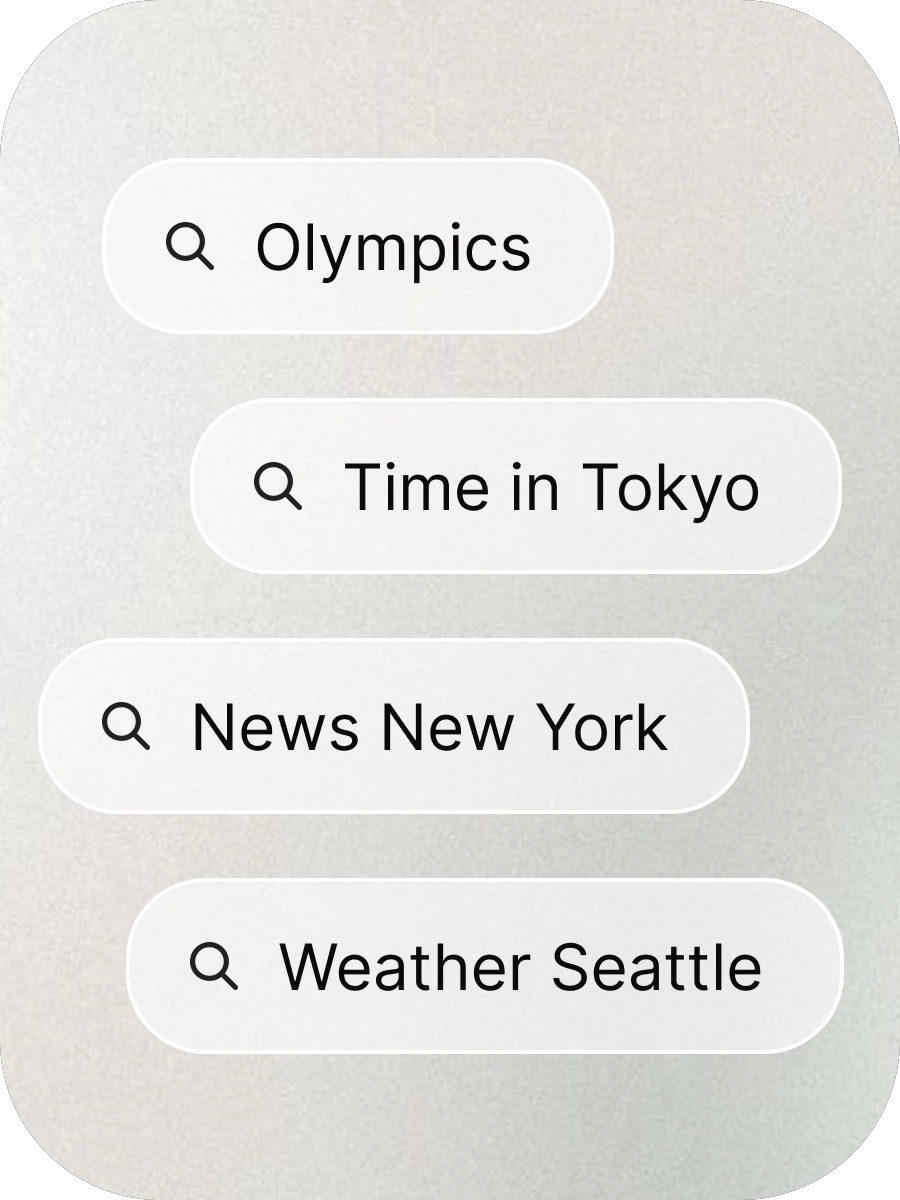
Default keyboard state with search on the left, Arc keyboard invoke on the right, and word suggestions based on typing history, context and conversation. The zero input screen brings suggested information based on the recent conversation. Auto suggestions simplify searching, and answer results for entities are served in card format with quick categories to minimize typing.
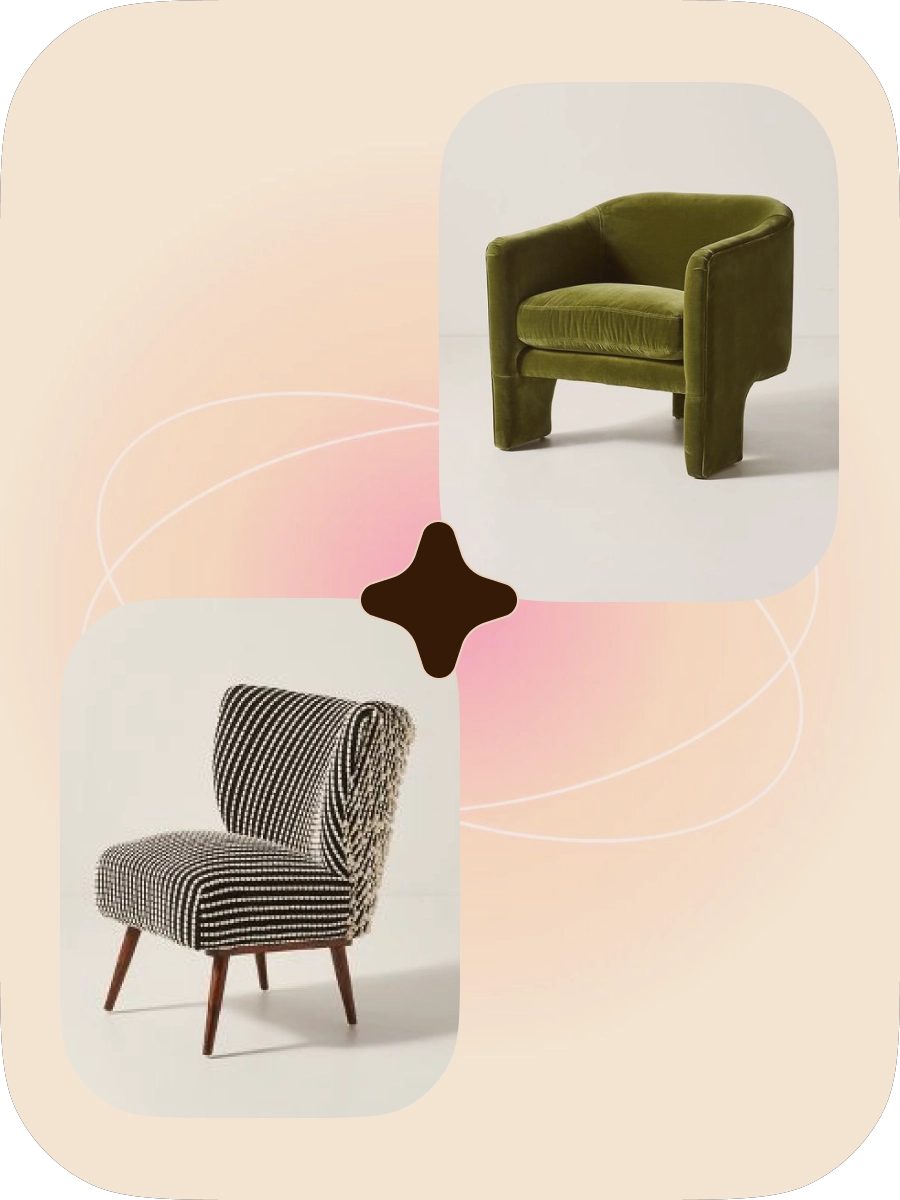
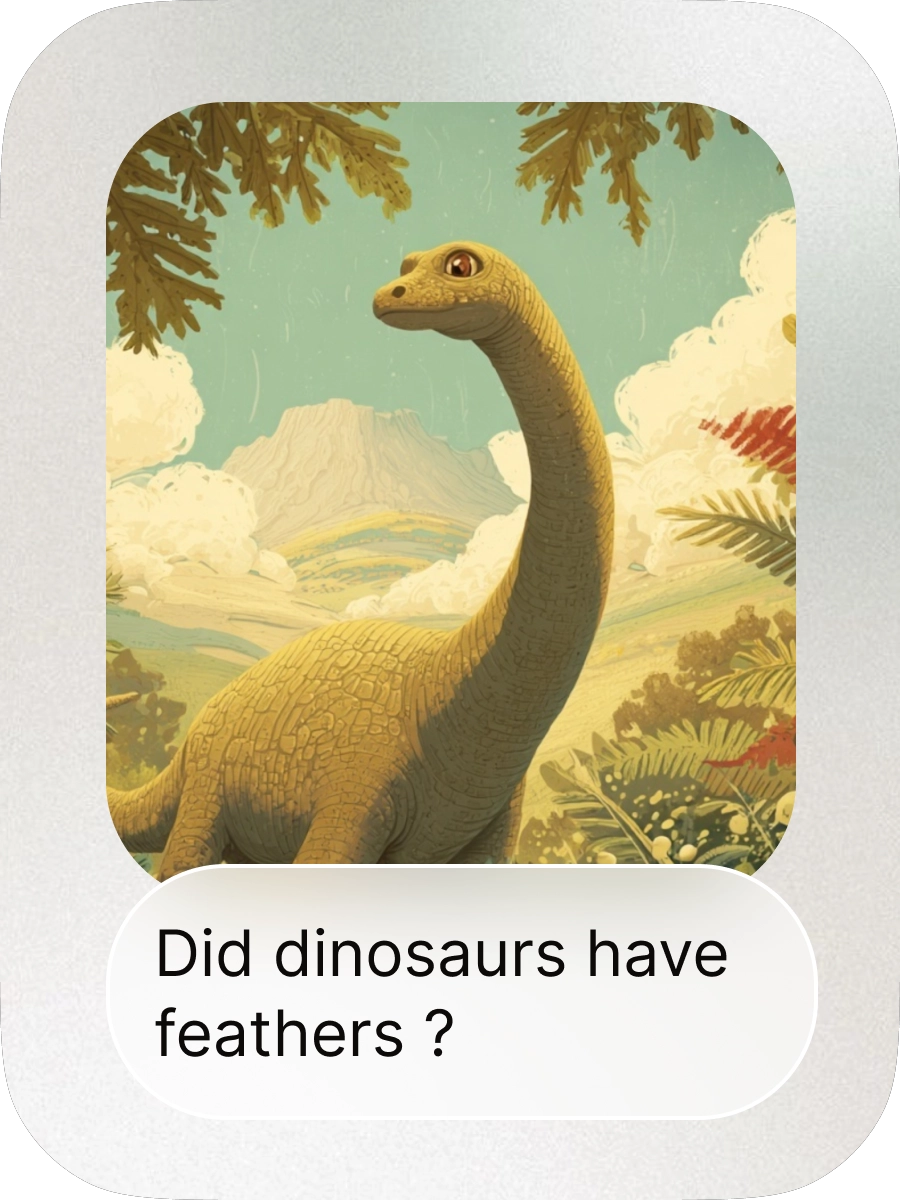
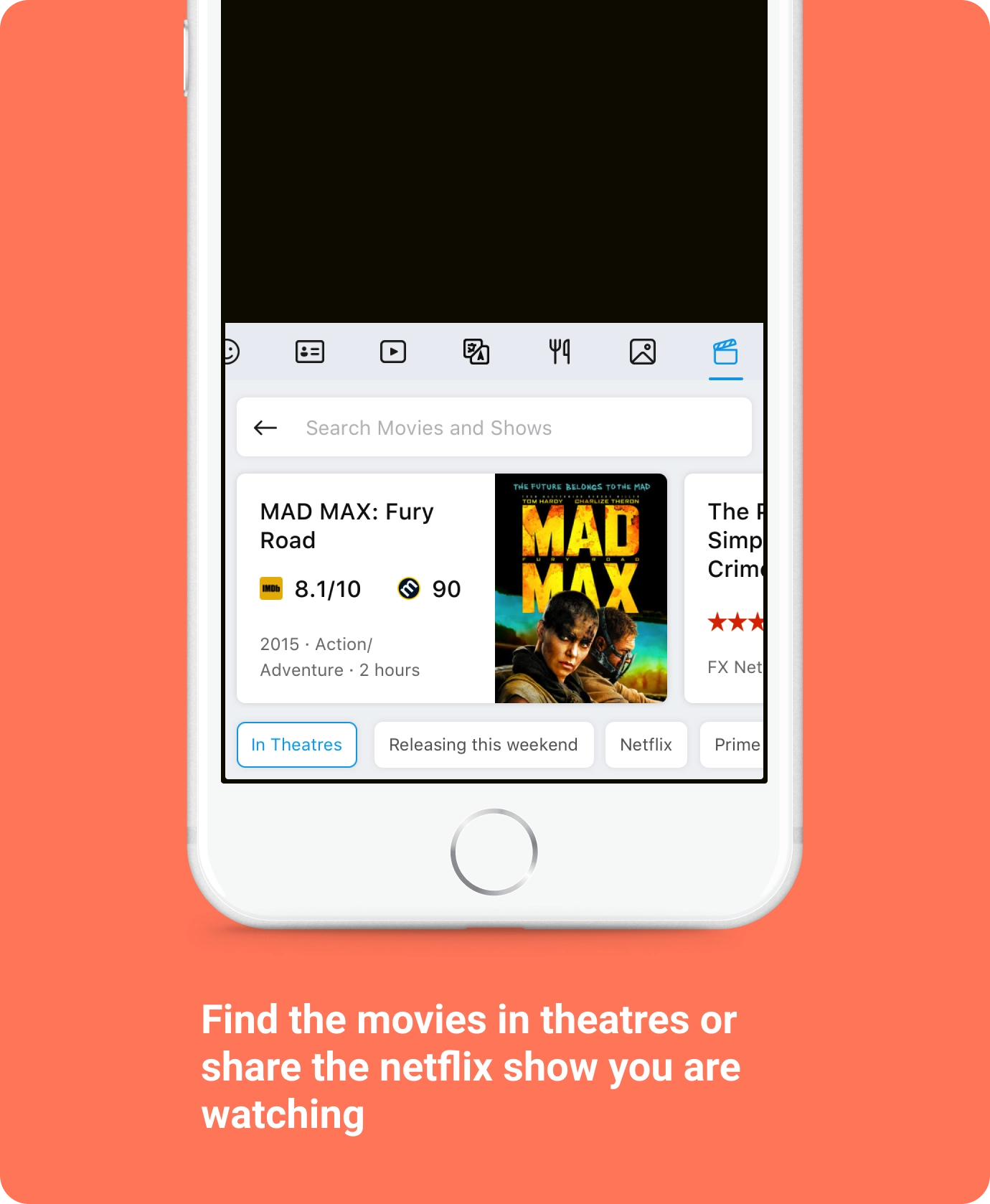
Search supercharged with structured content from the web

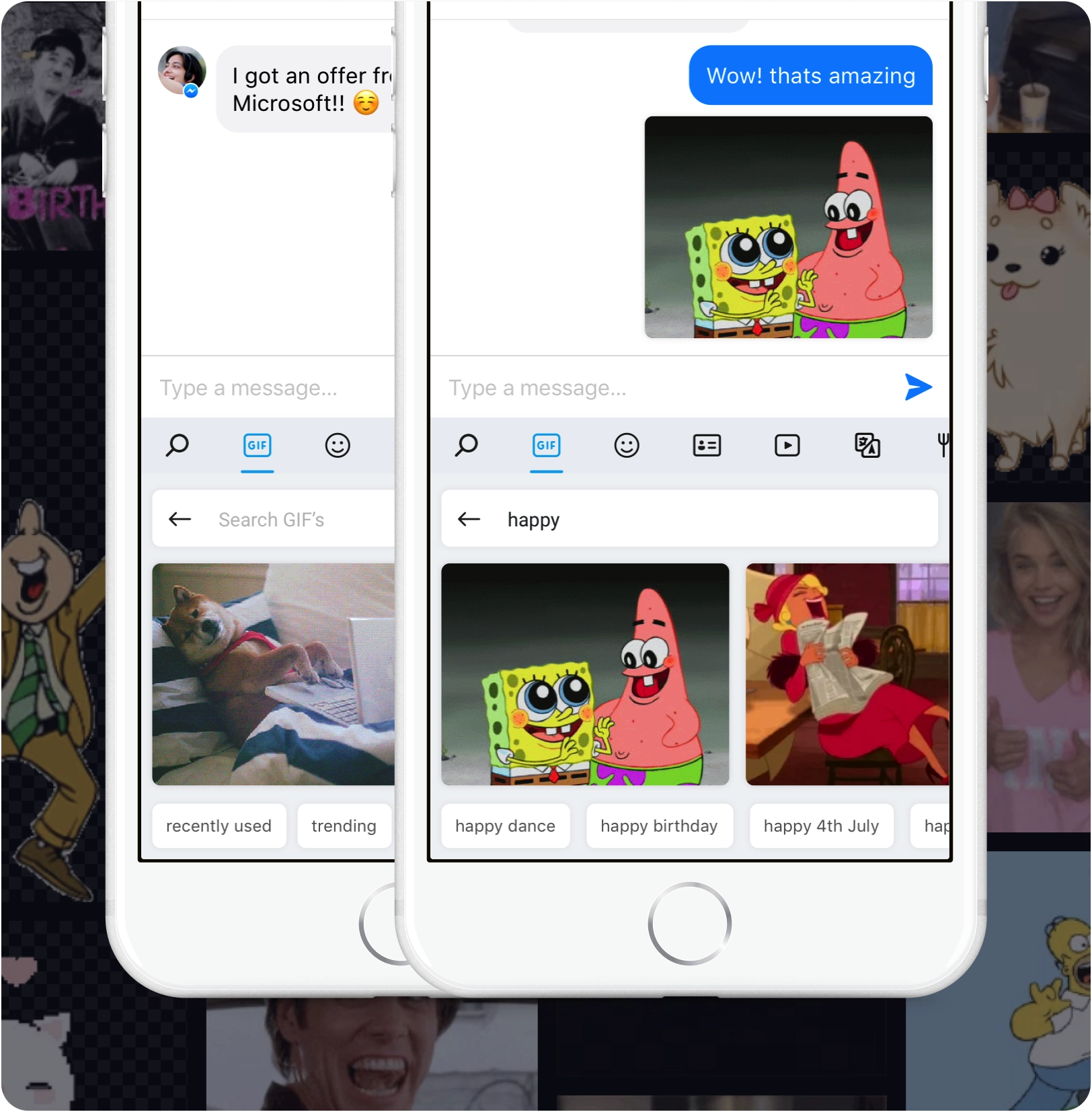
Search GIFs and light up your conversations
Bringing GIFs from all over the web was a major feature, and we focused on proactive scenarios as well which brought trending GIFs and new GIFs based on current news topics.
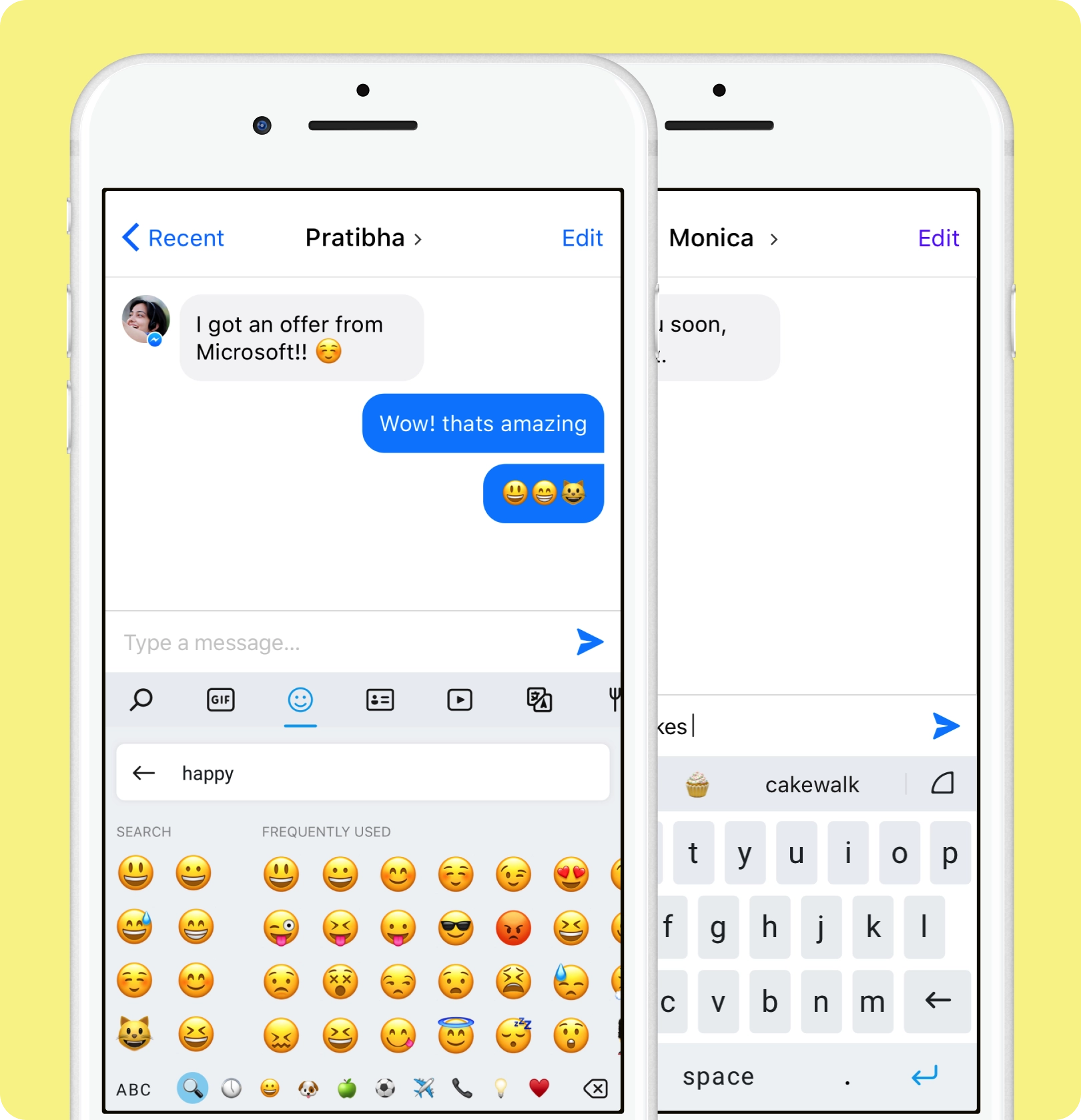
No more endless swiping to find that emoji
The iOS keyboard lacked the ability to find emoji based on keywords. Now users could simply enter words and find the right emoji in seconds. We also brought emoji suggestions while typing, based on the current word or next predicted word.

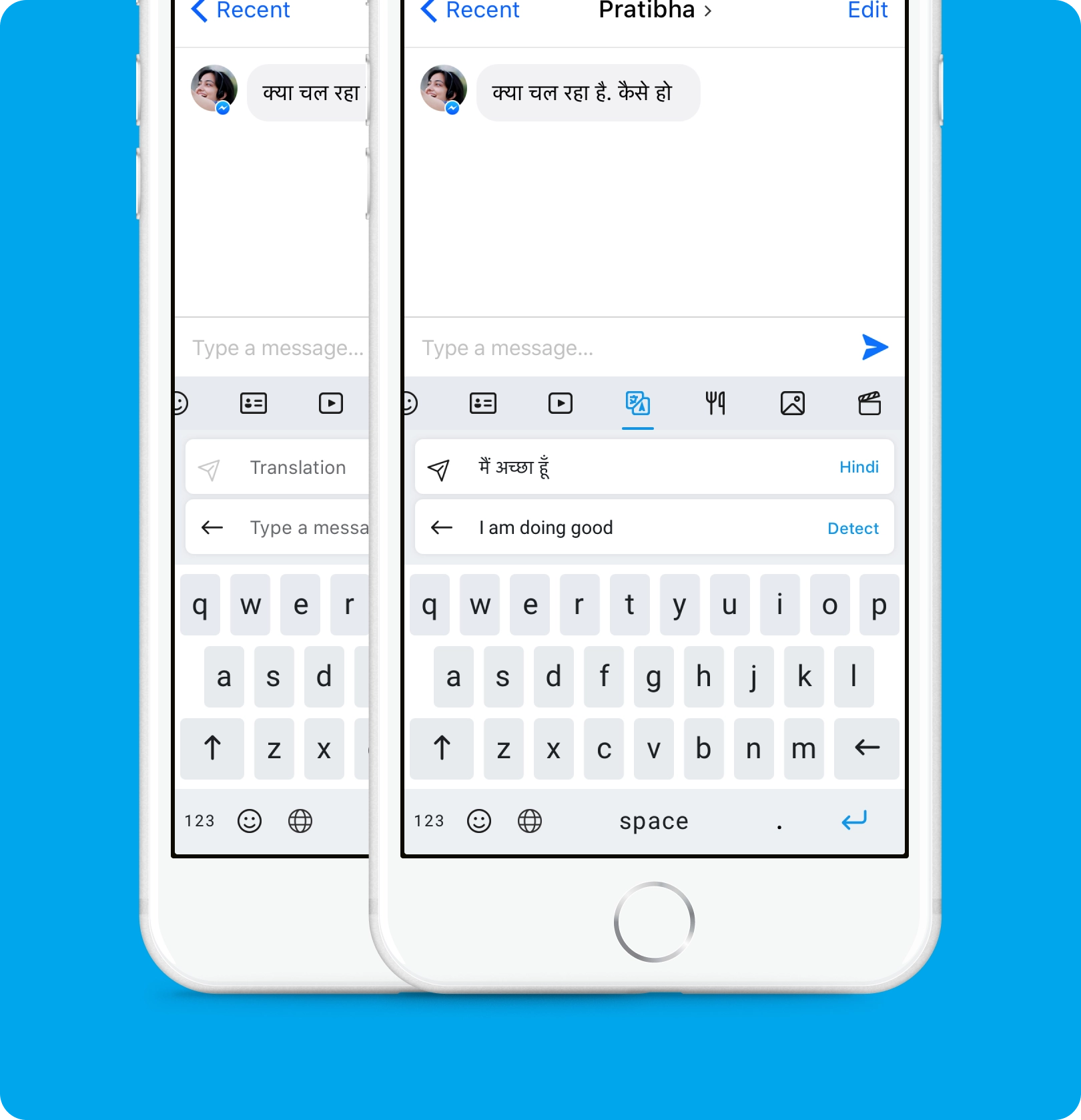
Easily communicate in any language you like
How can we break language barriers and enable users to have a conversation in another language? The existing process was broken — going to a translator, entering text and bringing back the translation. This was a great opportunity to bring the goodness of Microsoft Translator into the app.
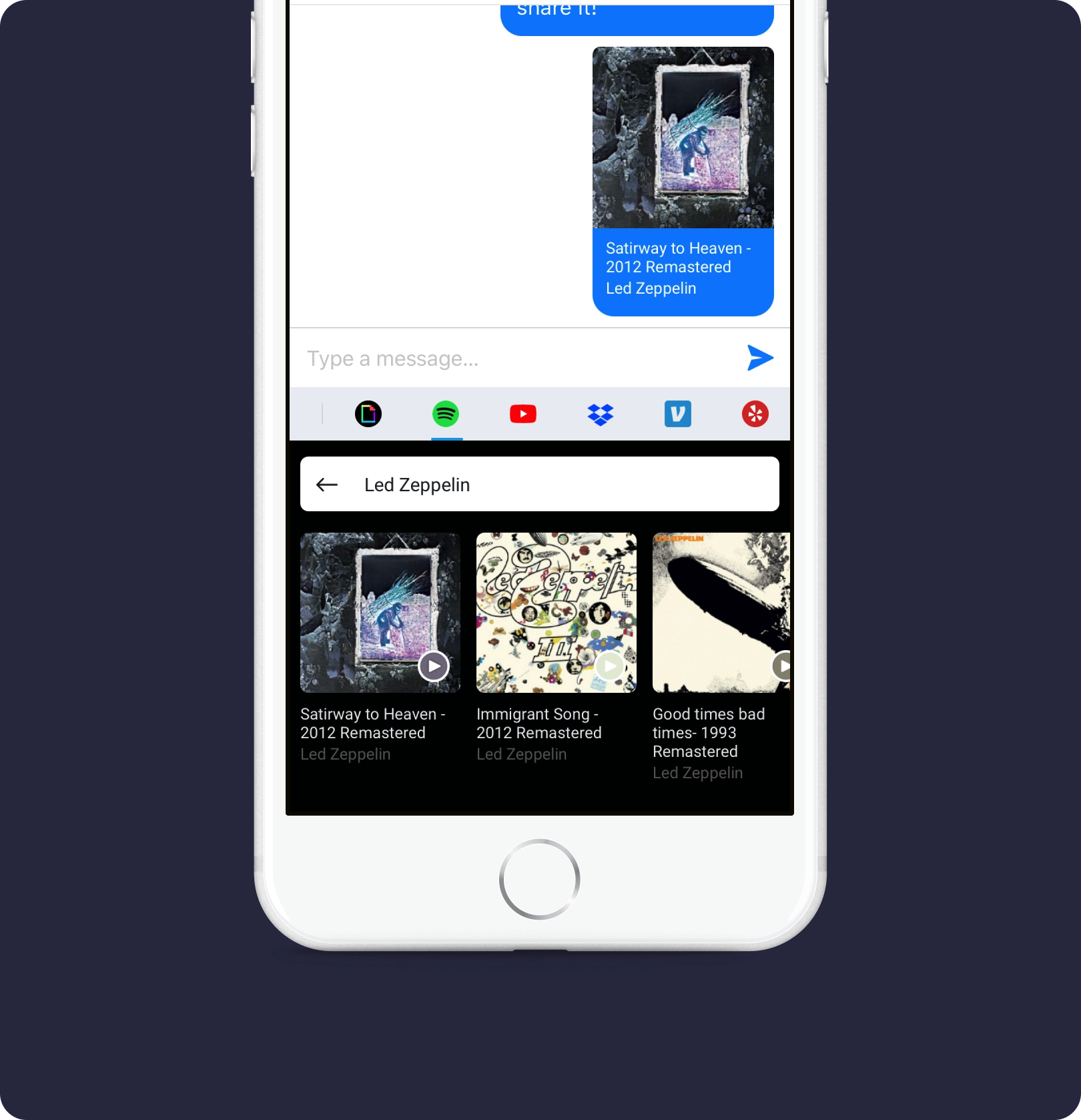
Third party extensions — your favourite apps in the keyboard
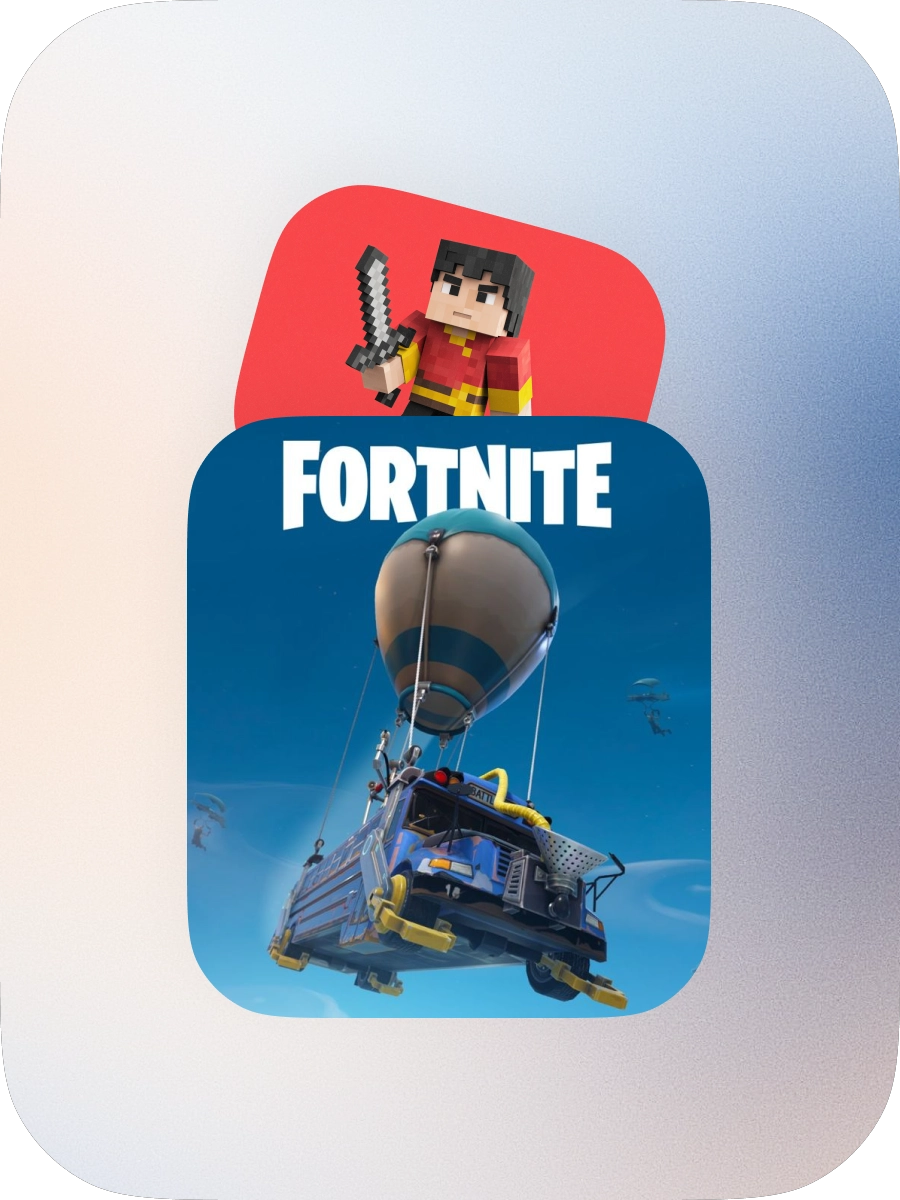
Third party extensions allowed users to get content from their favourite apps and easily share it from the keyboard. Ultimately this helped grow the product and bring more value to users.
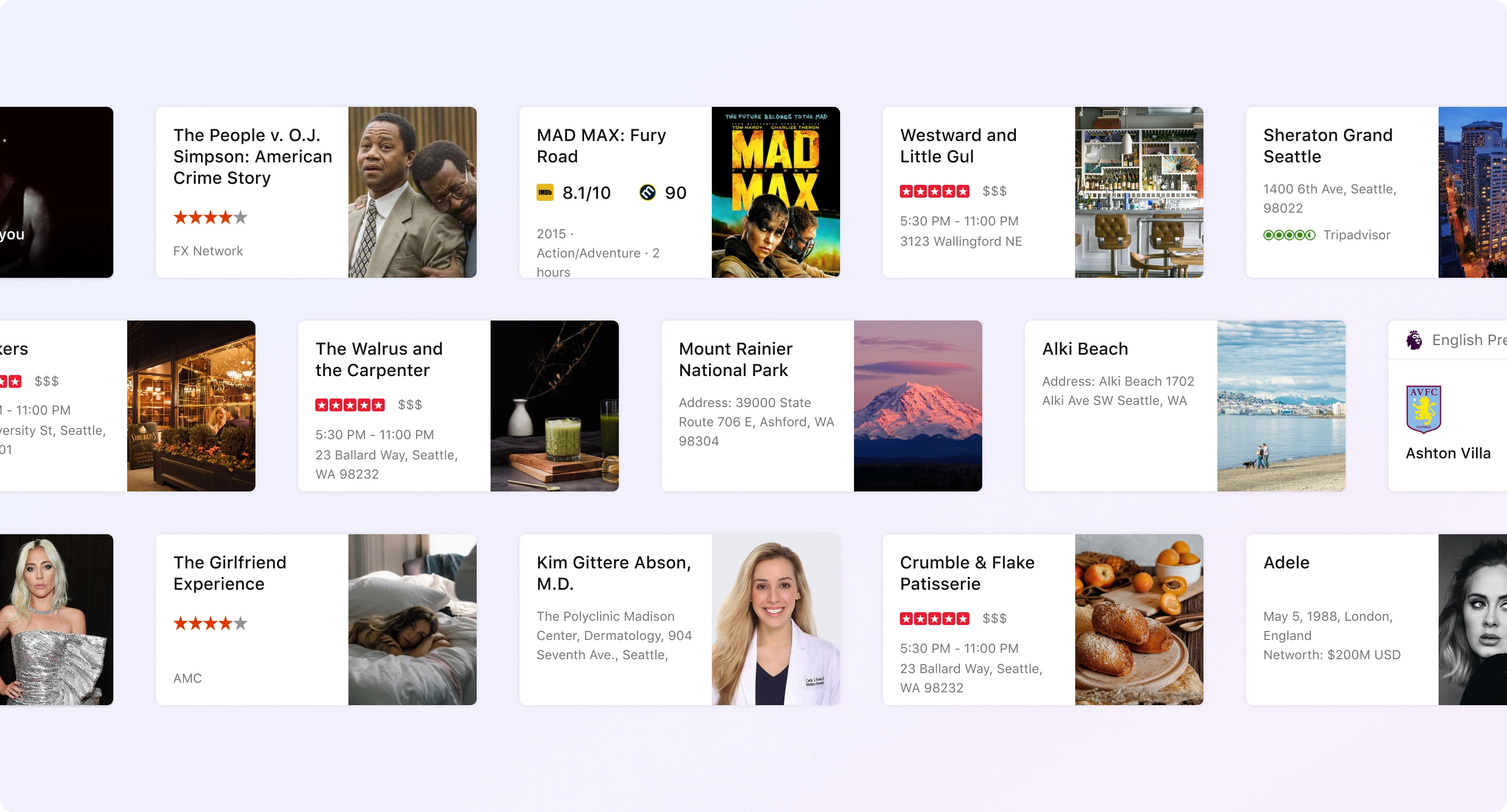
Card framework
To enable the keyboard experience it was imperative to bring all the rich structured information Bing had curated over several years into a short, consumable format. I came up with the first card framework which spanned all answer and entity segments in Bing. These cards were later used in multiple projects by the team — the bot experience, Bing on Tap and others.
Keyboard that learns as you type
Wordflow learns your writing style to suggest your next word. Enter a whole word with a single tap instead of typing letter by letter. The prediction happens based on the likelihood of it being typed — if you type “H-a-p-p-y”, “birthday” is much more likely than other common b-words. Similarly, it learns words that might not be in the dictionary, like surnames.

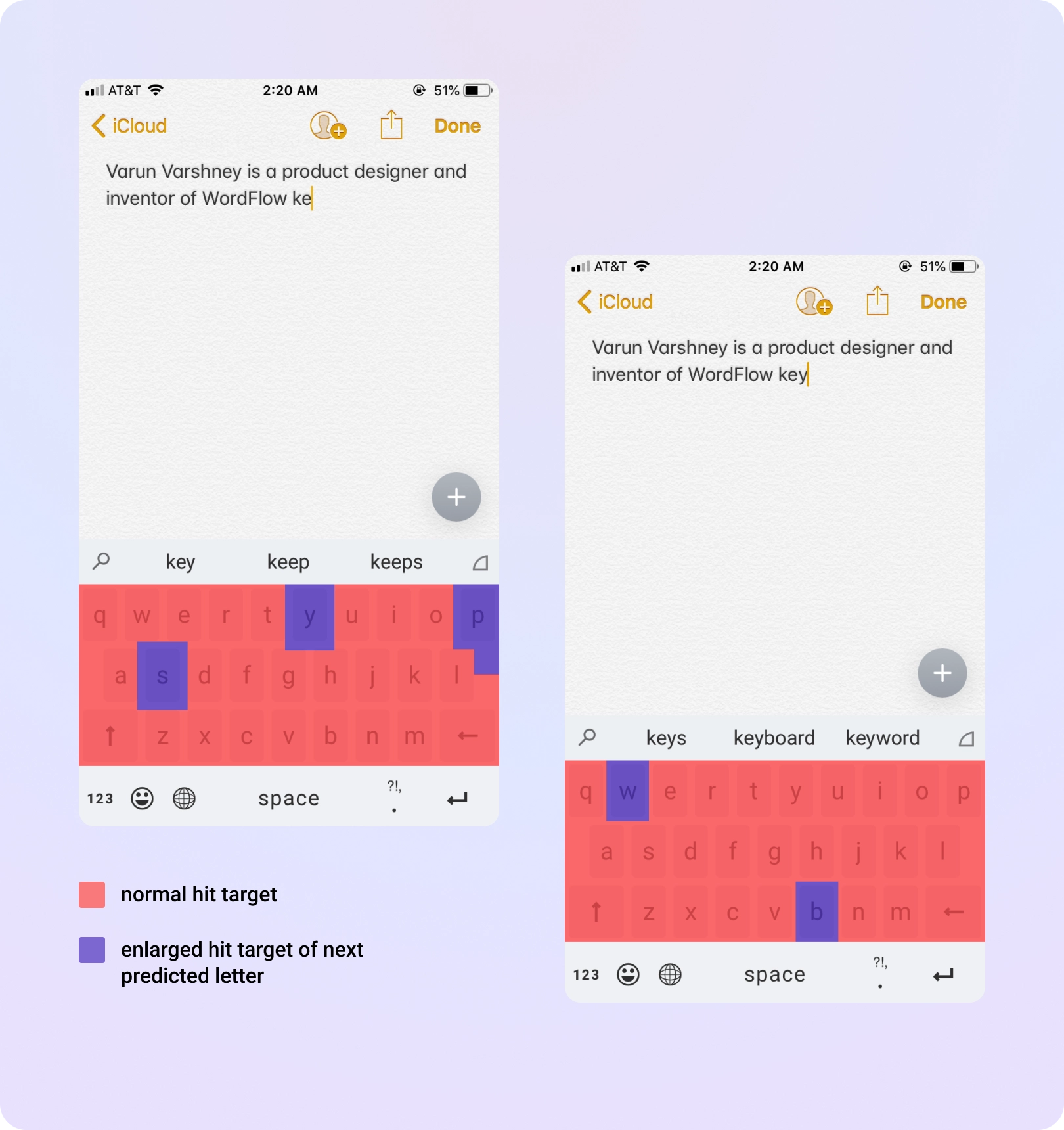
Solving the fat finger problem
The keyboard predicts which key you’re going to hit next and invisibly adjusts the hit target for all keys, making the ones you’re most likely trying to touch slightly larger. This technique was used on Windows Phone and brought to iOS.
One hand typing — the new normal
The trend for bigger phone sizes was on the rise. Bigger screens gave a better experience overall, but created reachability problems — using the phone or typing with one hand was becoming difficult. To enable people to type with one hand I designed different layouts which mimic the natural hand curve.
Swipe to type
Shape writing was a critical feature that worked well with the one-handed keyboard. Users could really increase their typing speed with this method. We also introduced a lot of small nuances — flick up to capitalize a letter, tap and hold to move the cursor.
Make the keyboard your own — customize with themes
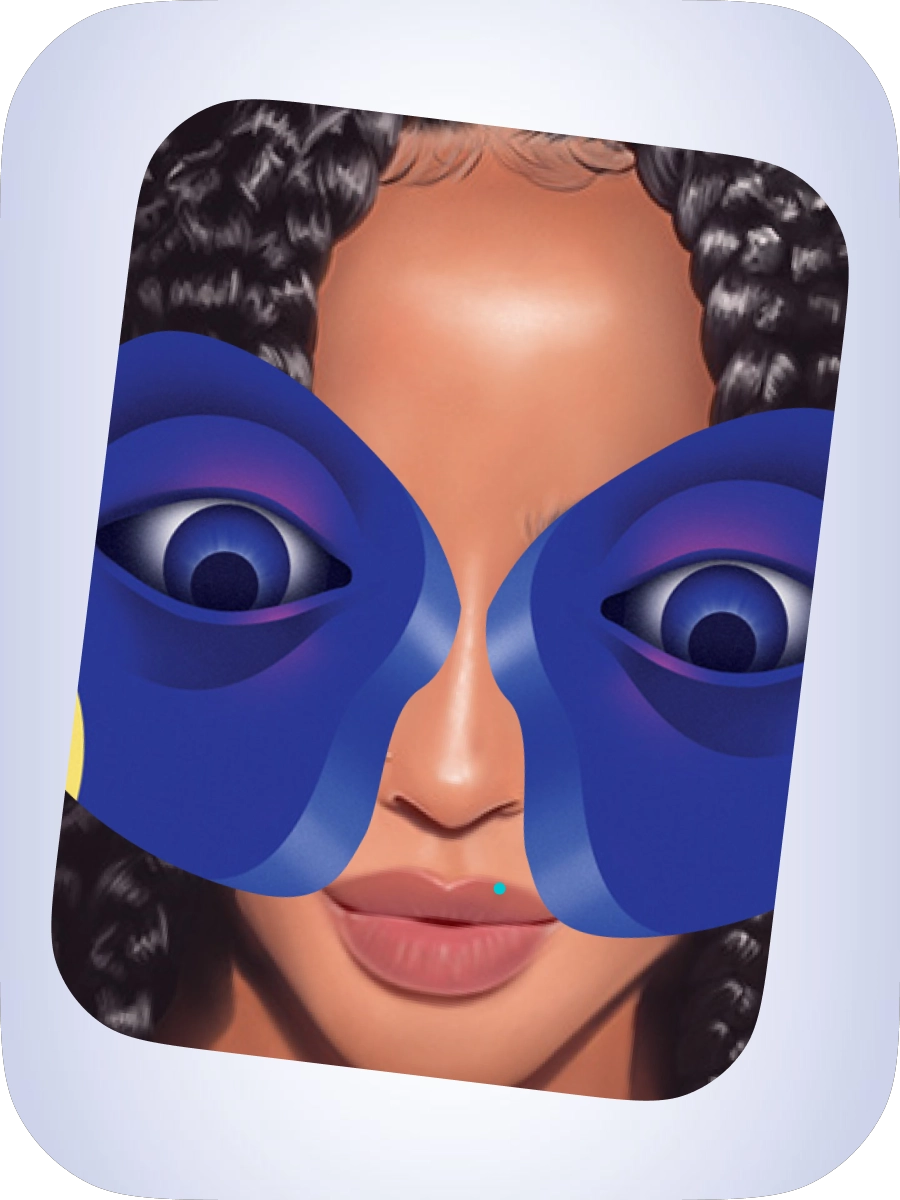
Themes gave users control over their typing experience. We created multiple themes, from very minimal designs to rich and immersive ones.
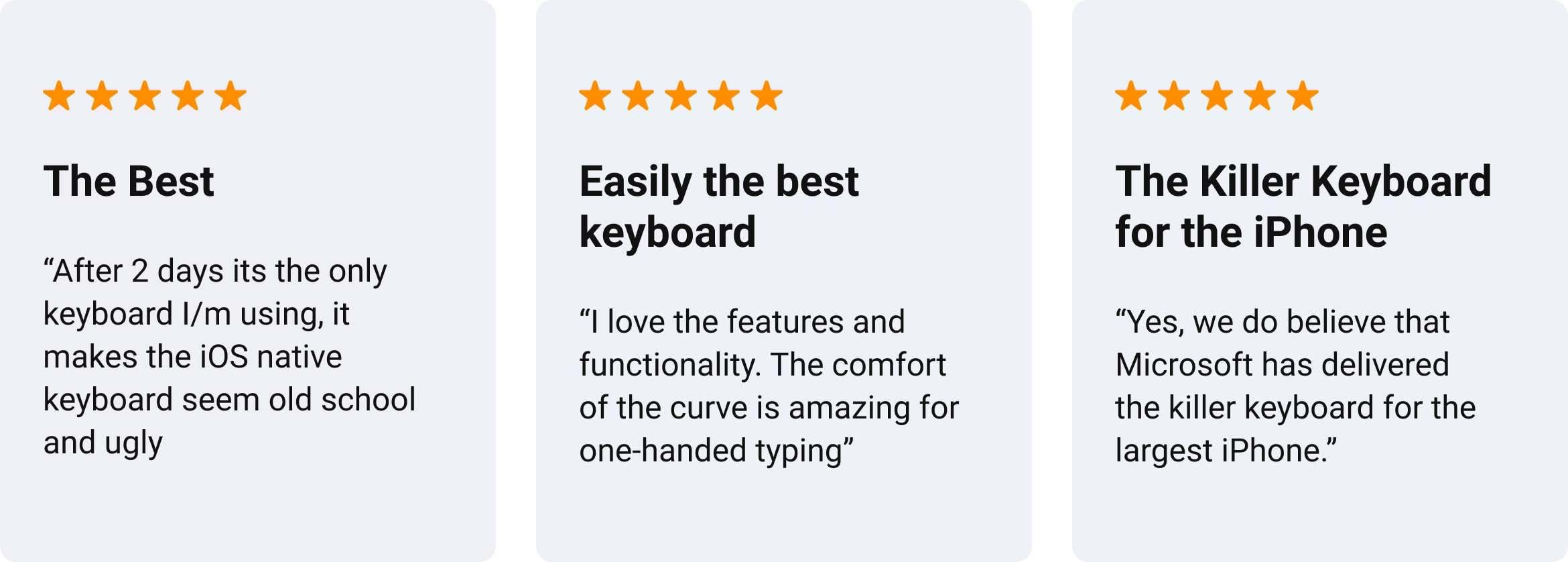
App Store reviews
Impact and learnings

This was a highly successful app — the first to bring search within a keyboard, as well as numerous other typing innovations to the market. Throughout this project I learned a lot, and it was a great journey coming up with the idea, pitching it and successfully launching the product.