


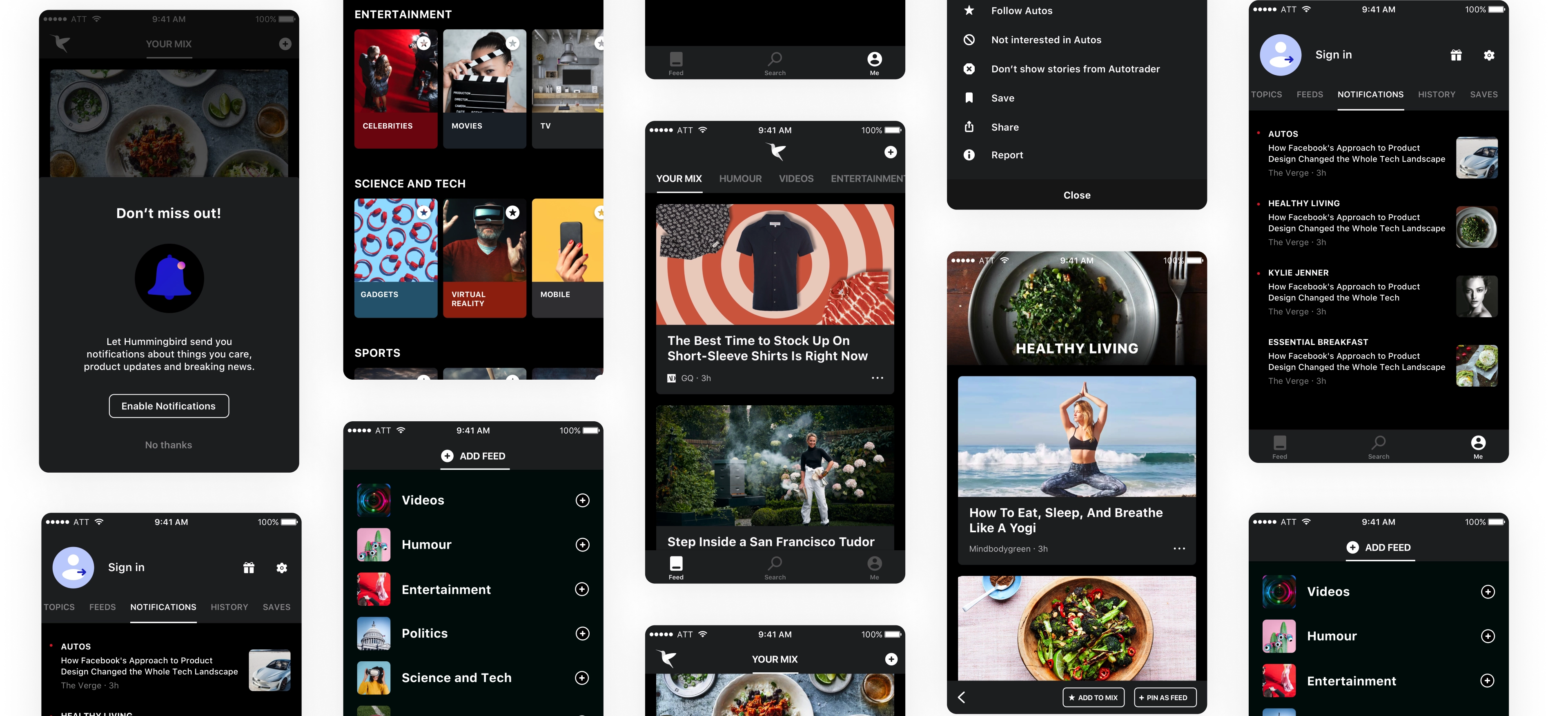
Hummingbird App — An intelligent feed with personalized and snackable content to discover the web
Product Design Lead, Microsoft ・ 2018
Bing had built up a great search experience for its users, but it was falling short of engaging them when they were not looking for something specific. The idea of a feed was floating around the company — an experience for browsing rather than just searching. The challenge was how to make an experience which is relevant, effortless, engaging and habit forming. I led the creative vision for this product, from setting out goals and defining the framework to prototyping interactions and ultimately shipping.
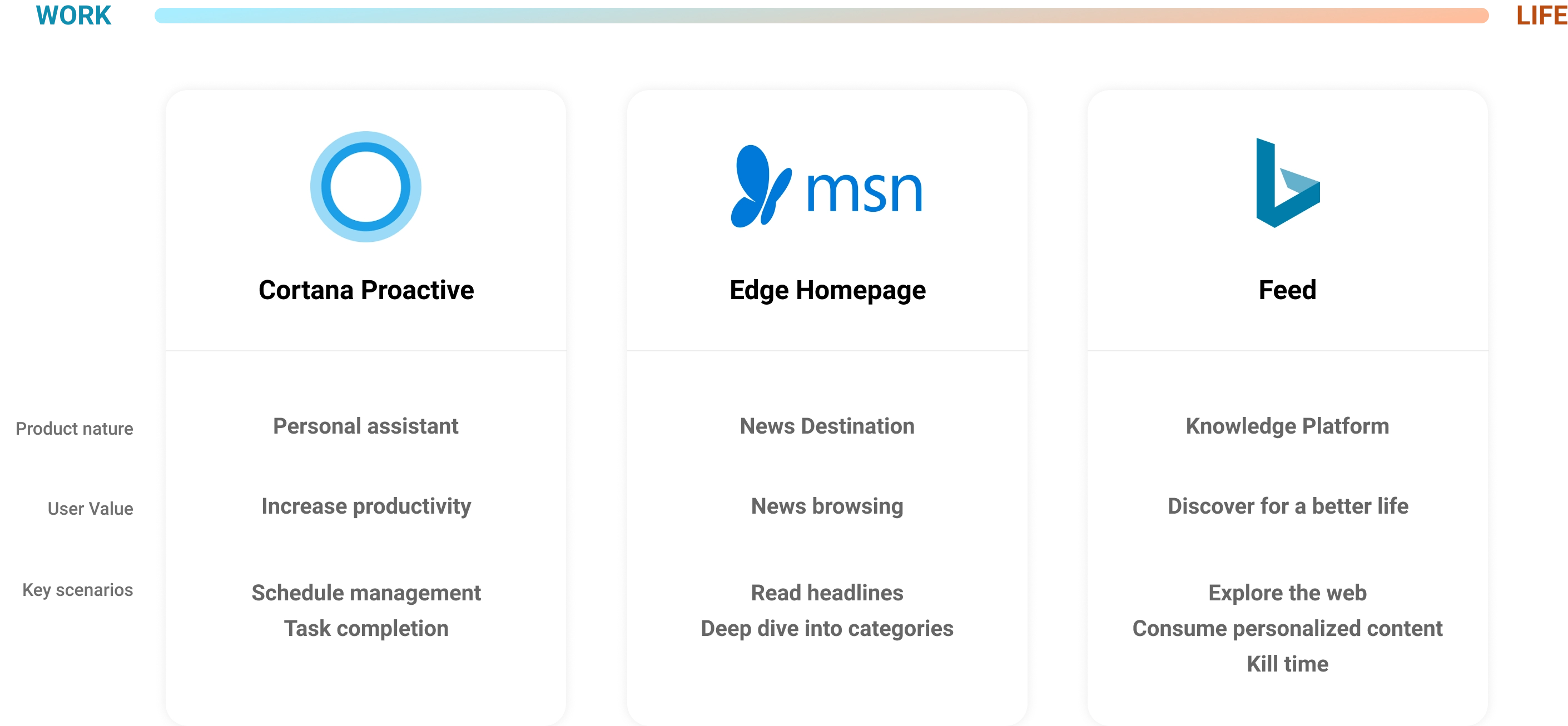
Understanding the feed landscape
Before jumping into the design phase it was critical to understand the landscape, apps doing well in this space and the different feed products in market. We studied competitive news apps to better position our future product.
Core themes and objectives
We identified bigger themes that would help ground the concepts and ideation in the user’s and business’s best interest. It also helped us scope the problem areas to go after.
- 01Enable users to discover news stories and content of their interest.
- 02A habit forming experience — optimized for quick consumption with snackable content.
- 03Provide an unbiased, clear picture of news.
- 04Integrate the feed into other parts of Microsoft products and increase DAU and engagement.
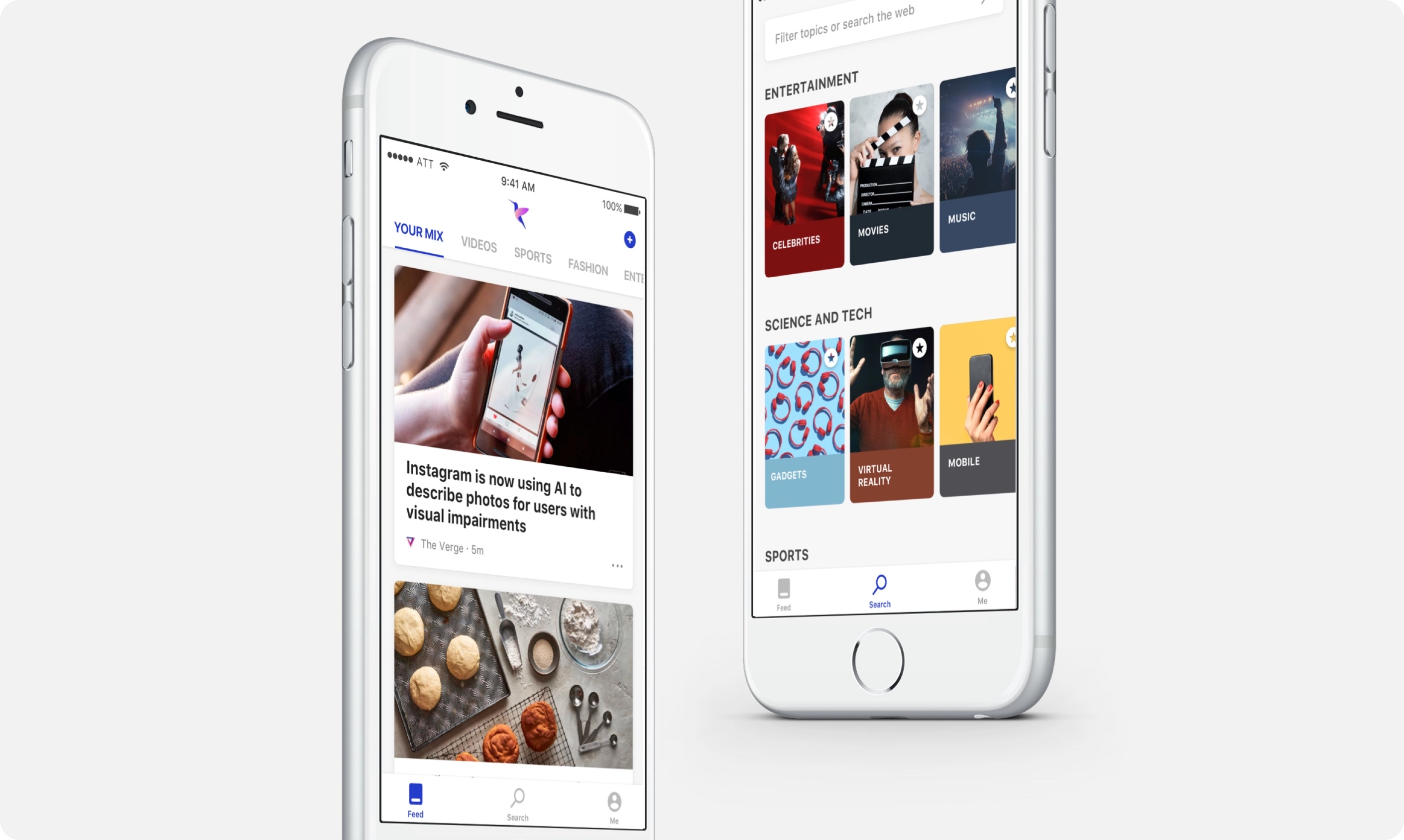
Discover stories from the web just for you
Hummingbird uses the latest AI and search technology to help you locate stories and videos on topics you care about, from sources you trust on the web. You set it up with just a few taps.
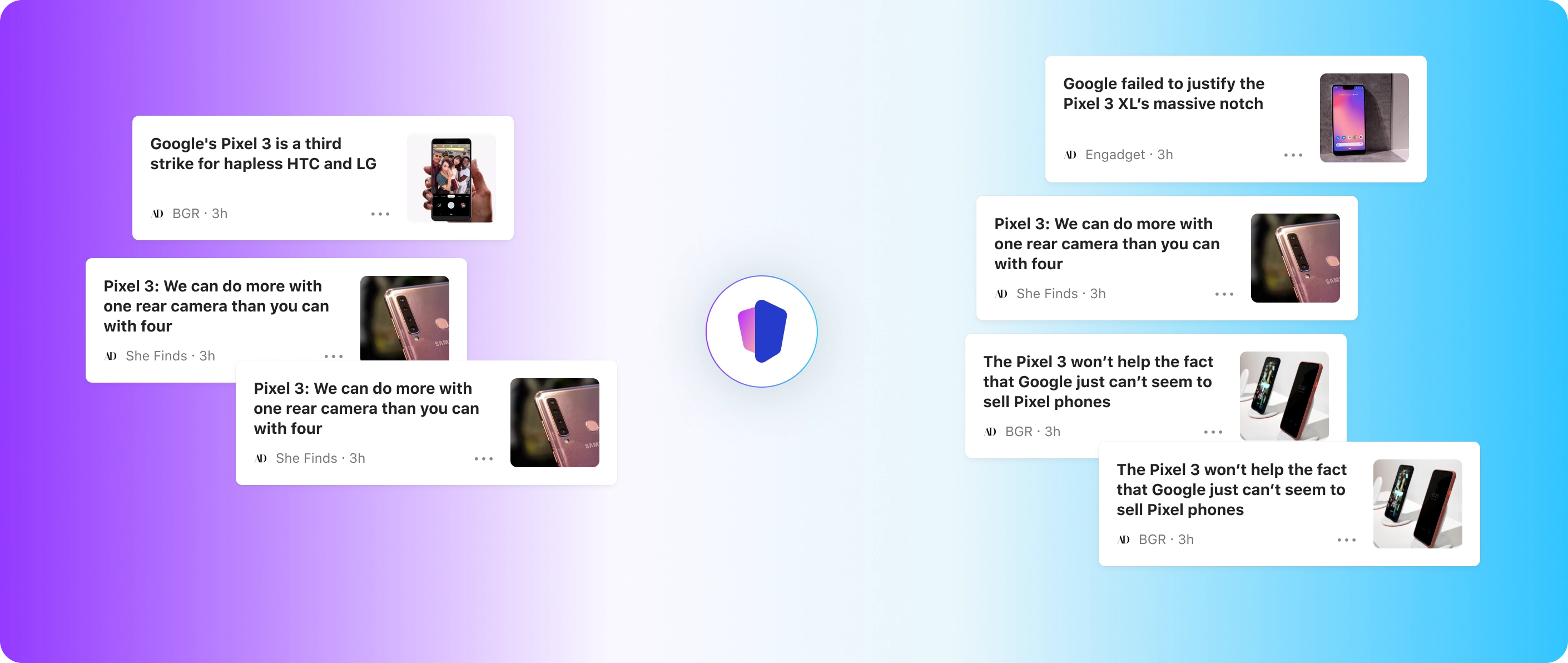
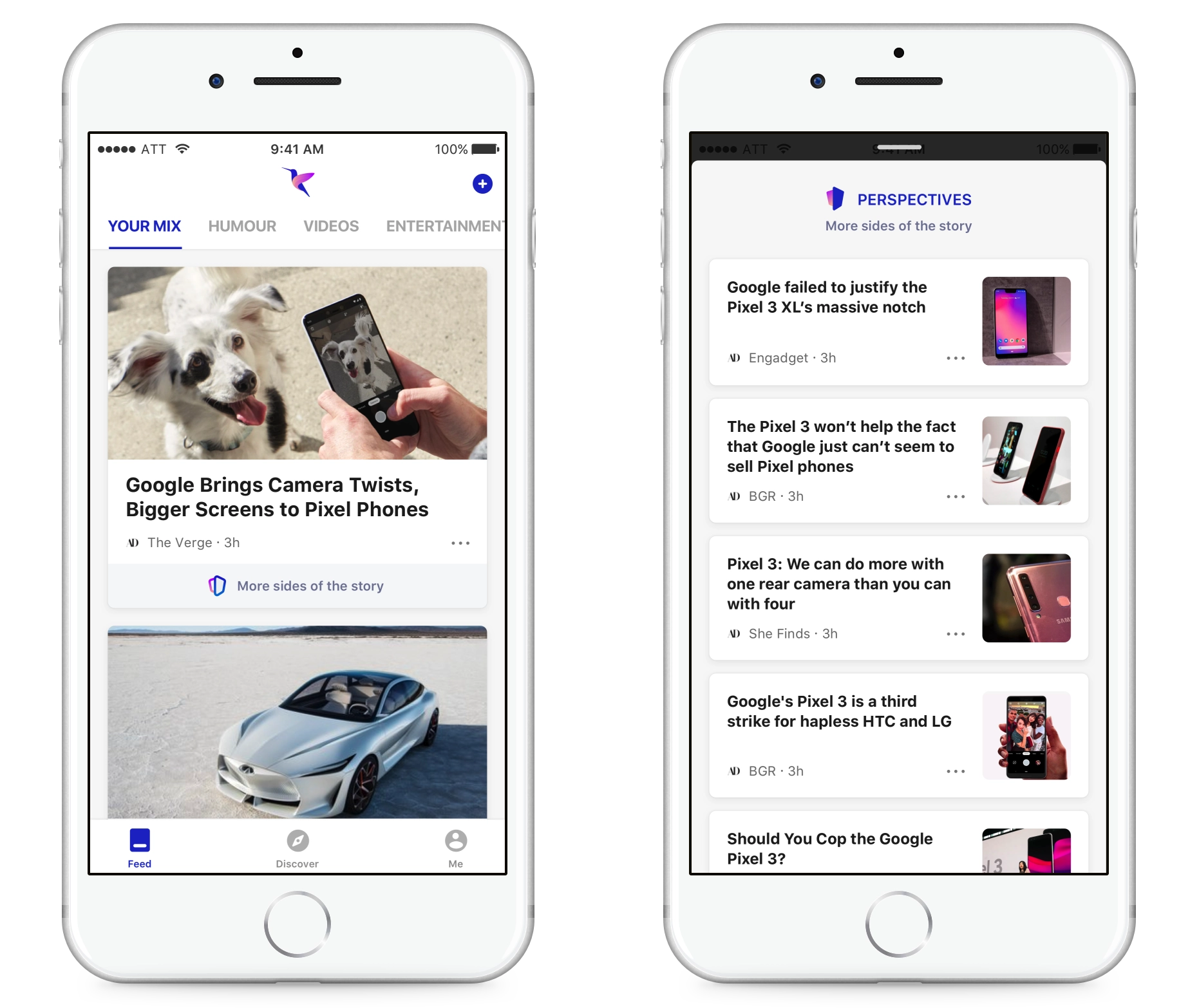
Rethinking news — painting a comprehensive picture with alternate perspectives
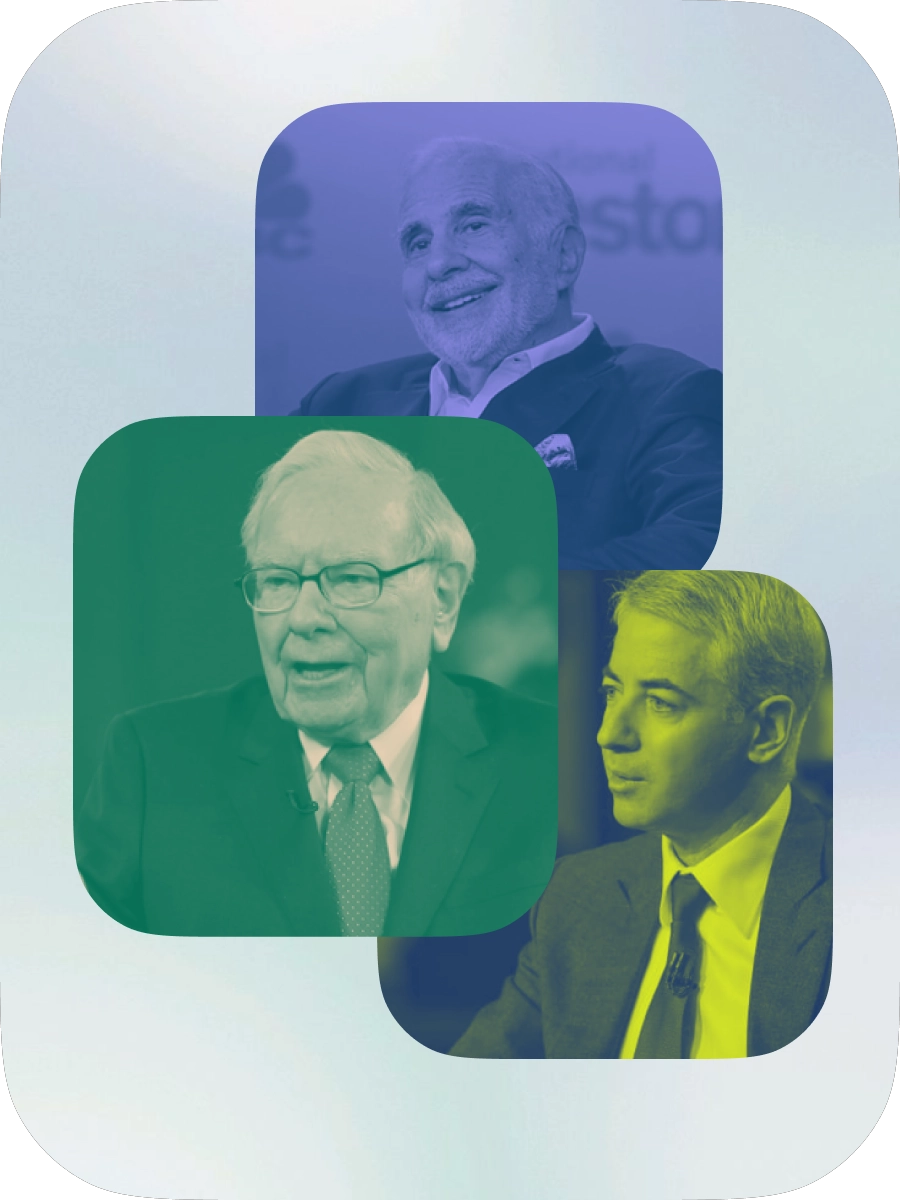
With the rise in misinformation, personal bias and agendas while reporting news stories, it had become crucial to provide alternate perspectives so users can decide on their own.
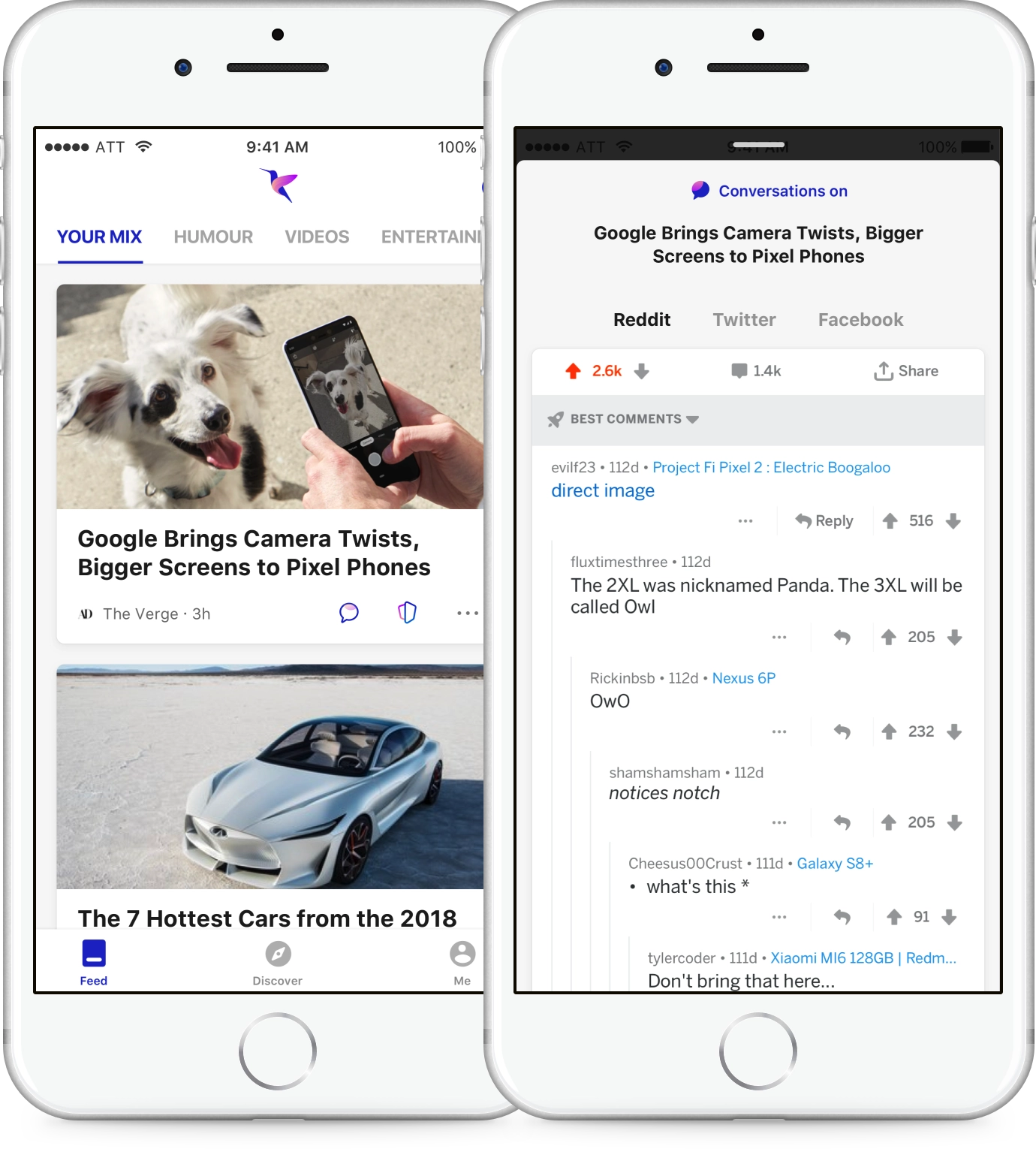
Bringing conversations from the web
Comments and opinions from others form an essential part of reading news. The idea was to bring in and integrate all the chatter happening around a particular news story from major social platforms like Reddit, Twitter and Facebook.
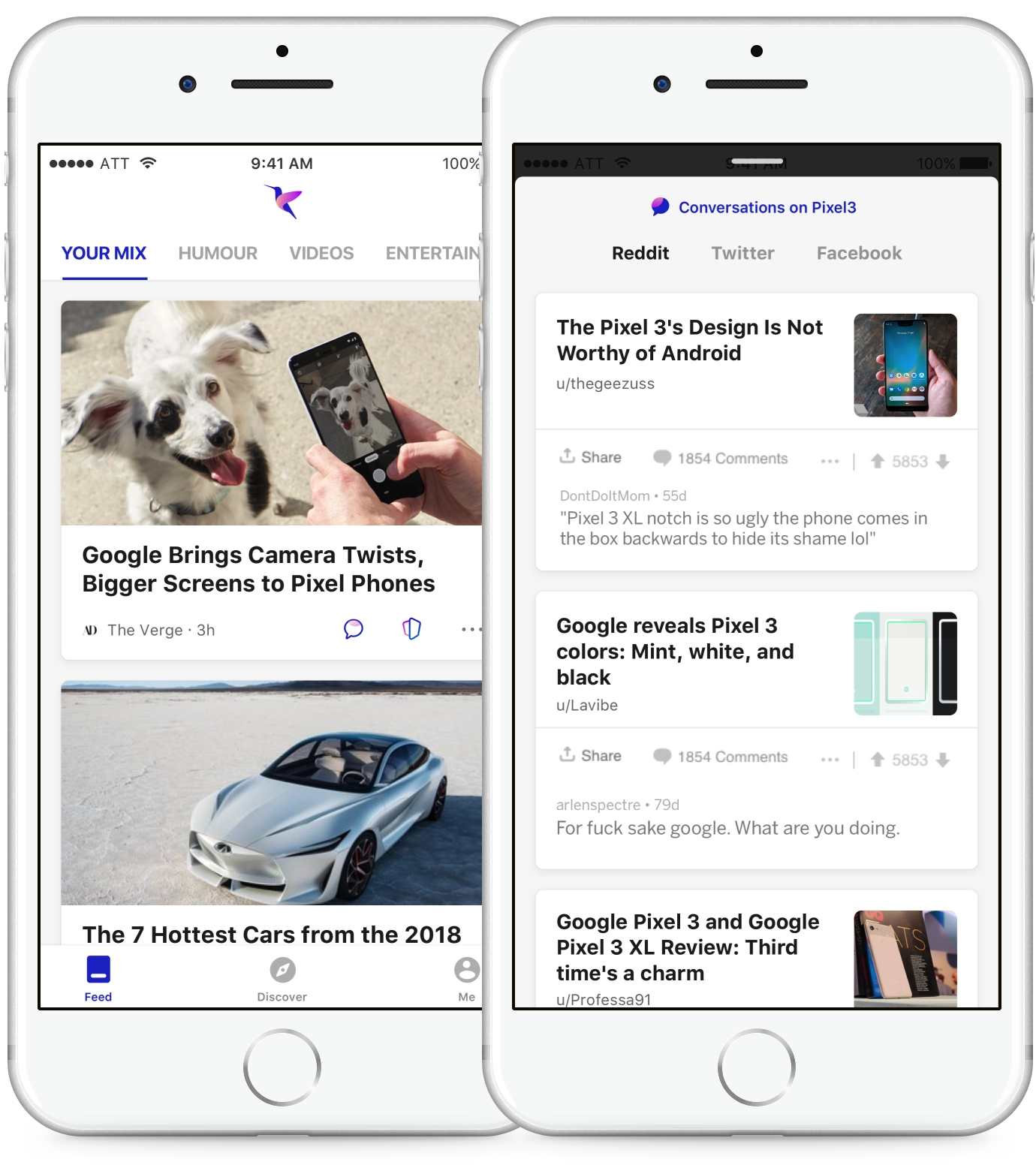
Conversations based on topic
If conversations around that particular news story or article are not found, the AI extracts the topic from the news story and brings articles from Reddit and Twitter from similar sites.
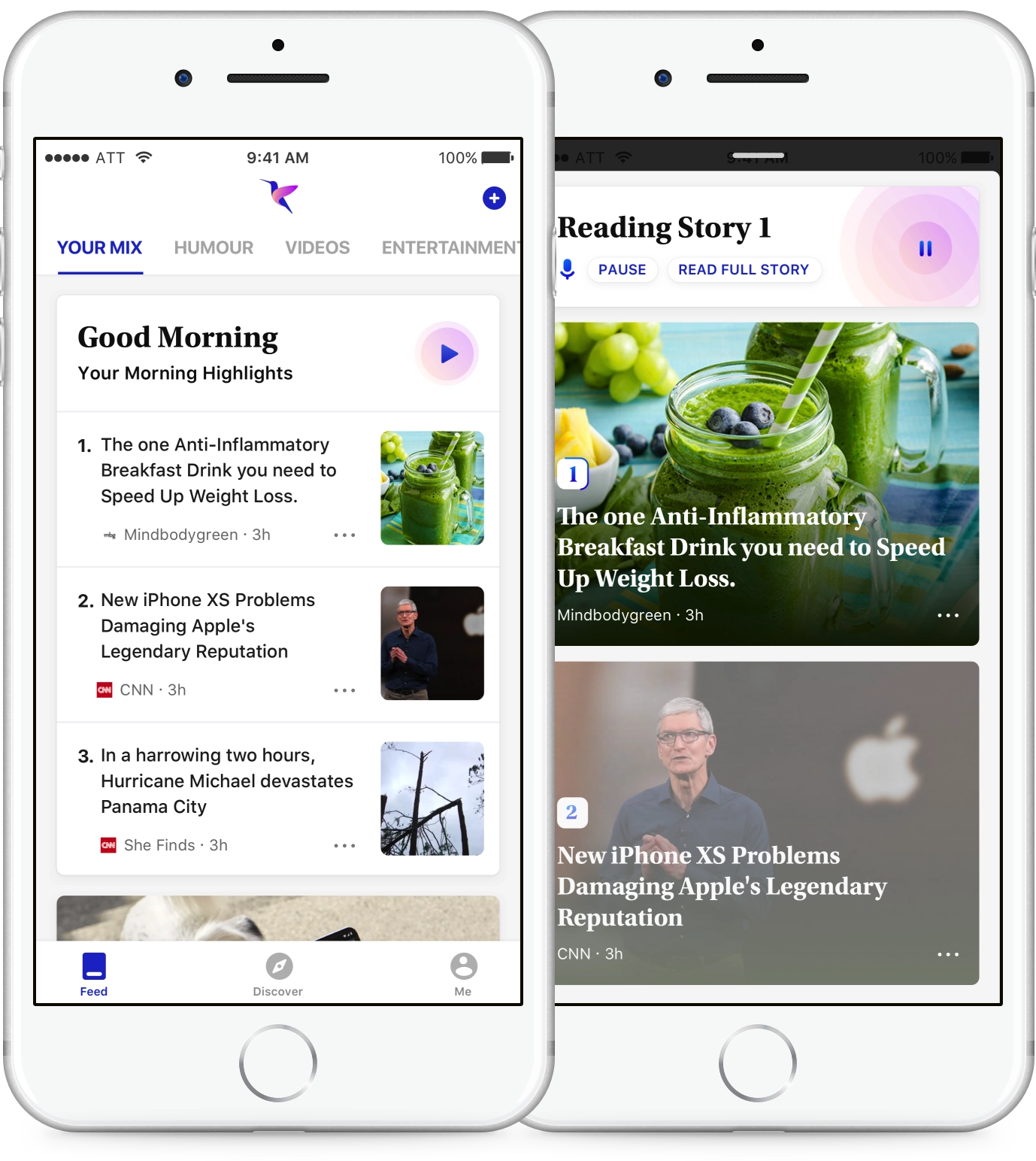
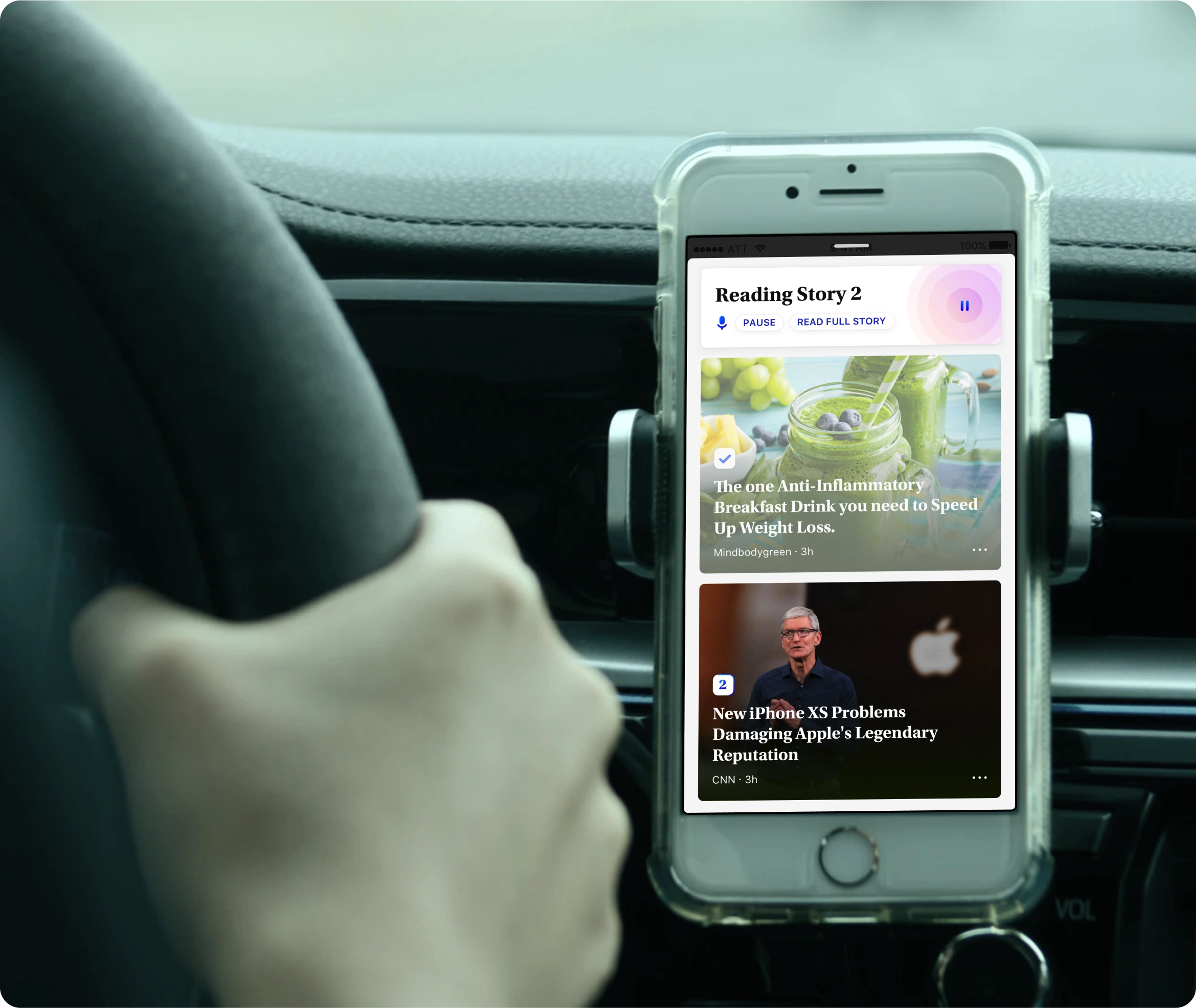
Listen to news on the go
Bringing the top highlights for the user at a given moment with voice output, for scenarios when reading is not ideal — like the morning and evening commute.
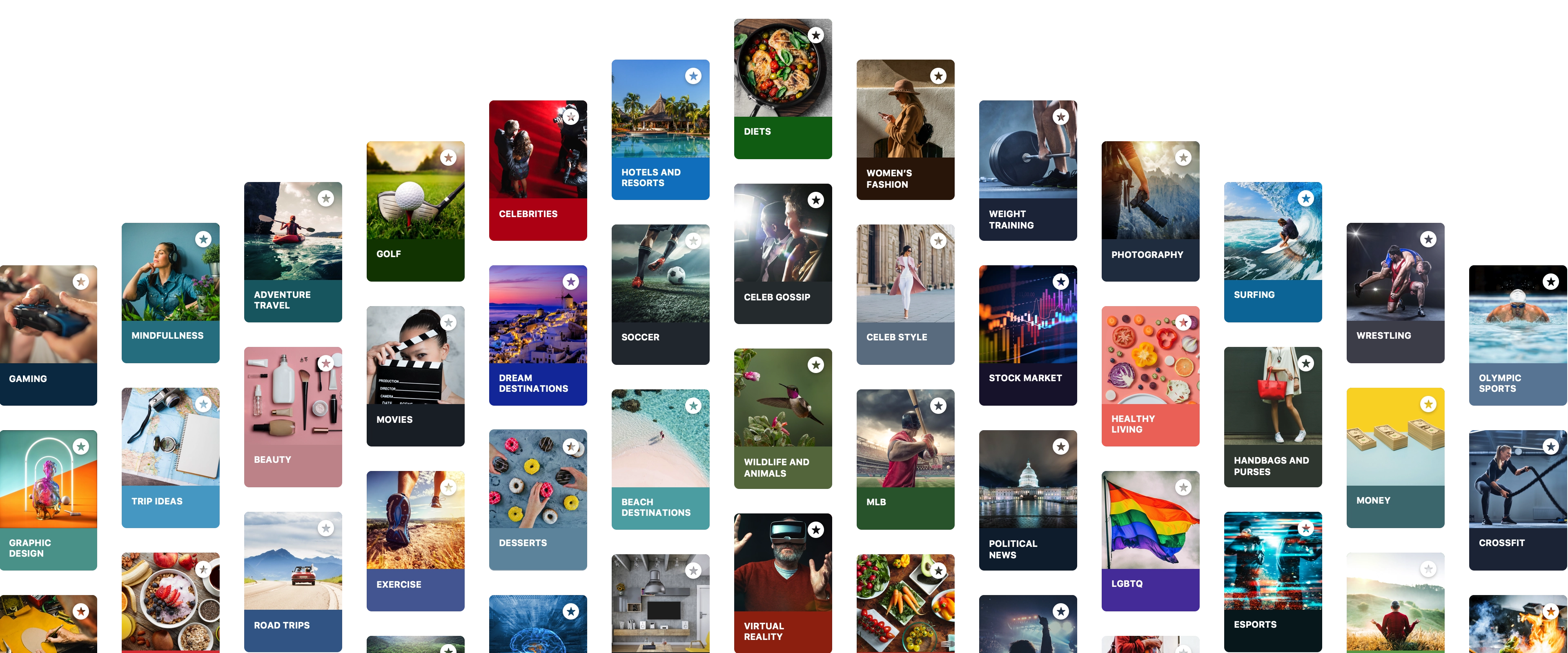
Your mix, your way
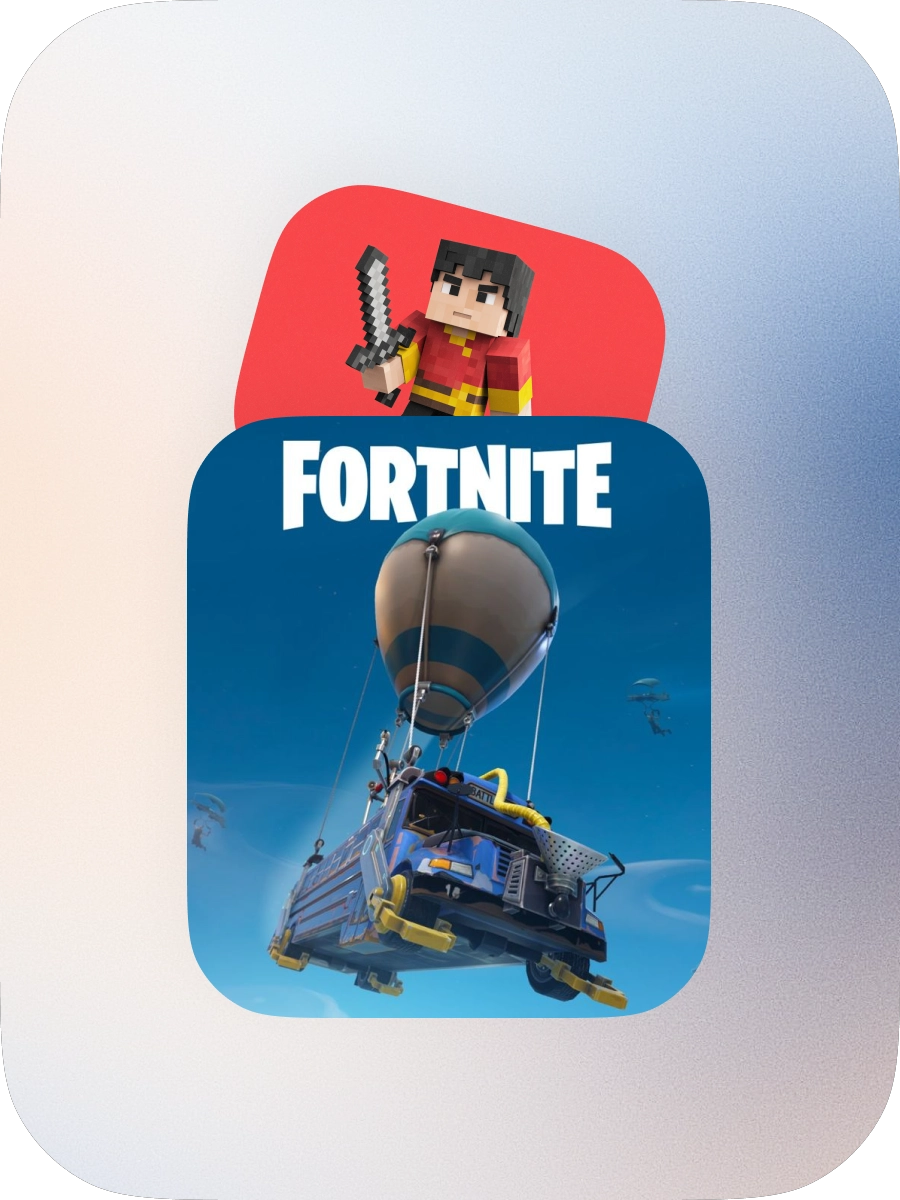
Select from a wide variety of topics — movies, celeb gossip, fashion, nutrition, soccer — to build your mix.
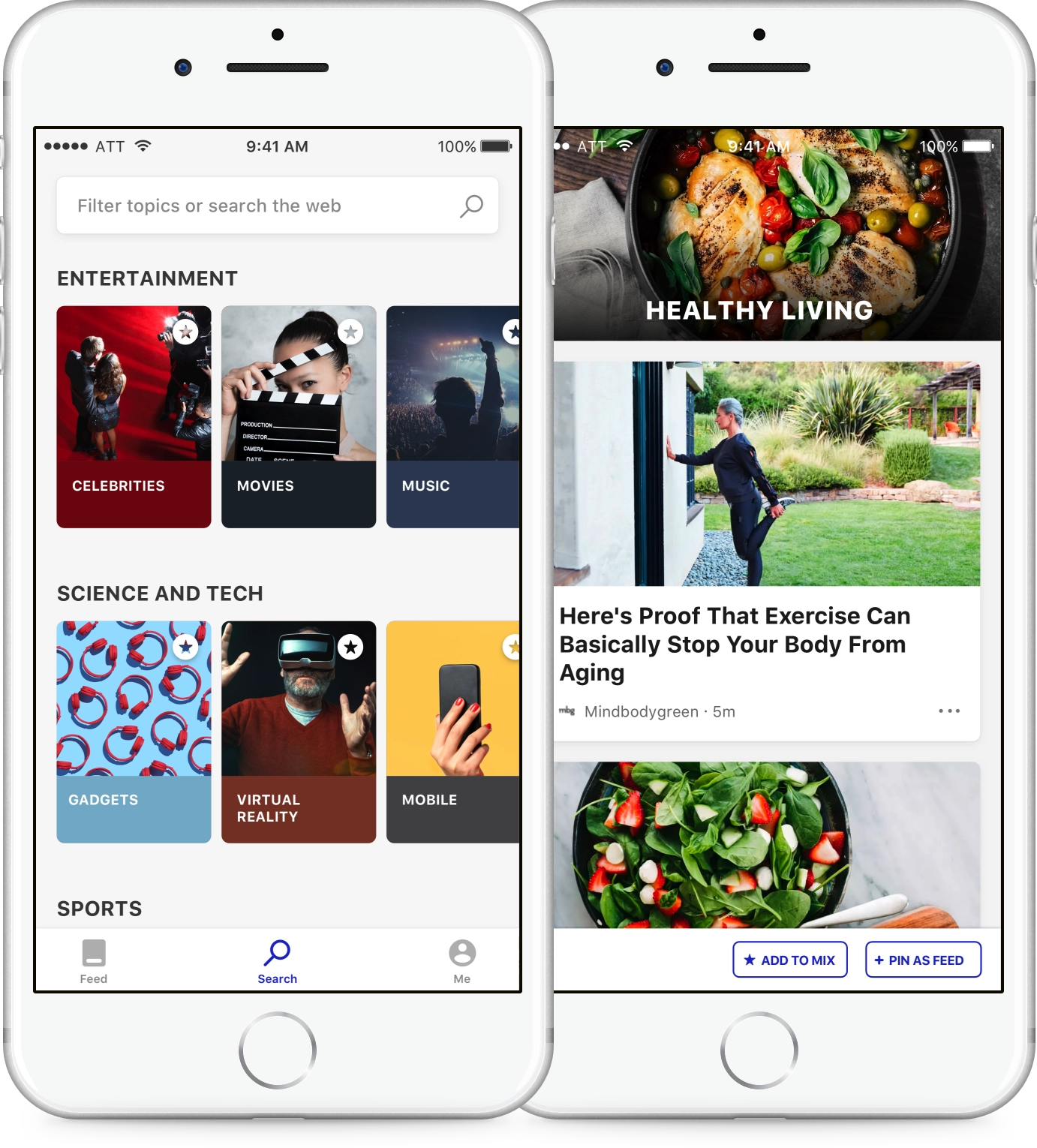
Dig into the topics you love
We curated many topics across all top categories, which made it easy for users to follow what they cared about and get relevant stories.
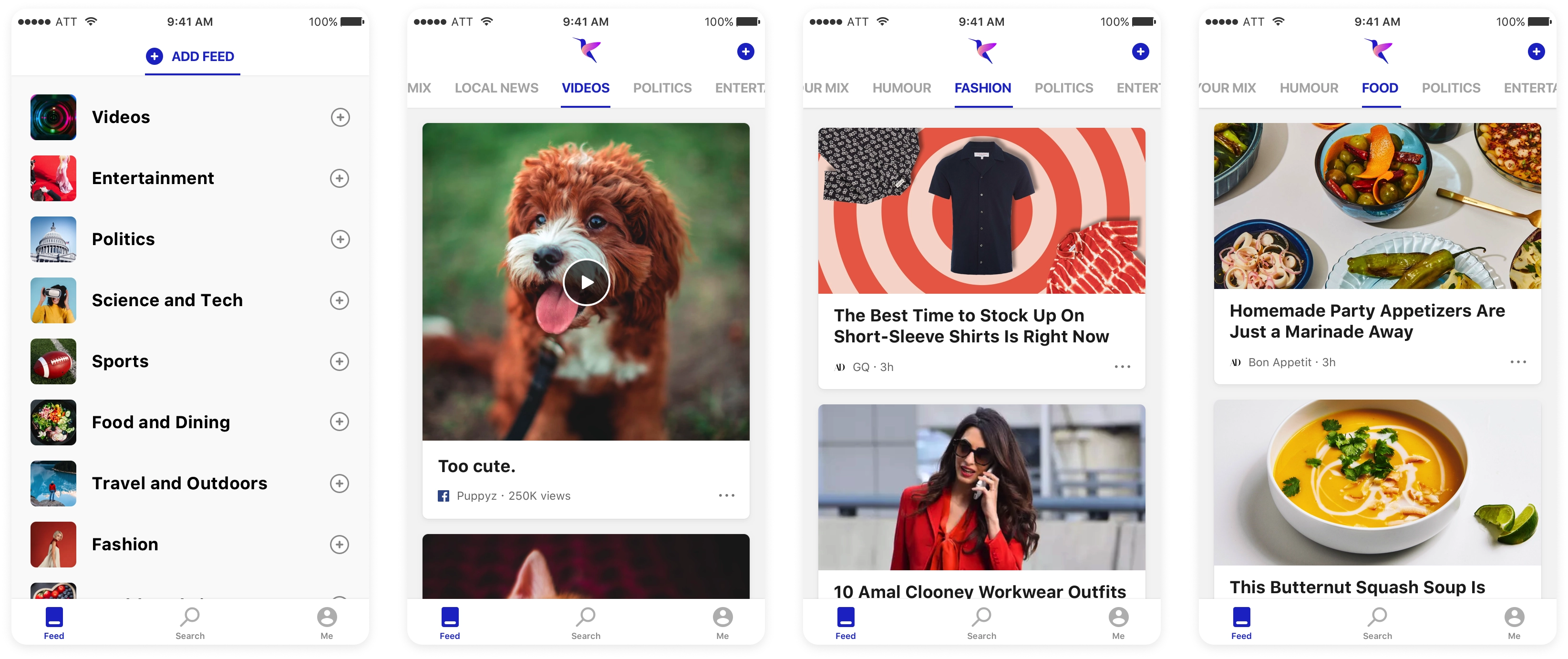
Pin feeds that matter to you
Explore and pin feeds that you like, search for trending videos, or check what’s happening in your neighborhood — all in one place.
Feed card types
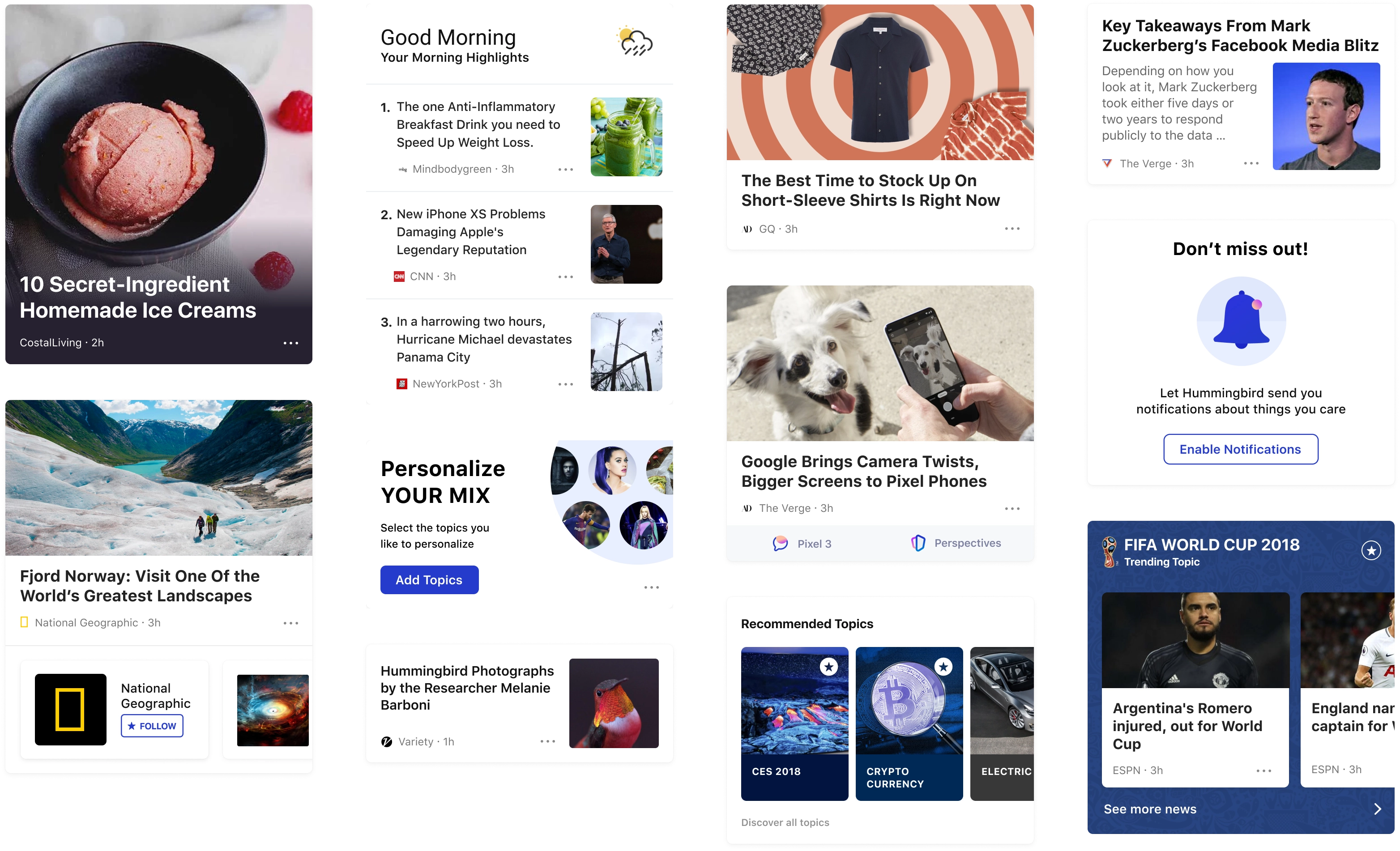
A blazing fast and simple first run experience
First run experiences are crucial to the success of the app. We believed in providing instant value when users open the app for the first time. The experience was made non sign-in friendly — we didn’t want to create a barrier to experiencing the app.
Secondly we explored two different approaches for when to ask users to select interests and topics. We went with landing the user straight into the feed, with the top card asking users to personalize by selecting topics. The top card remains after 2-3 launches, and if the user doesn’t engage it converts into a small card in the middle of the feed.
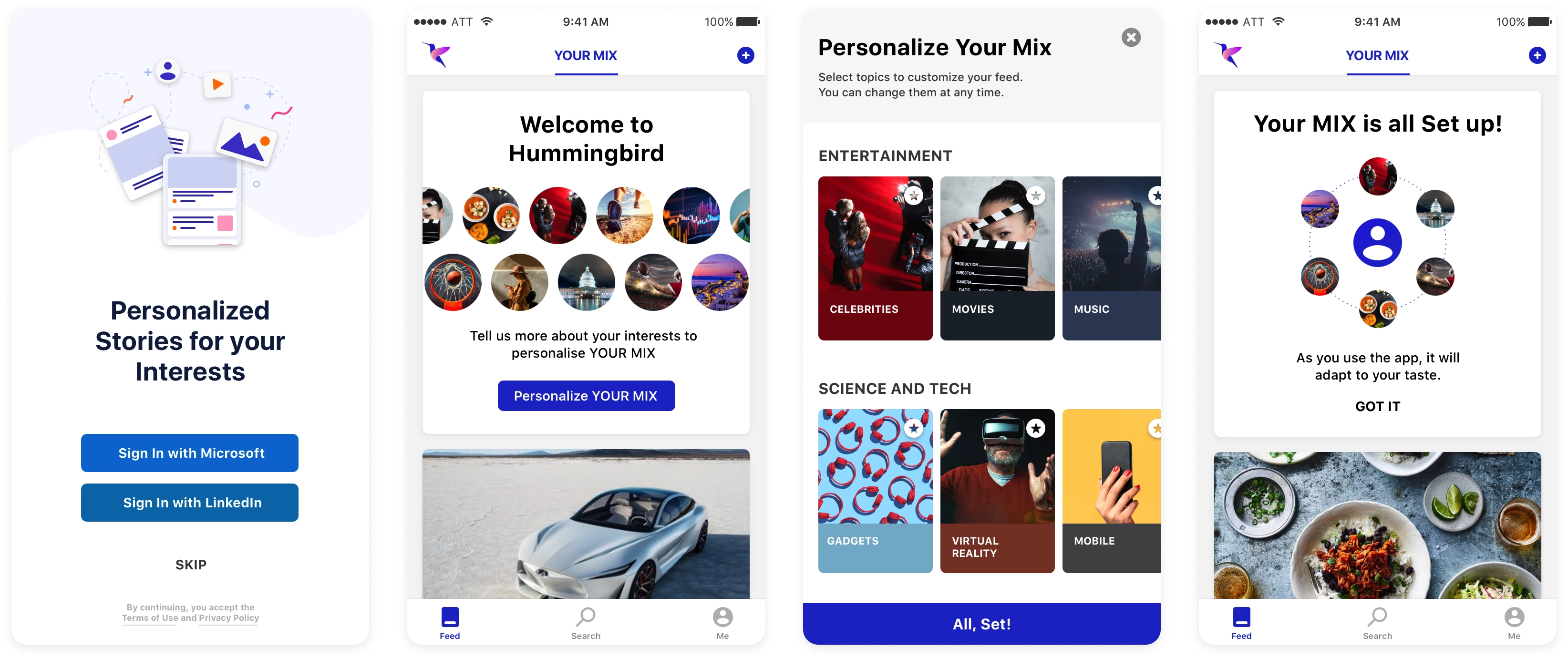
The articles of the first run are also selected carefully to give a well rounded experience, and inferences are taken from the engaged articles and reflected back on subsequent feed refreshes.
Personalization was key to a relevant and engaging experience
It was crucial to get personalization right to provide a relevant experience to our users. We came up with both explicit and implicit ways to personalize. Explicit is based on user inputs, which are strong signals given by the user, whereas implicit is what the system infers from app usage.
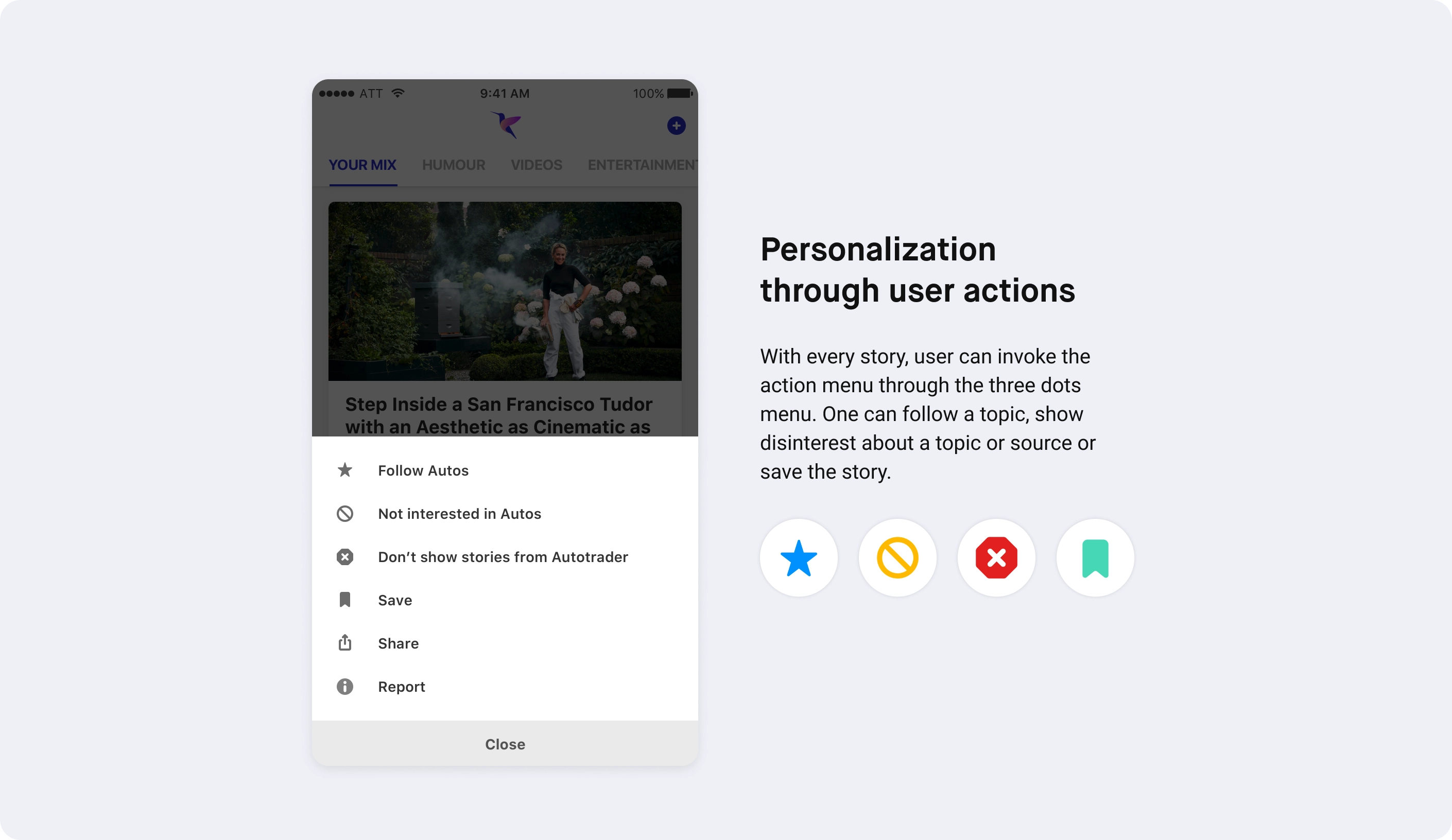
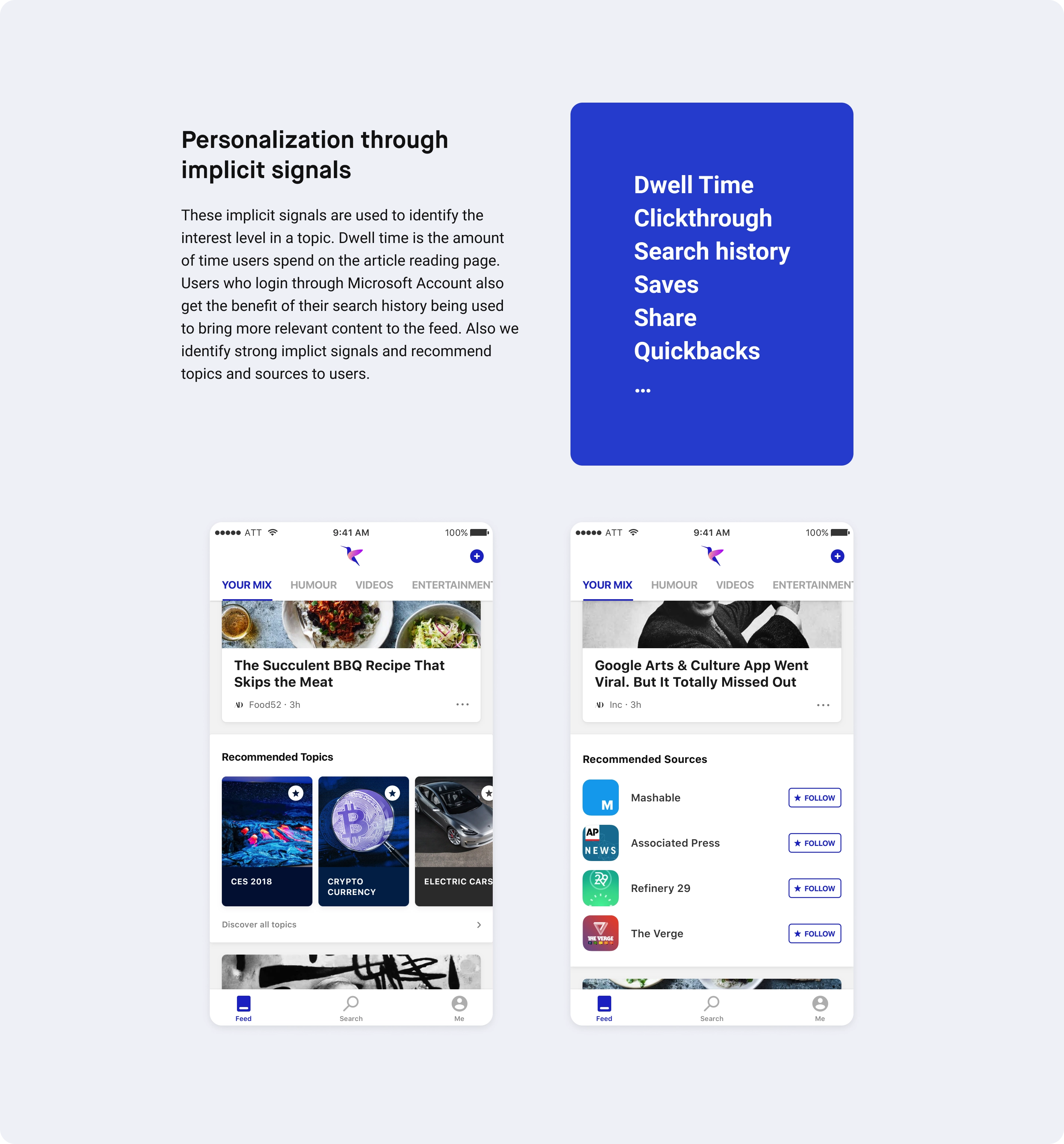
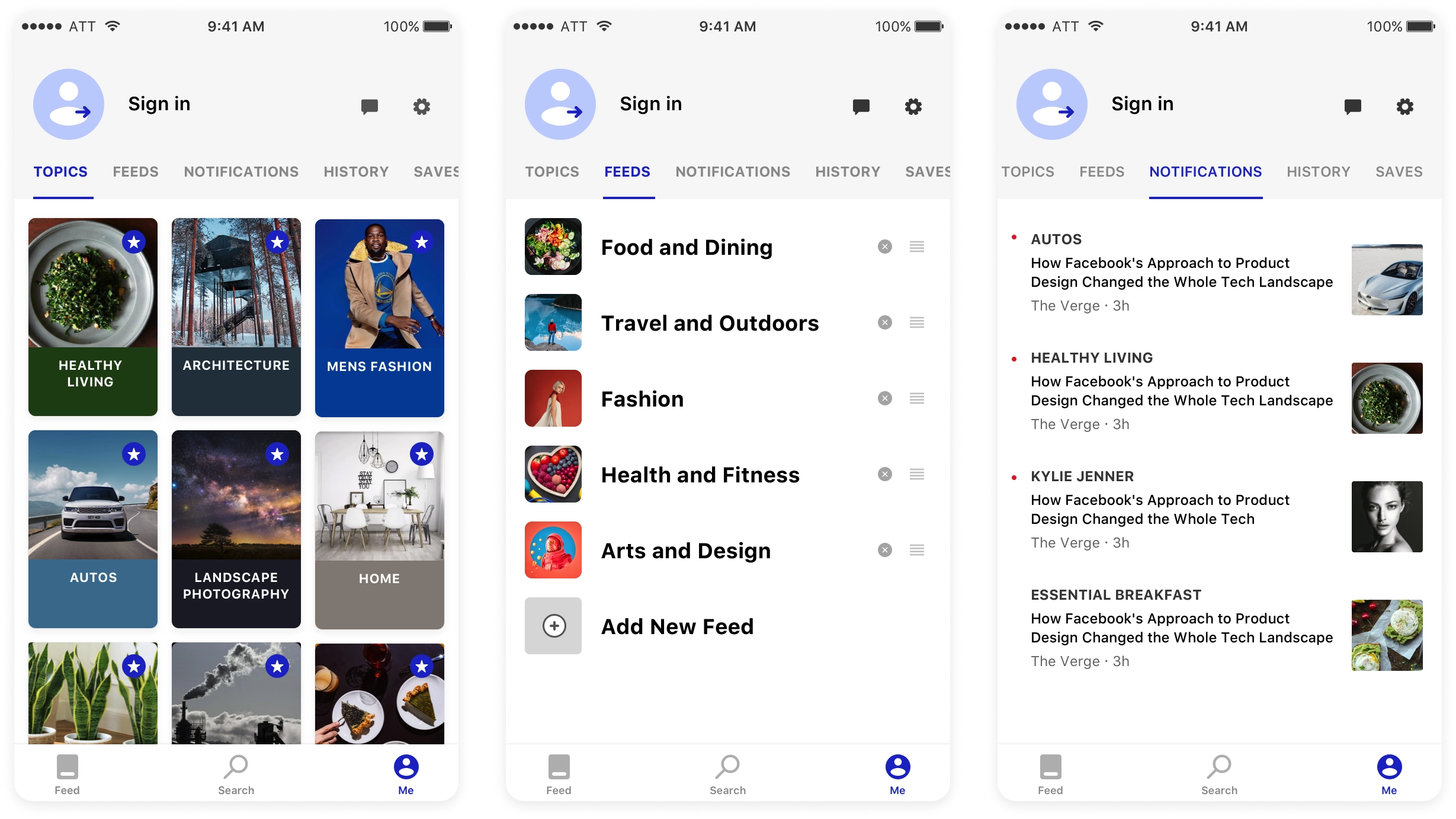
Manage topics, feeds and notifications
We wanted to put users in total control of what they follow and let them change it with minimal effort. We found that user interests change over time, which would automatically be reflected through organic use — but the interest manager provides an extra level of confidence to the algorithm.
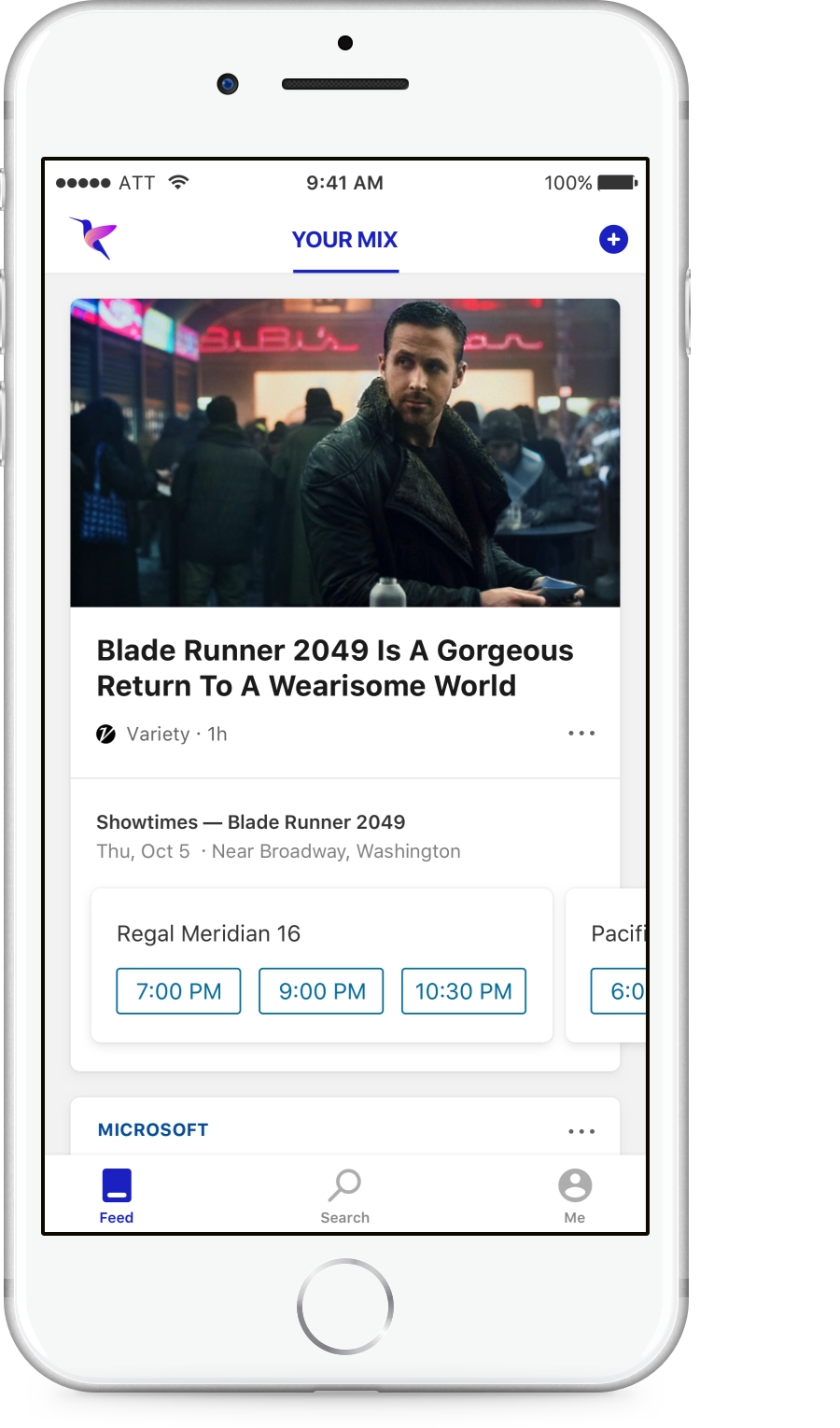
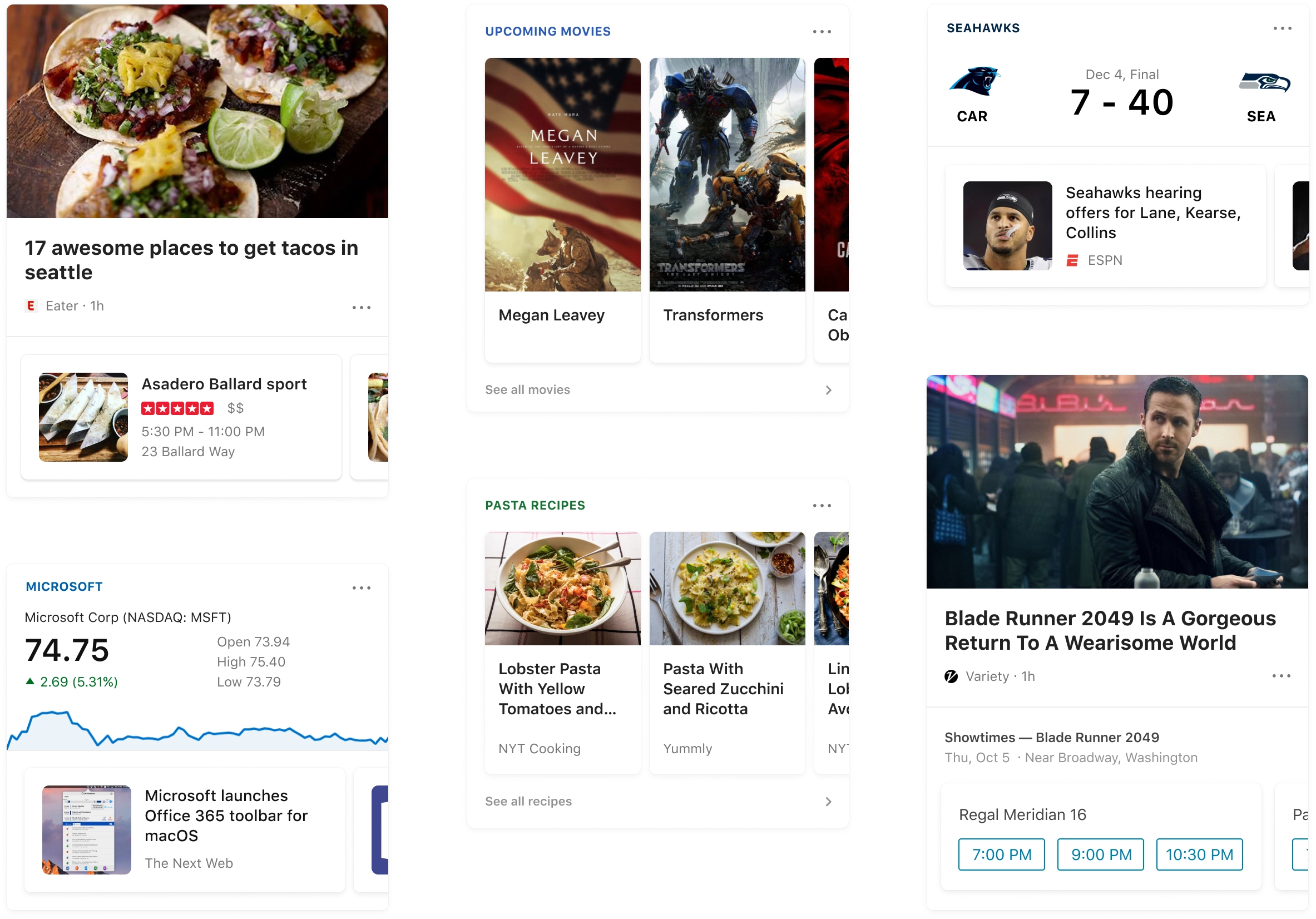
Bringing all the Bing knowledge into the app
Coupling relevant structured content to the news story provides a more meaningful experience. I designed card experiences for sports, weather, finance, movies, showtimes and entities.
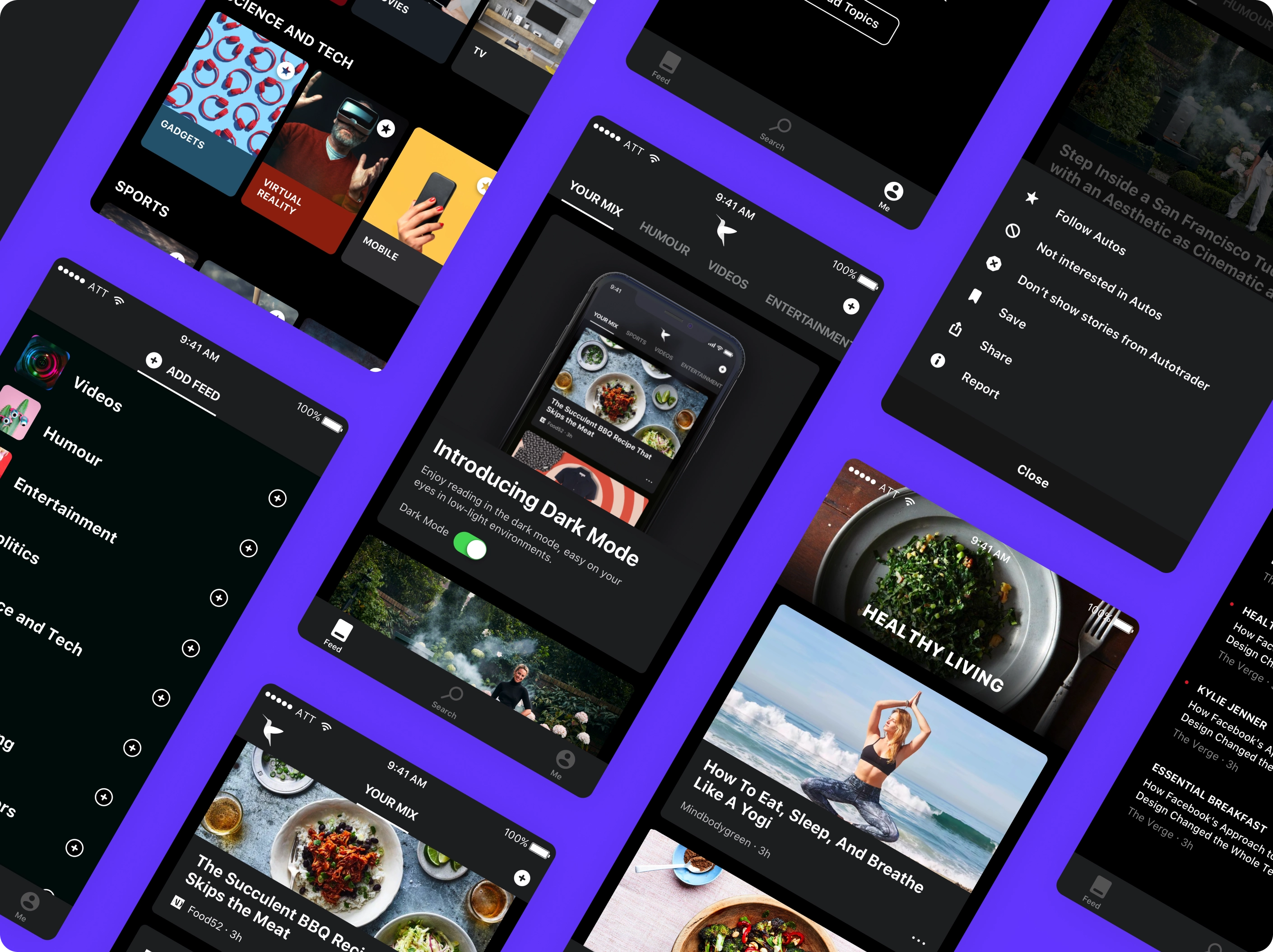
Dark mode
Growth strategy — feed as a platform
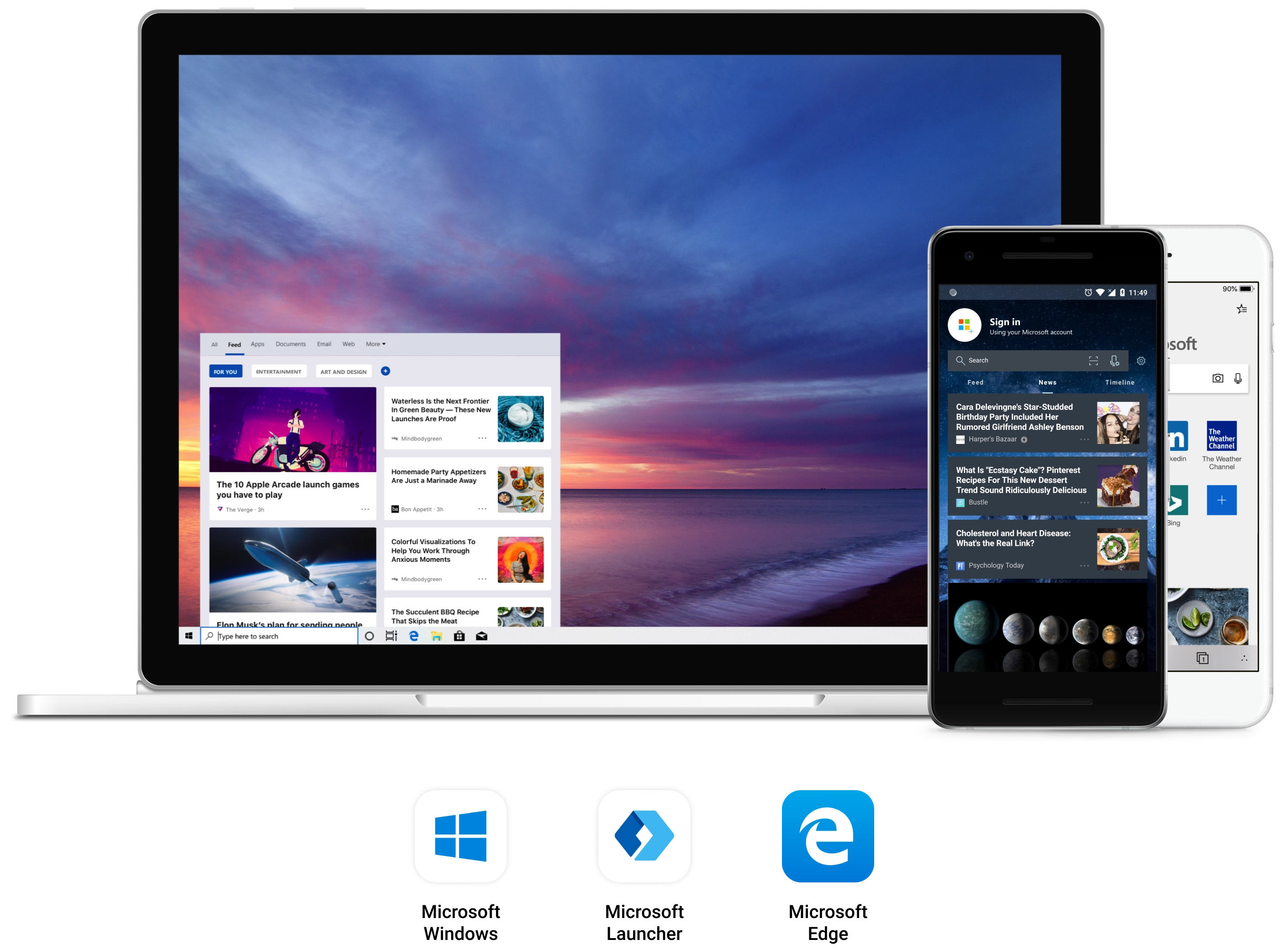
Hummingbird was the dedicated news feed app where we did quick experimentation, learned from it, and integrated into other products like the core Bing app, Windows Start menu, Microsoft Launcher and Edge Mobile. Experiences were available across iOS, Android and different device types.
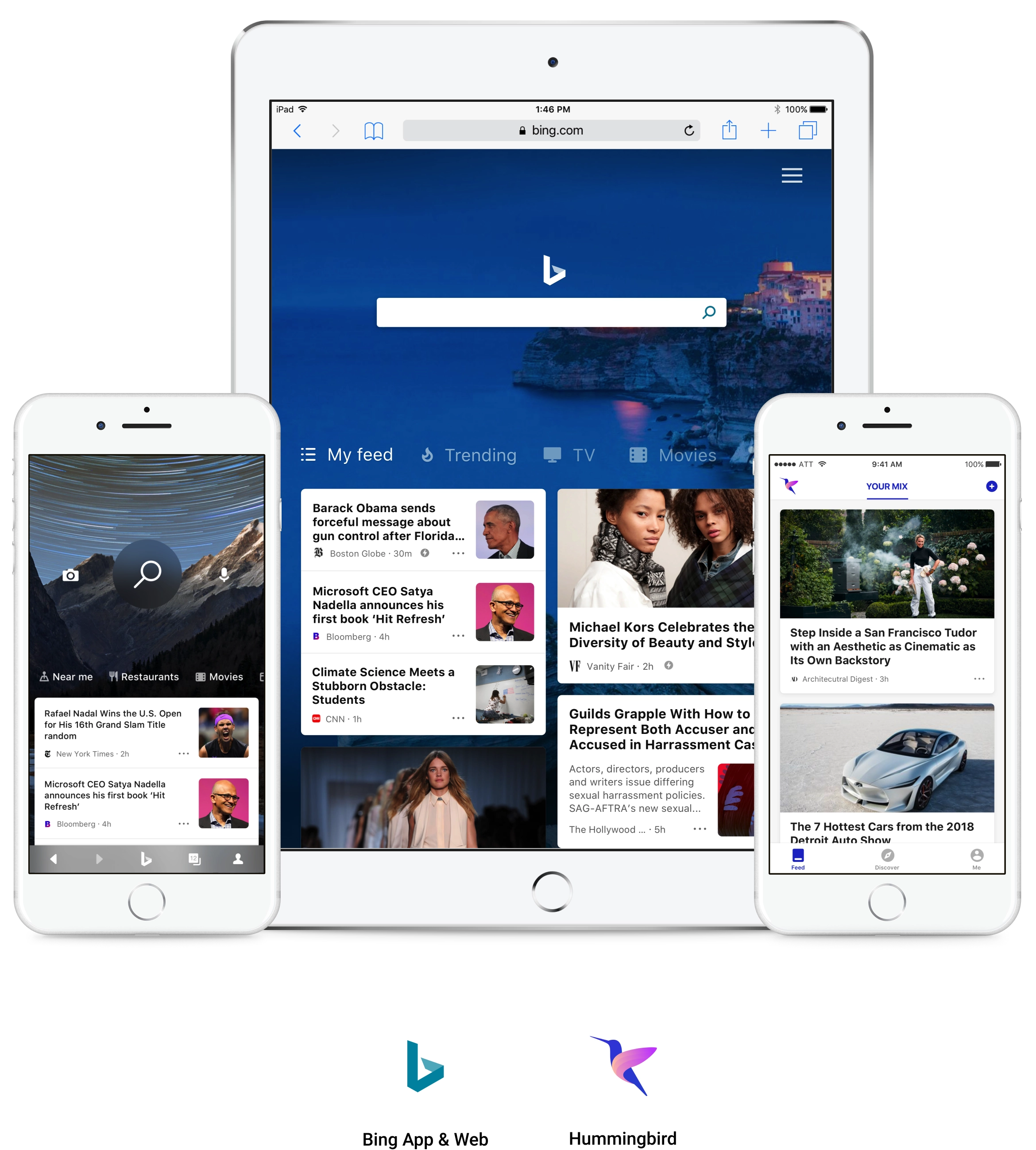
Integration with other Microsoft products
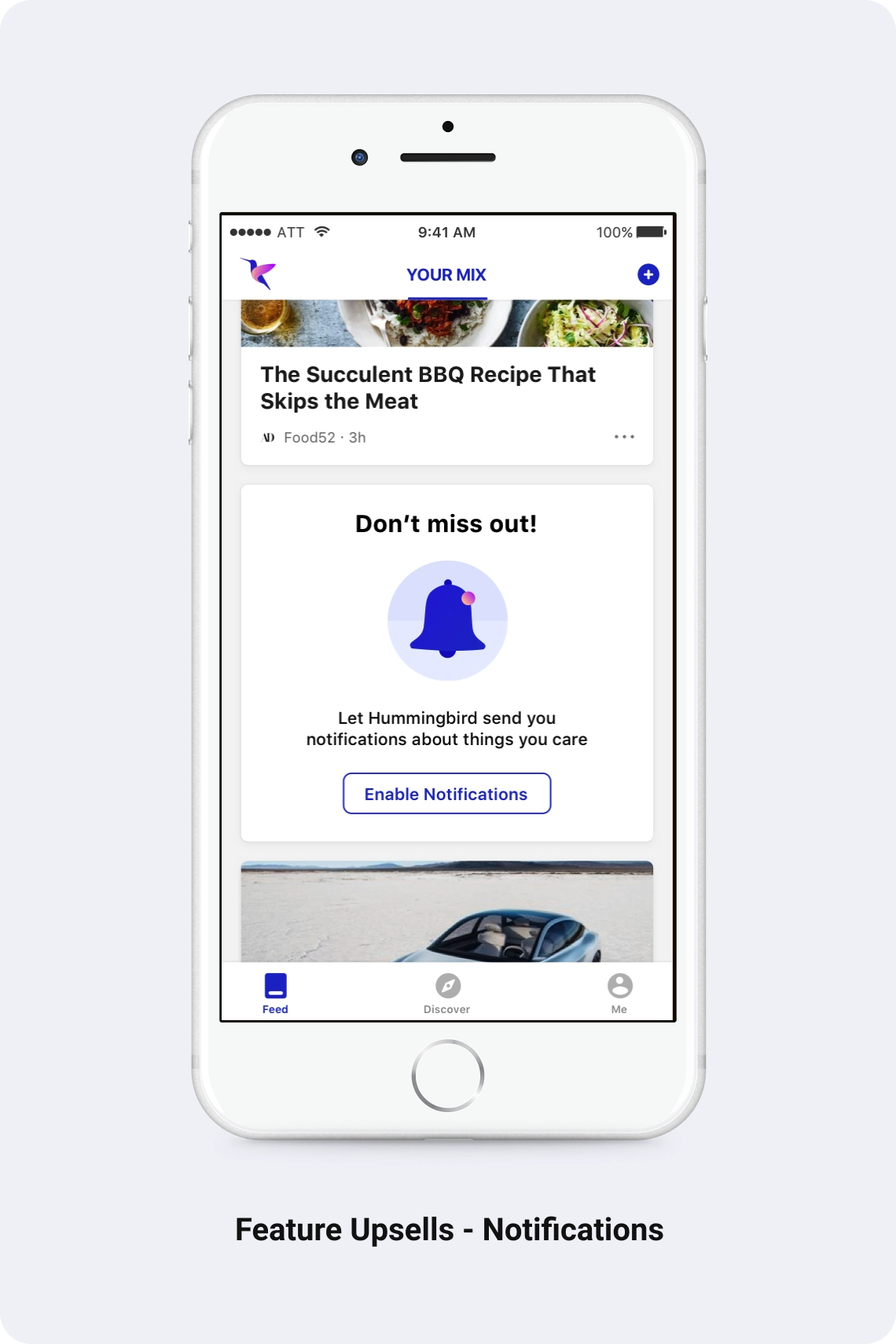
Driving retention and engagement with educational experiences
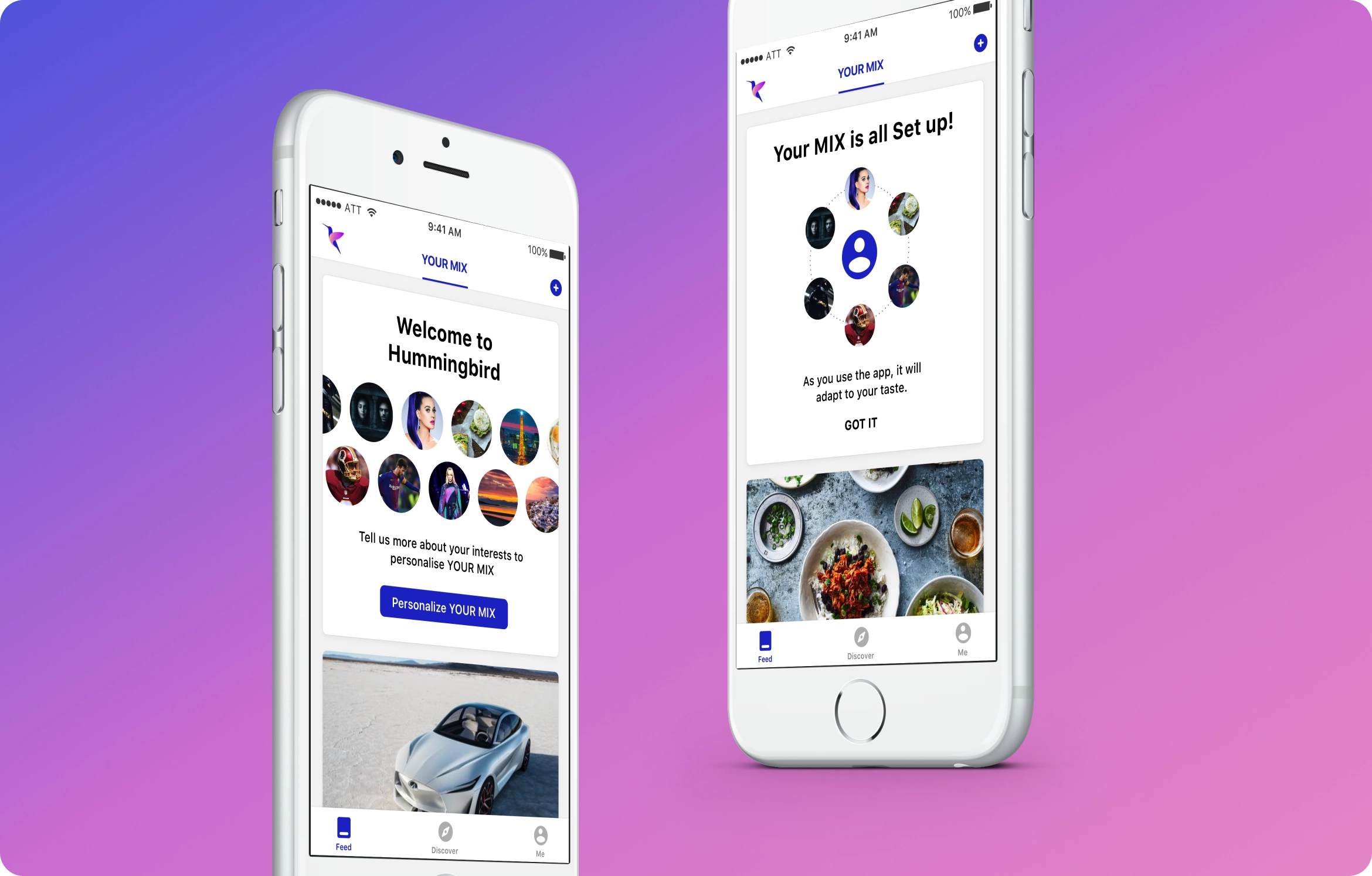
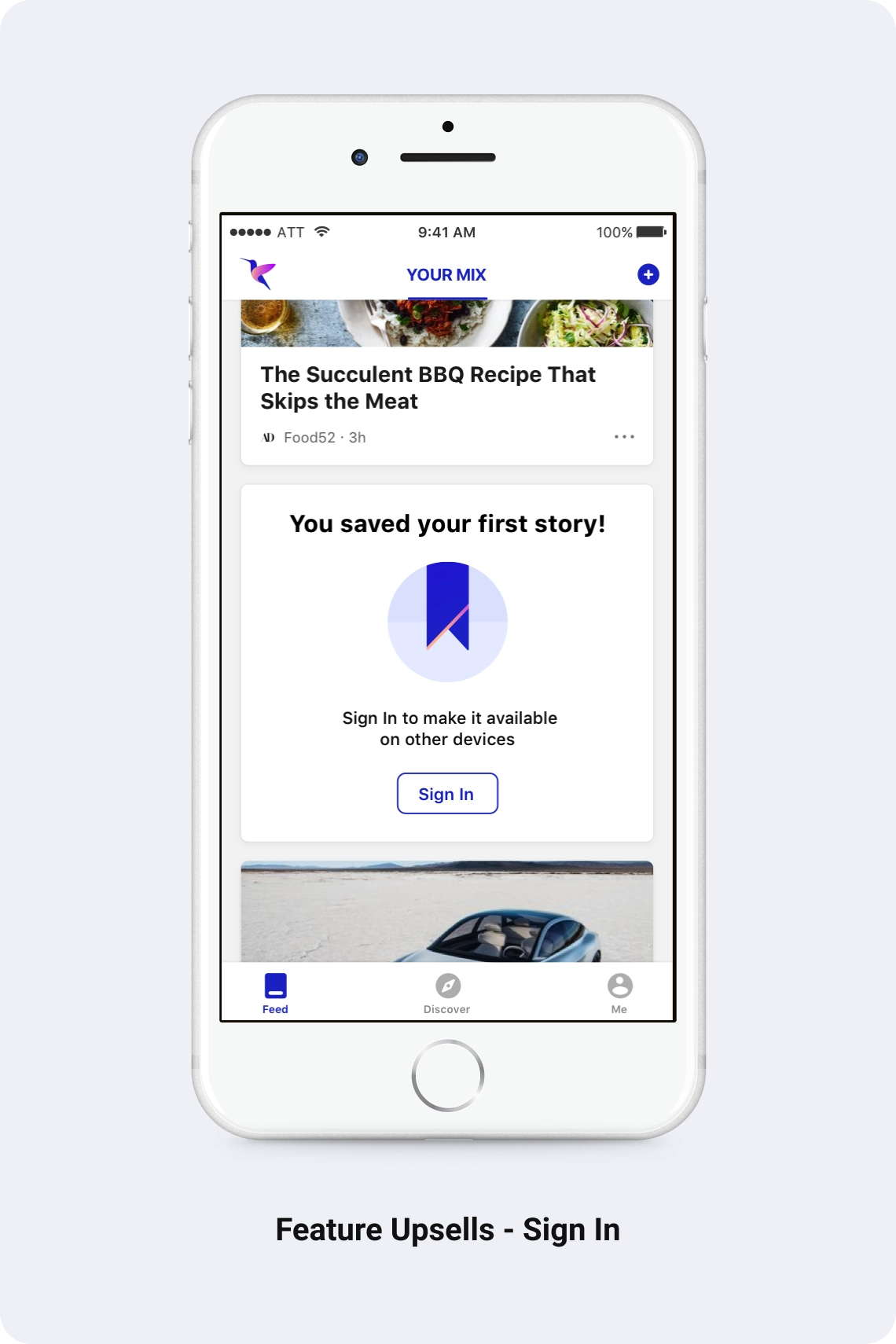
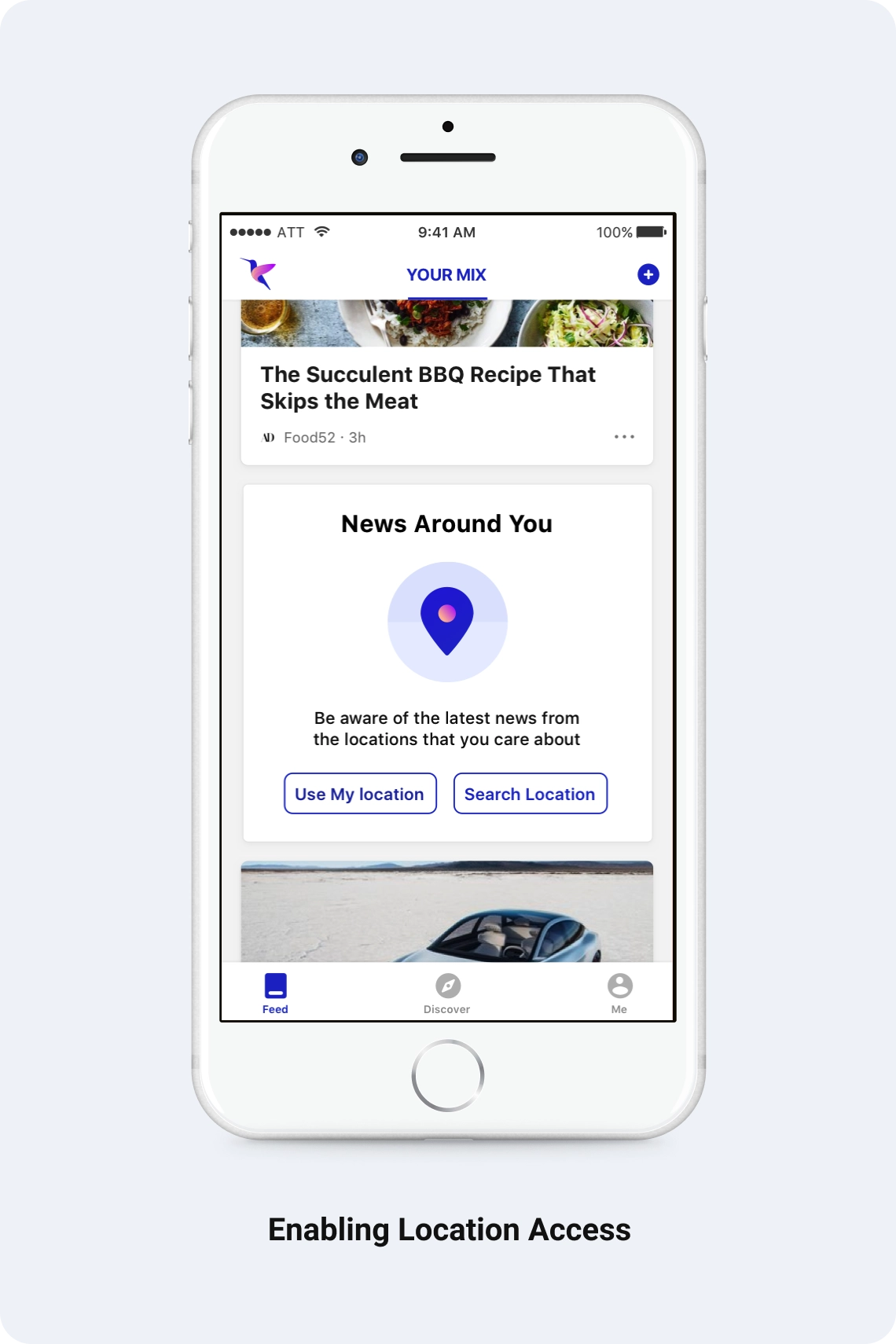
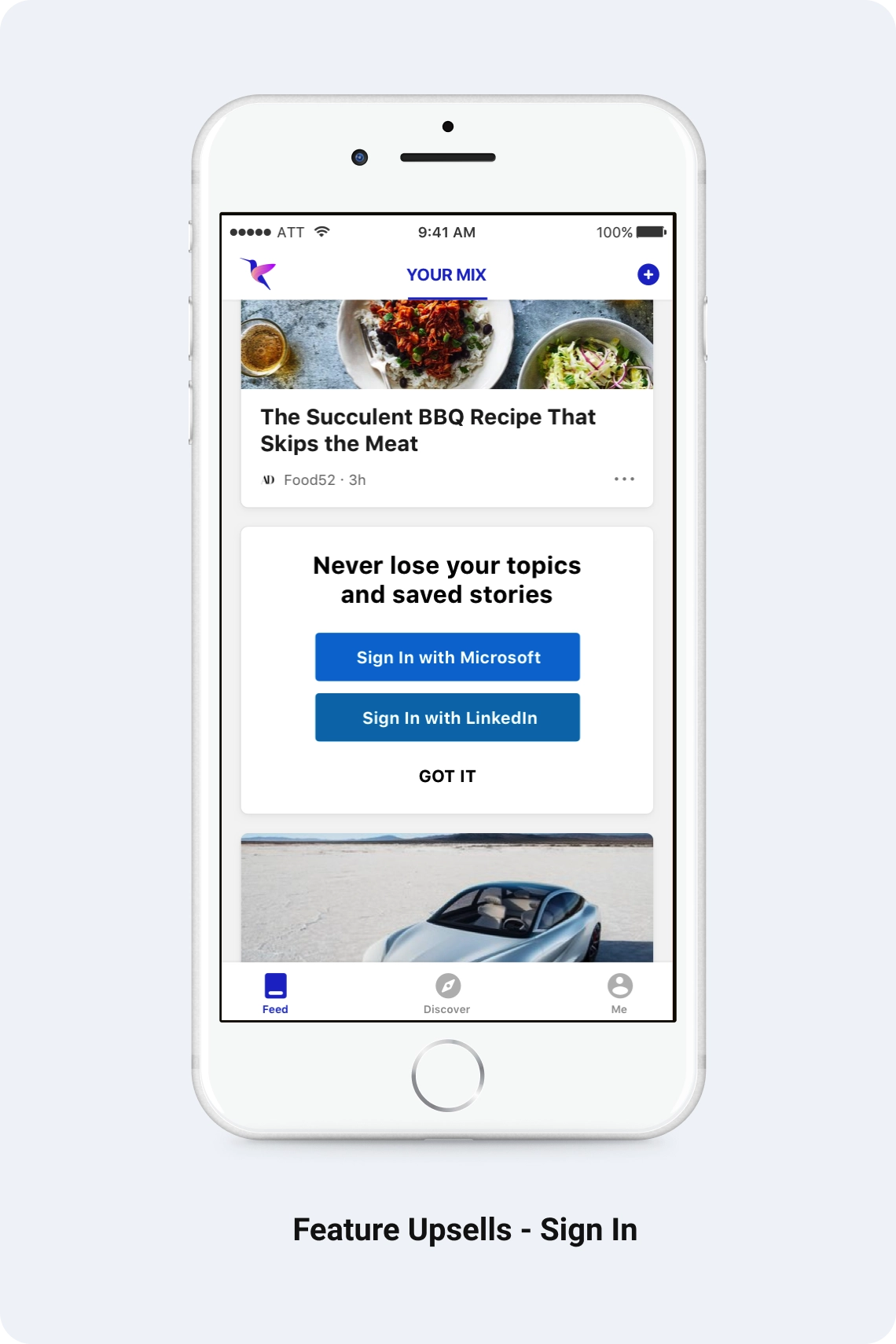
Welcome experiences, jumpstarting personalization, sign-in upsells, feature upsells and value, feature tours, tailored landing experiences and personalization nudges.
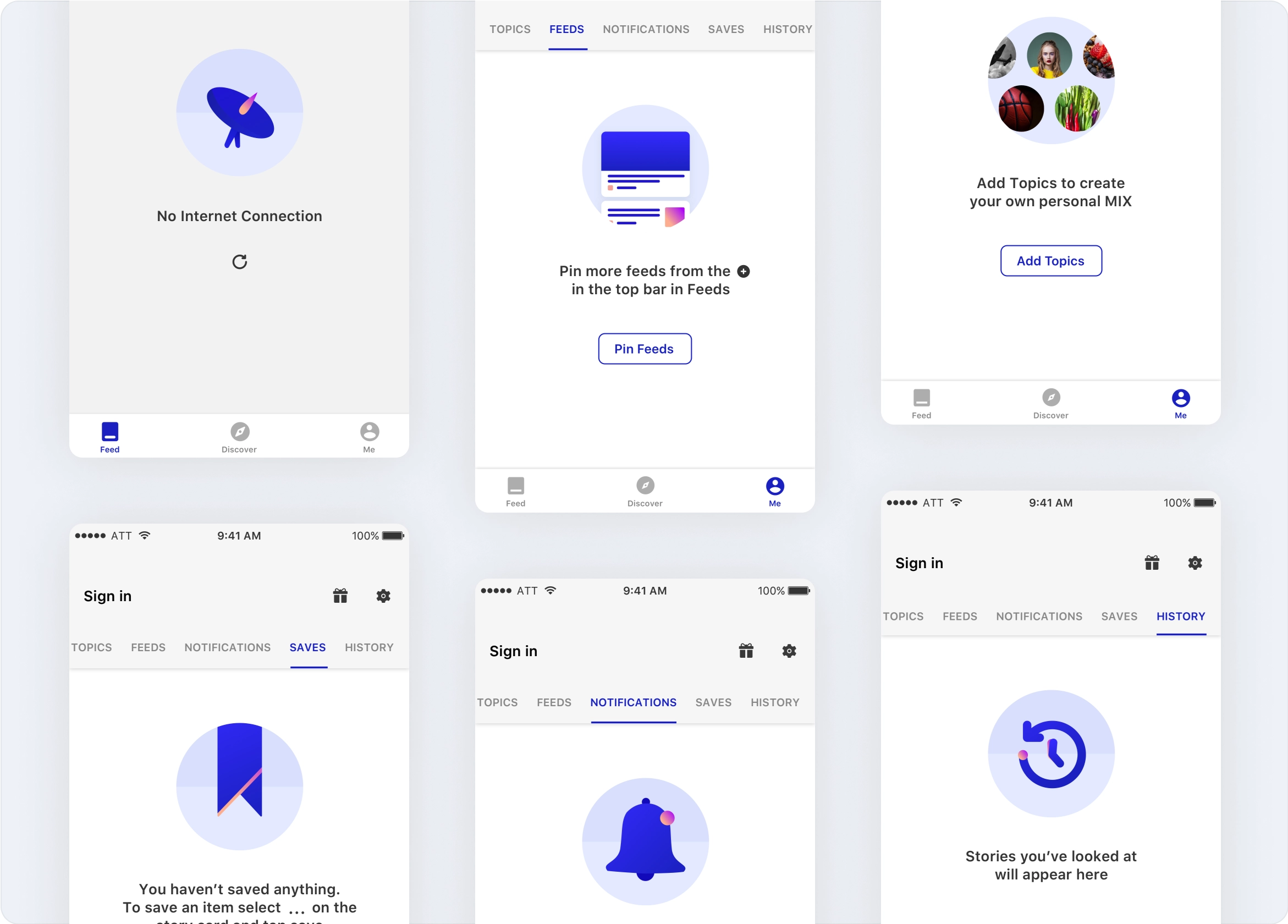
Empty states
Designing the brand
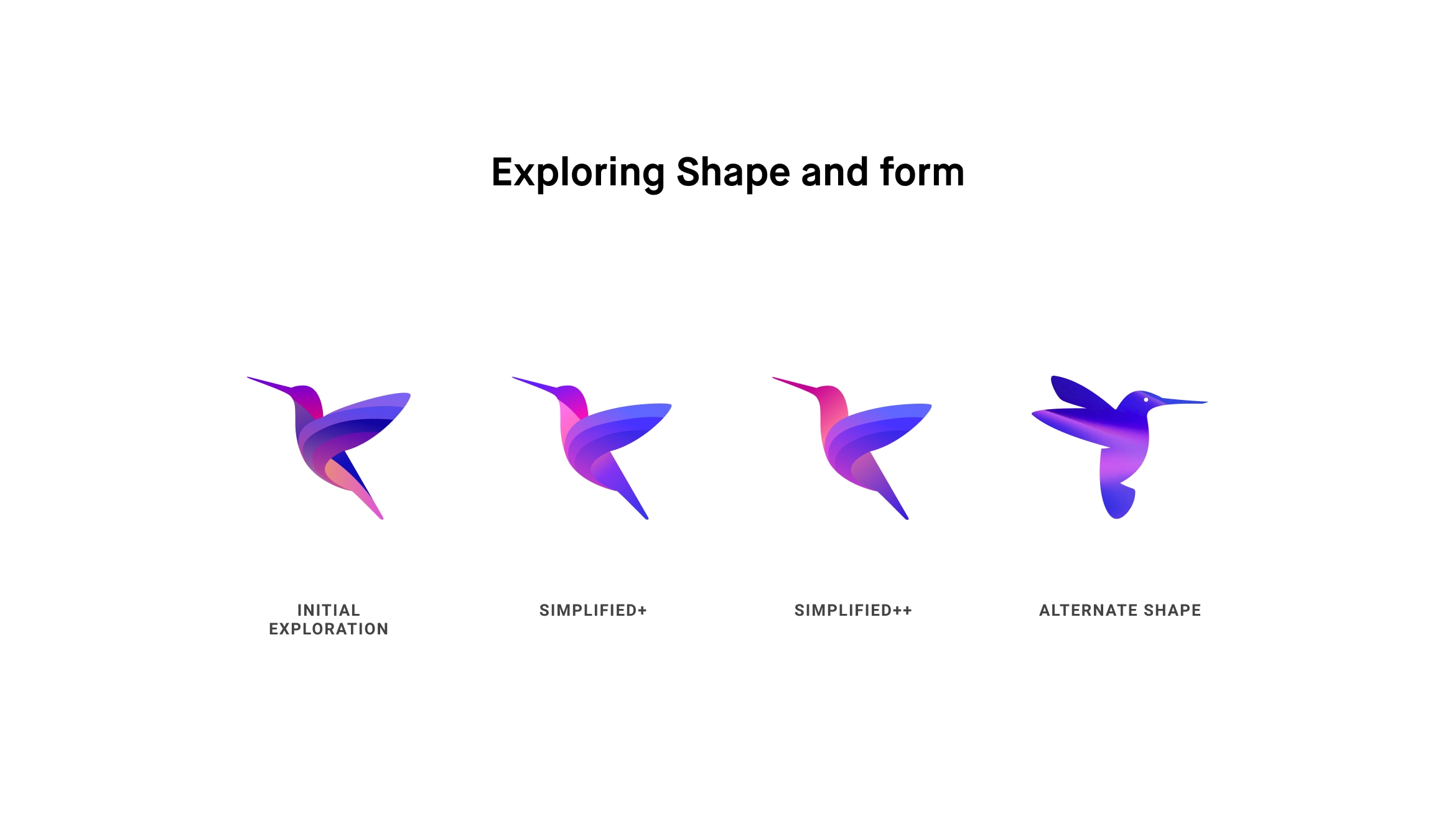
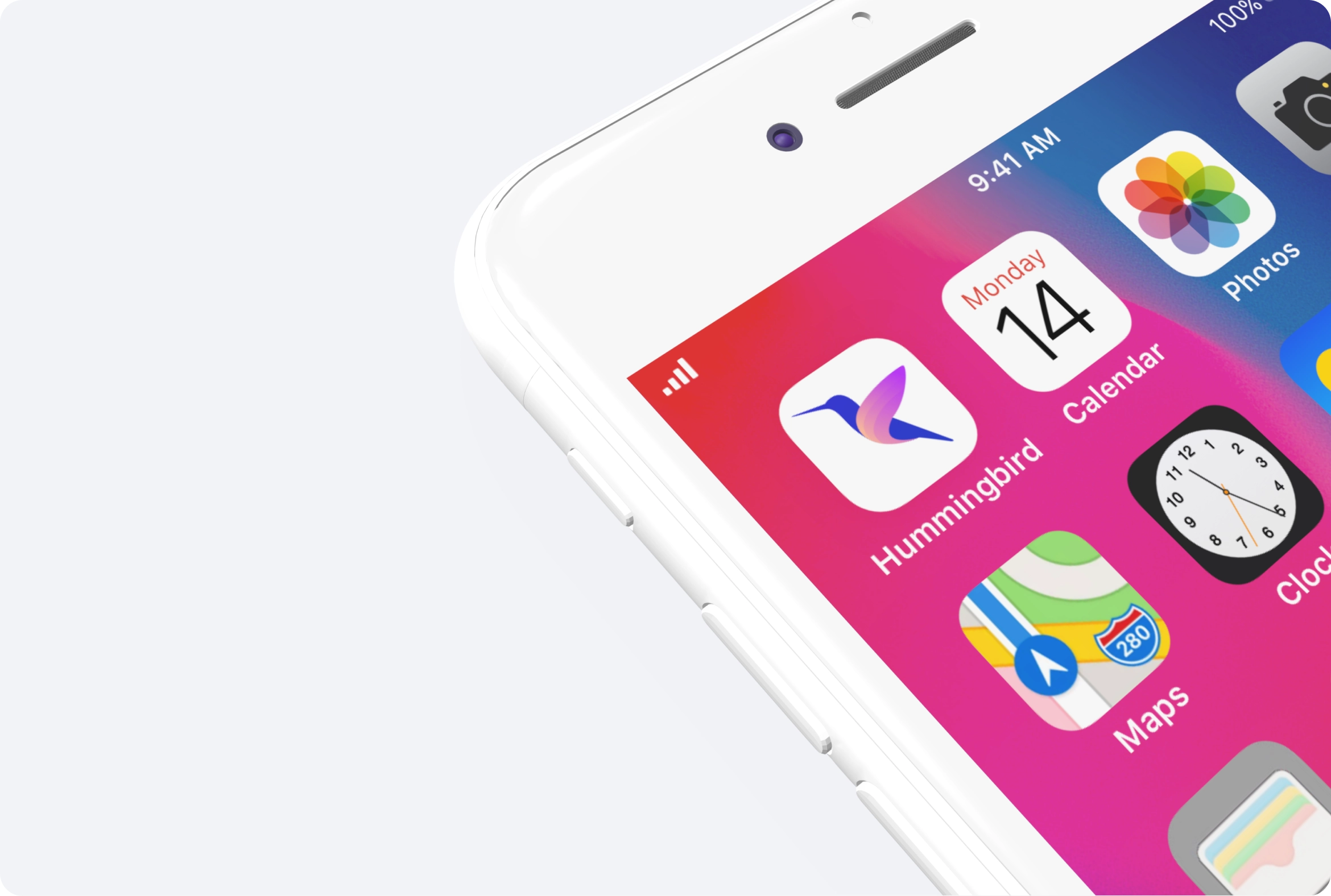
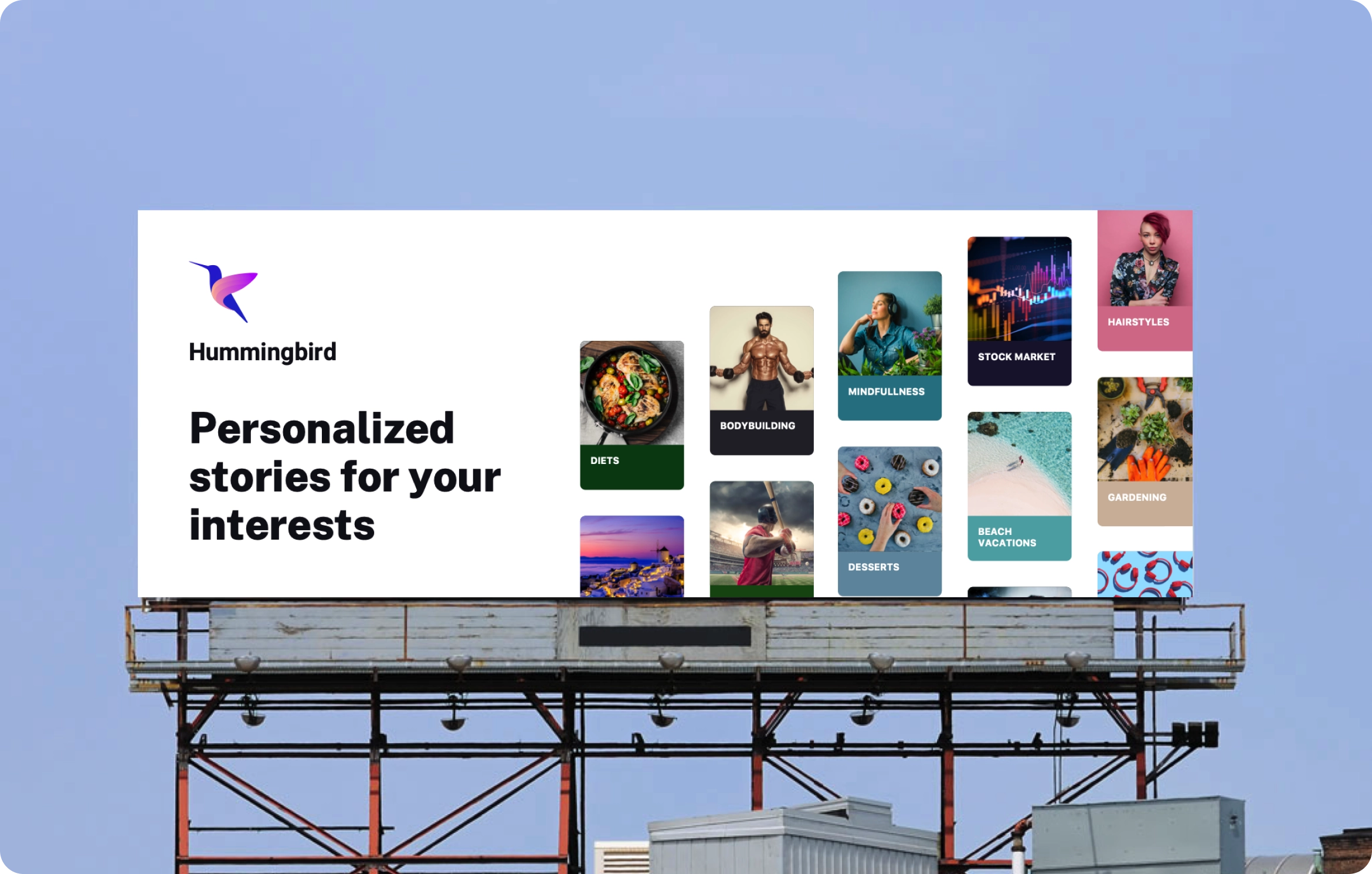
The team brainstormed numerous names for the brand and the top choices came out to be “The Mix” and “Binge”. Unfortunately both names had medium risks of copyright infringement, so we redid the naming exercise and arrived at Hummingbird — a symbol of eternity, continuity and infinity, which closely reflected the feed principles.
Creation of the mark
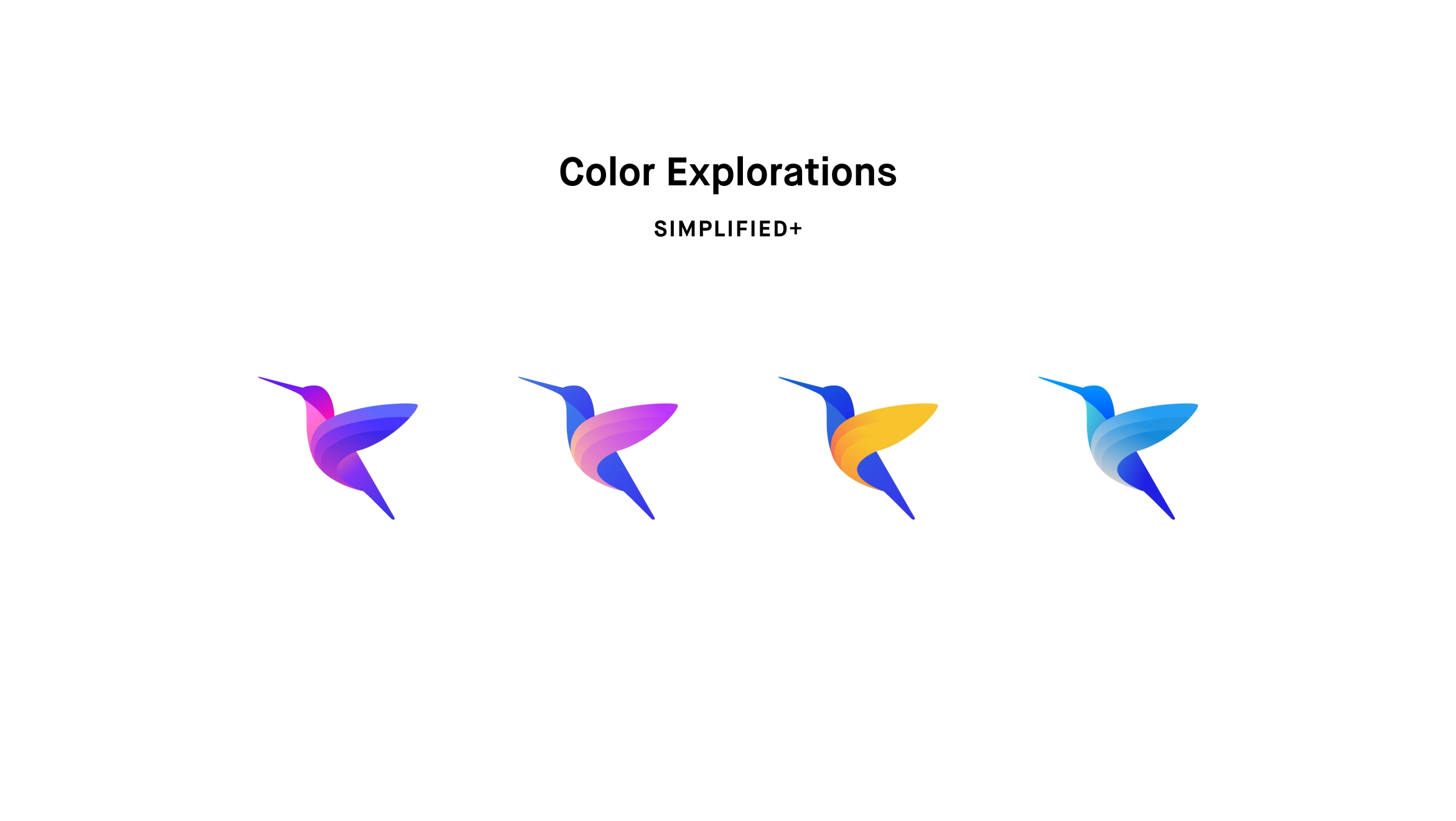
The outcome
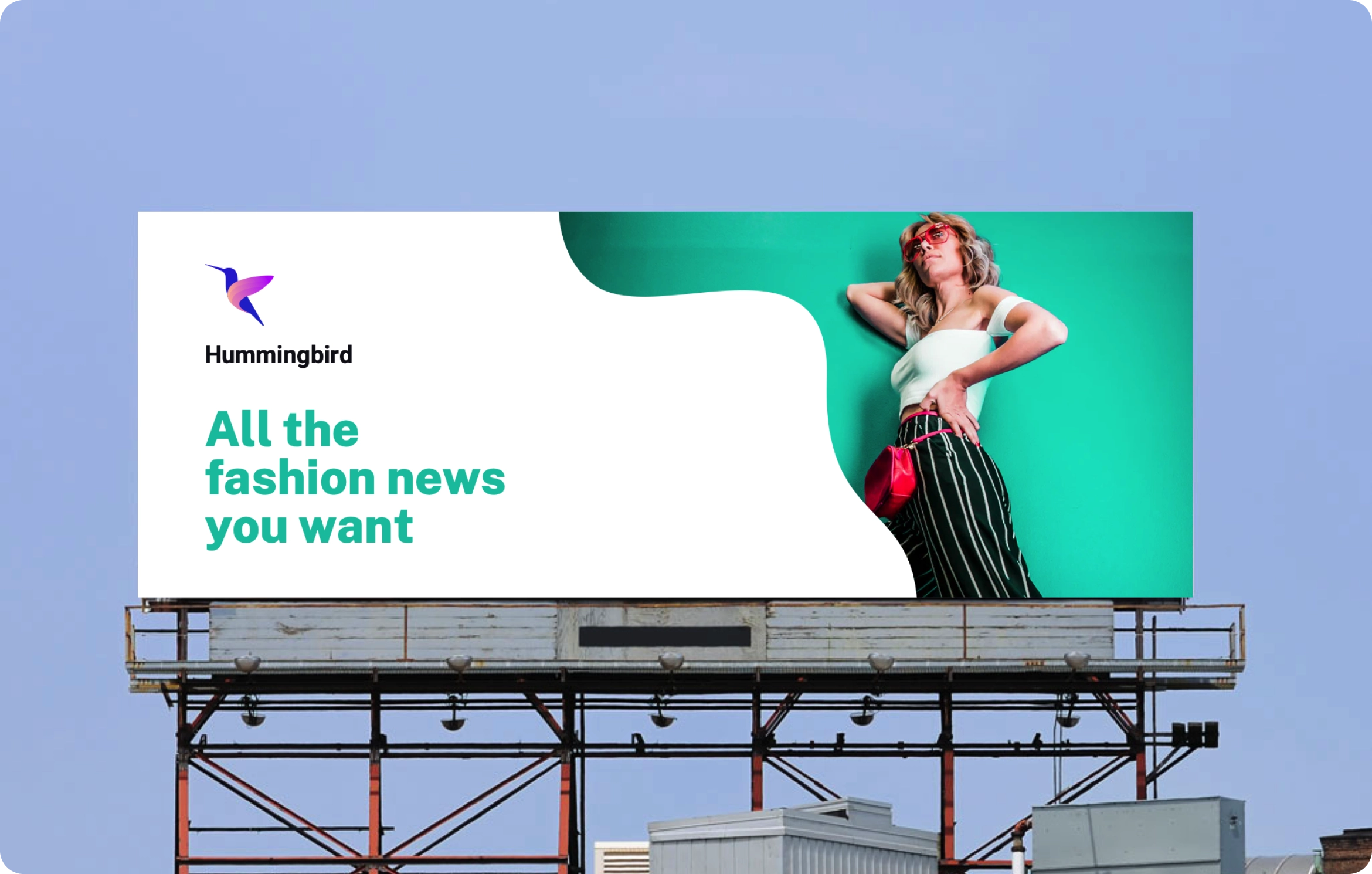
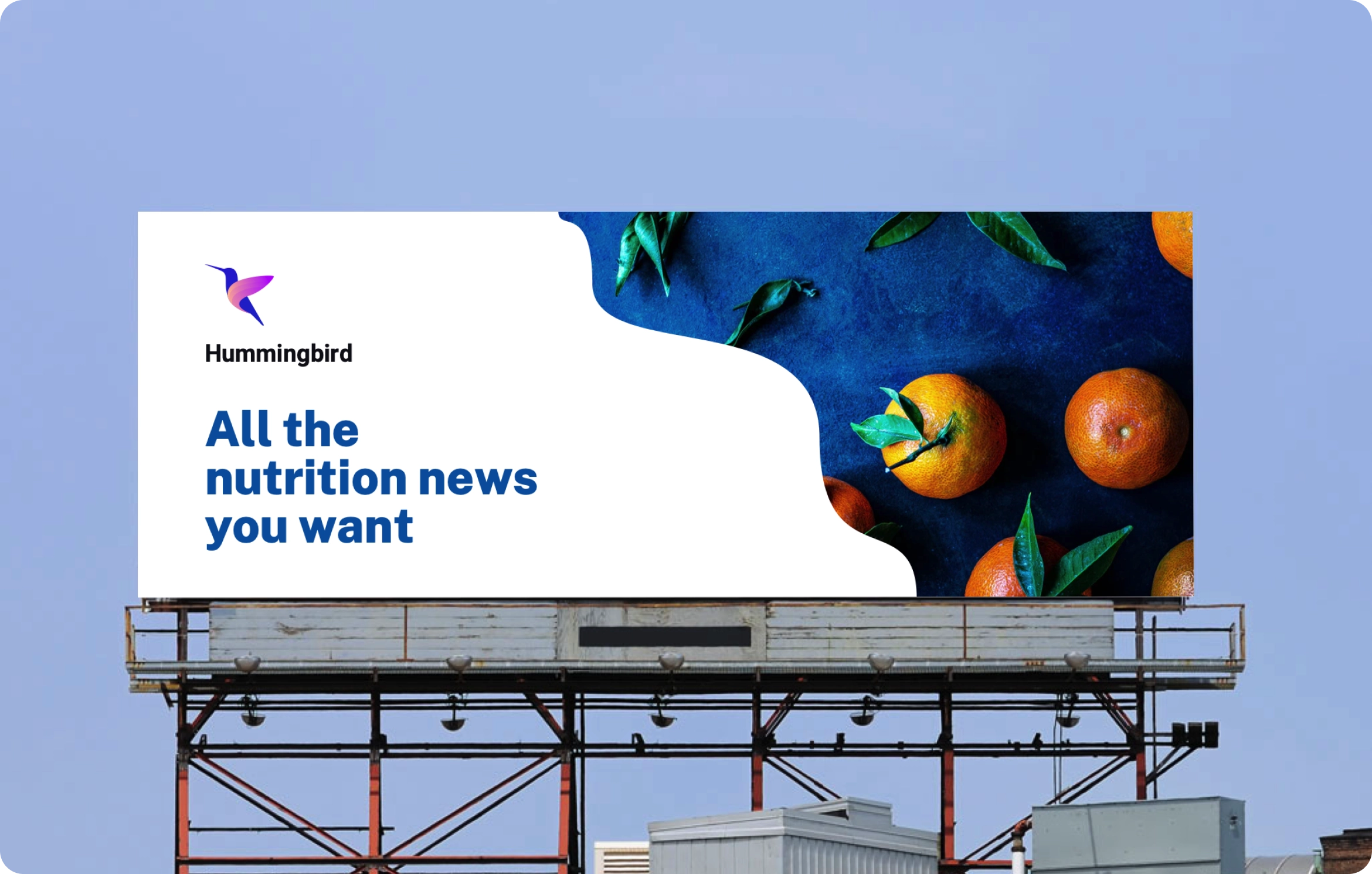
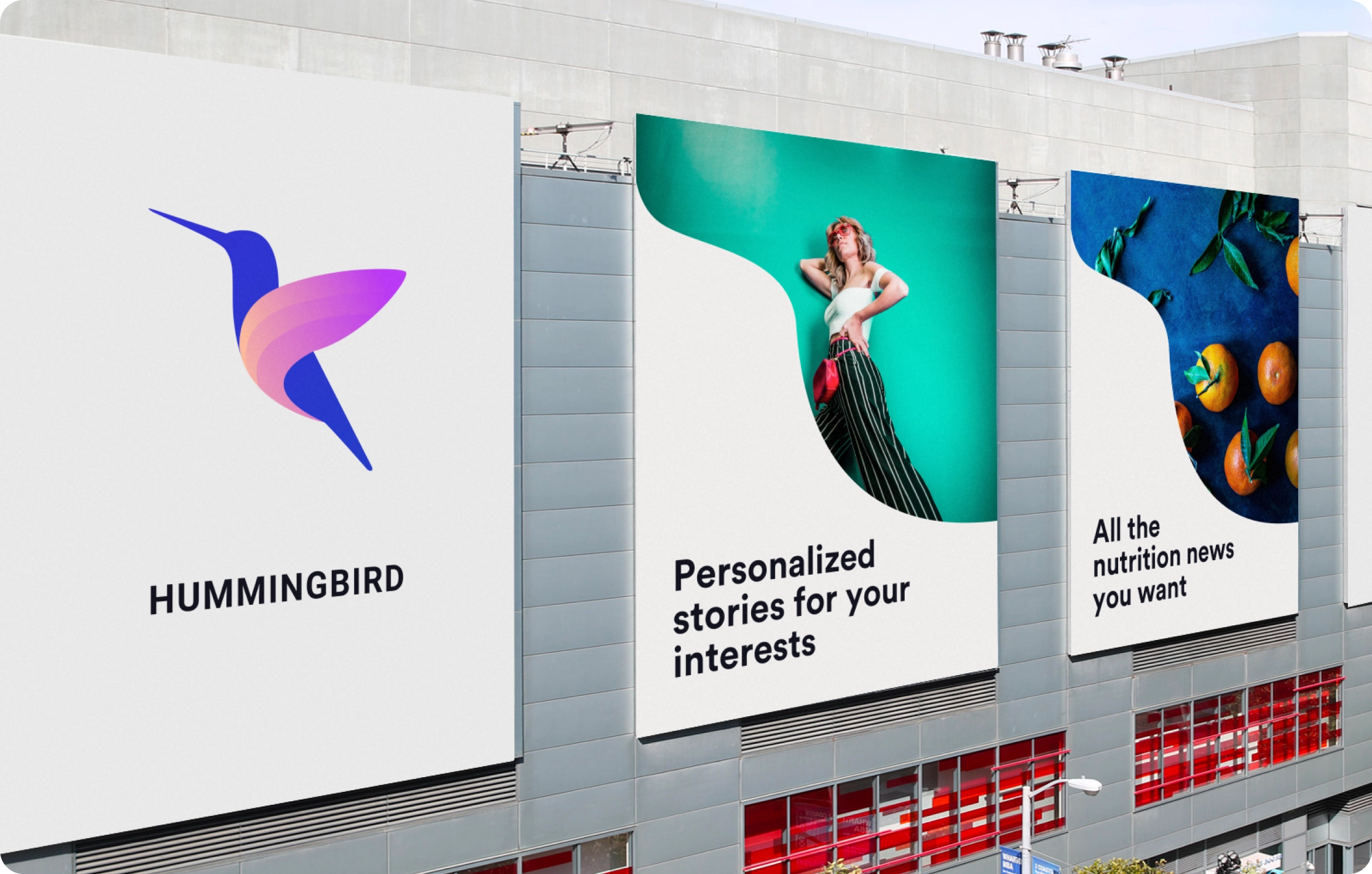
Brand campaign
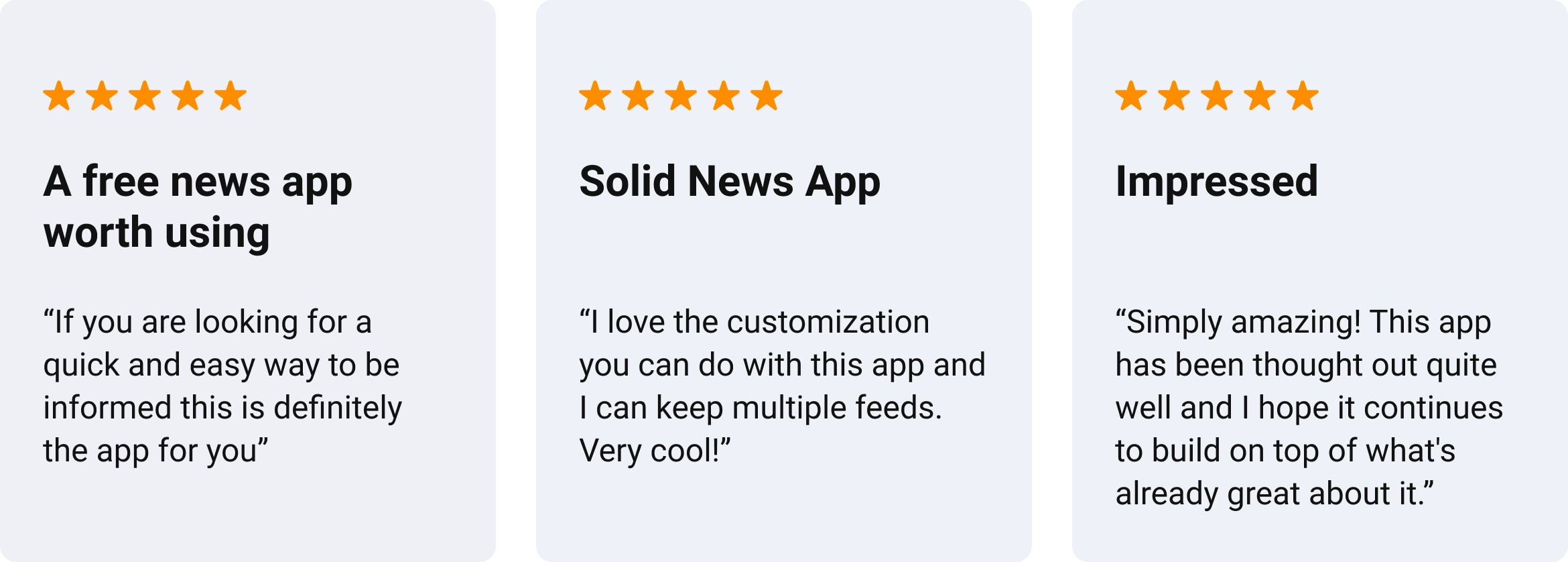
App Store reviews
Impact and learnings

The journey of this project was very fulfilling as I learned so much about personalization, news relevance, cold start, growth and engagement. It was also fun to see users writing about the simple and clean design of the app in the reviews.